How Real-Time Inventory Management Prevents Stockouts and Overstocking for Local Retailers
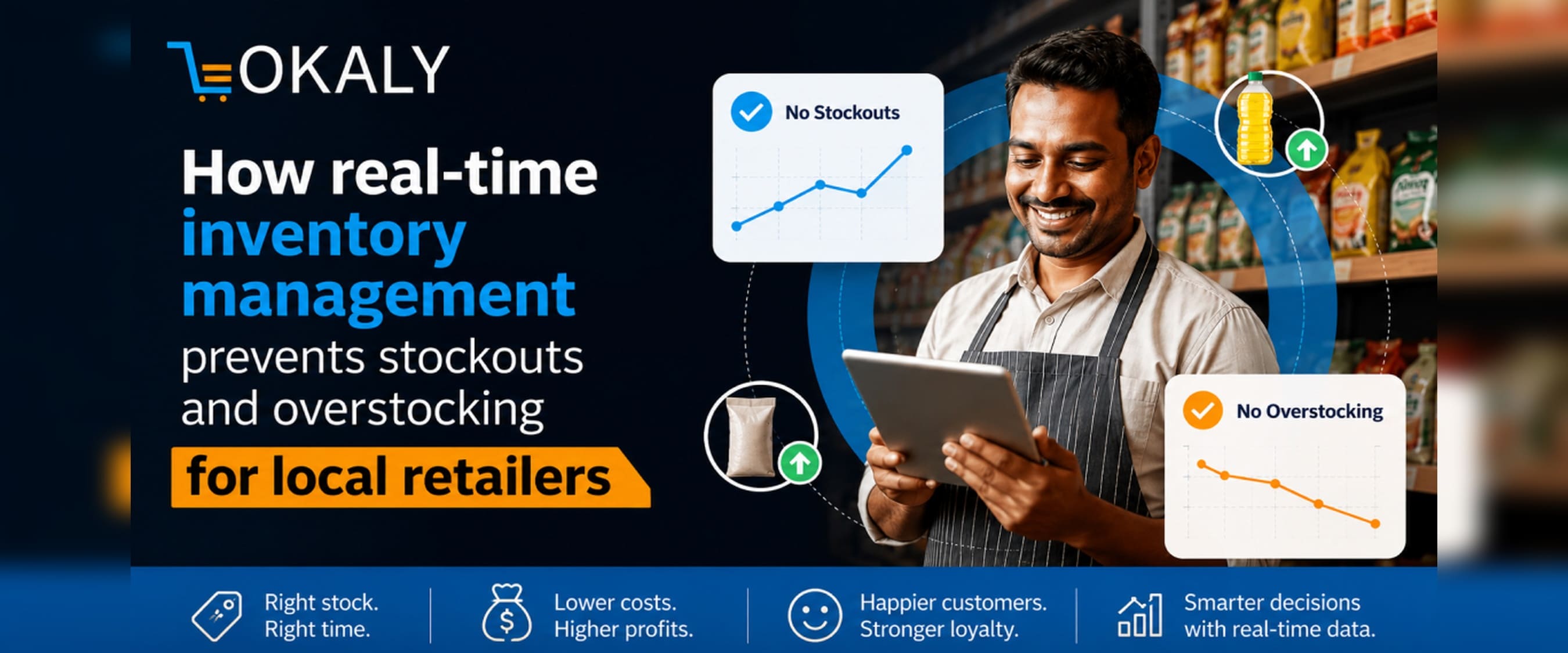
What Is Real-Time Inventory Management?
Real-time inventory management is a system that continuously tracks stock levels as sales, returns, and deliveries happen – giving shop owners an accurate, live count of every product at any moment.
Unlike weekly manual counts or spreadsheet-based records, a real-time system updates the moment a product is scanned at the billing counter or received from a supplier. Whether you run a single kirana store or a chain of grocery outlets across a city, you always know exactly what is on your shelves and what needs to be ordered.
The core components of a real-time inventory management system include:
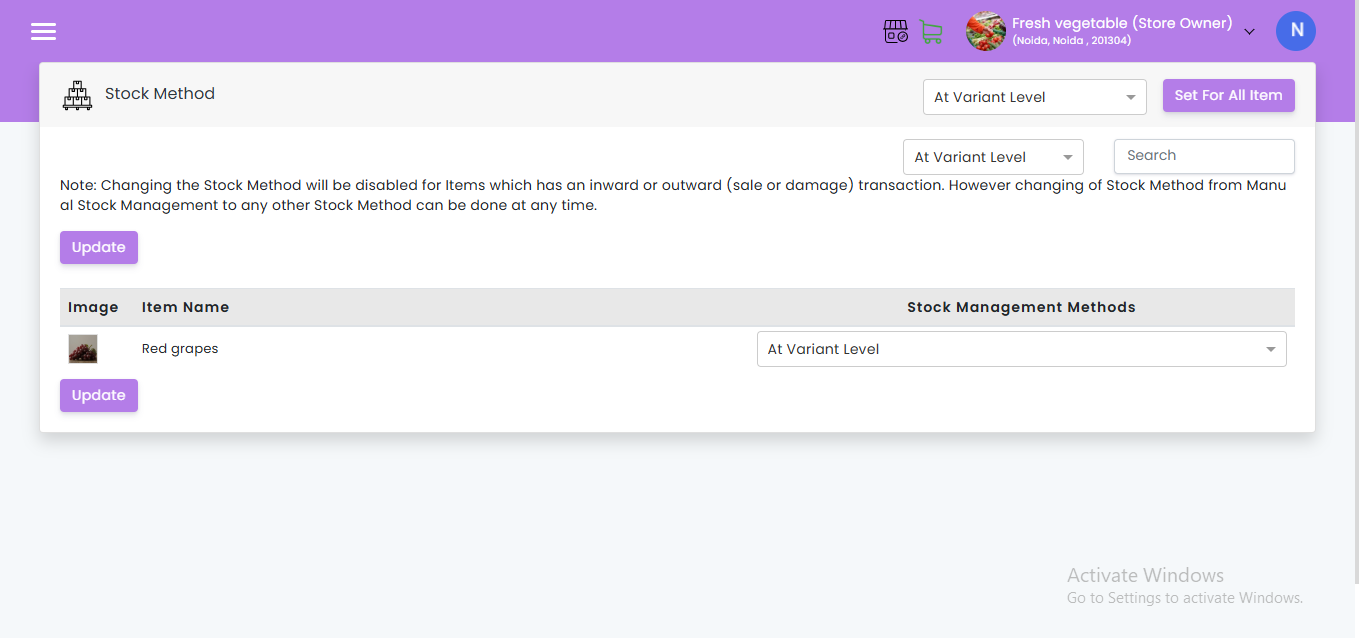
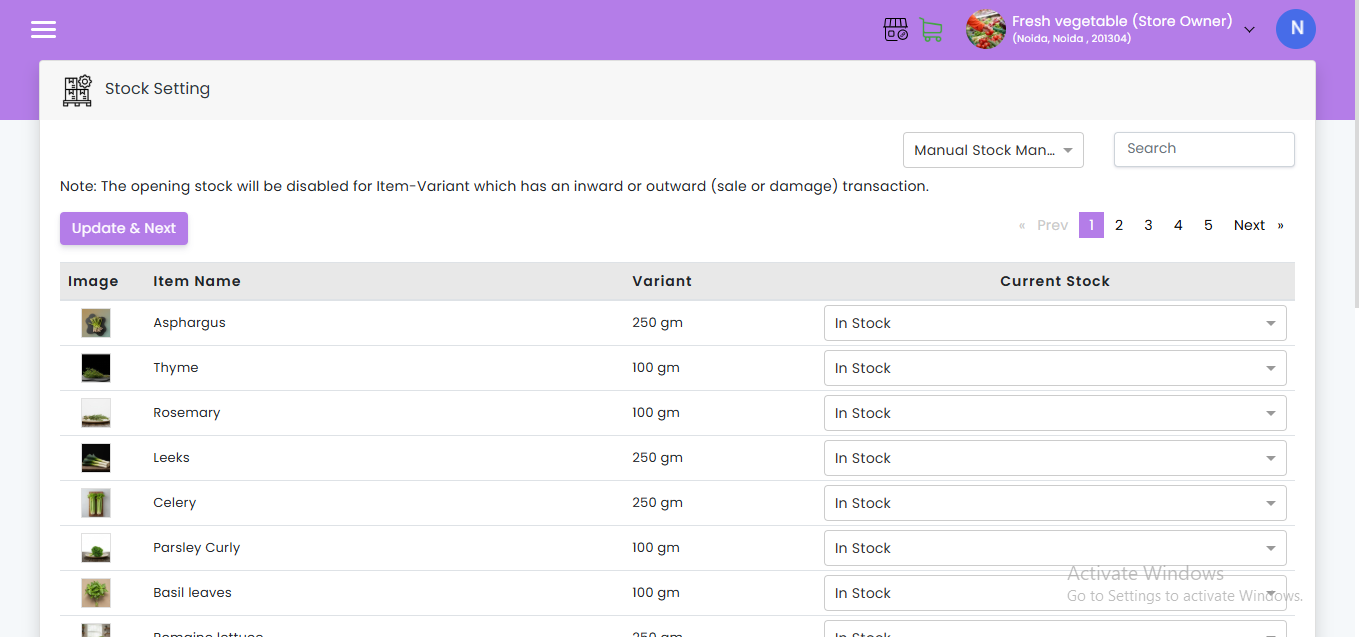
- Point-of-Sale (POS) integration – every sale automatically deducts from live stock
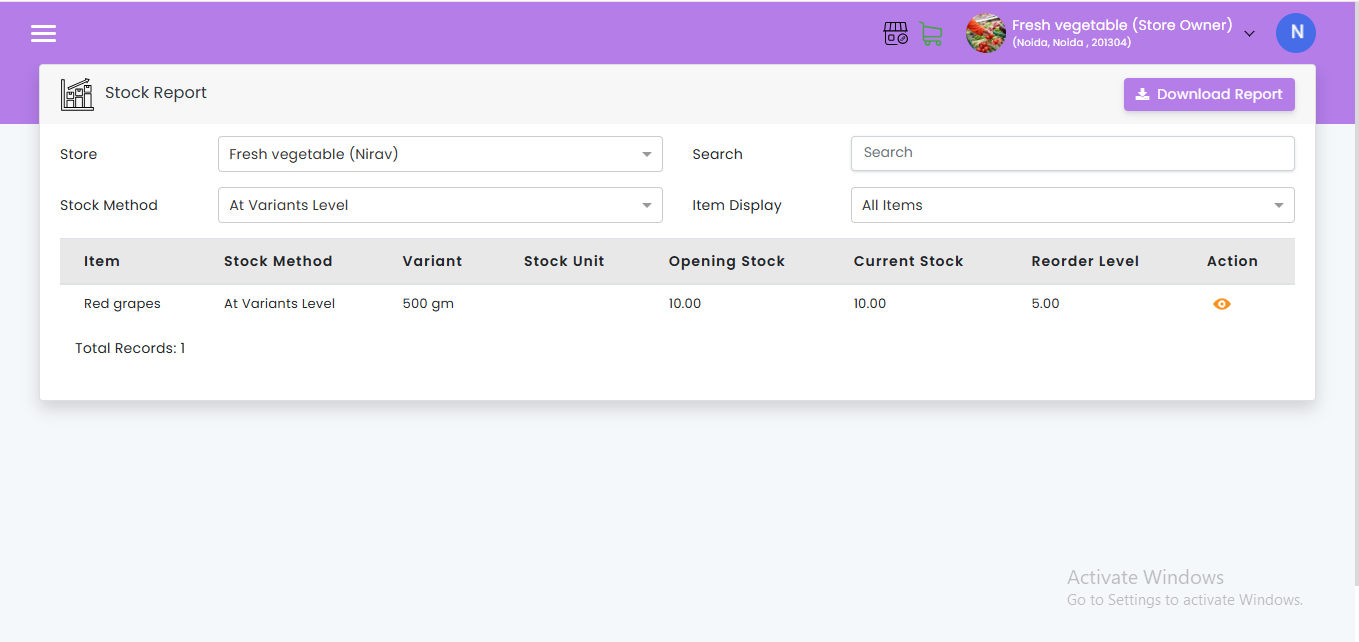
- Low stock alerts – instant notifications when an item falls below a threshold you define
- Automatic reorder triggers – purchase orders raised to suppliers when stock hits the reorder point
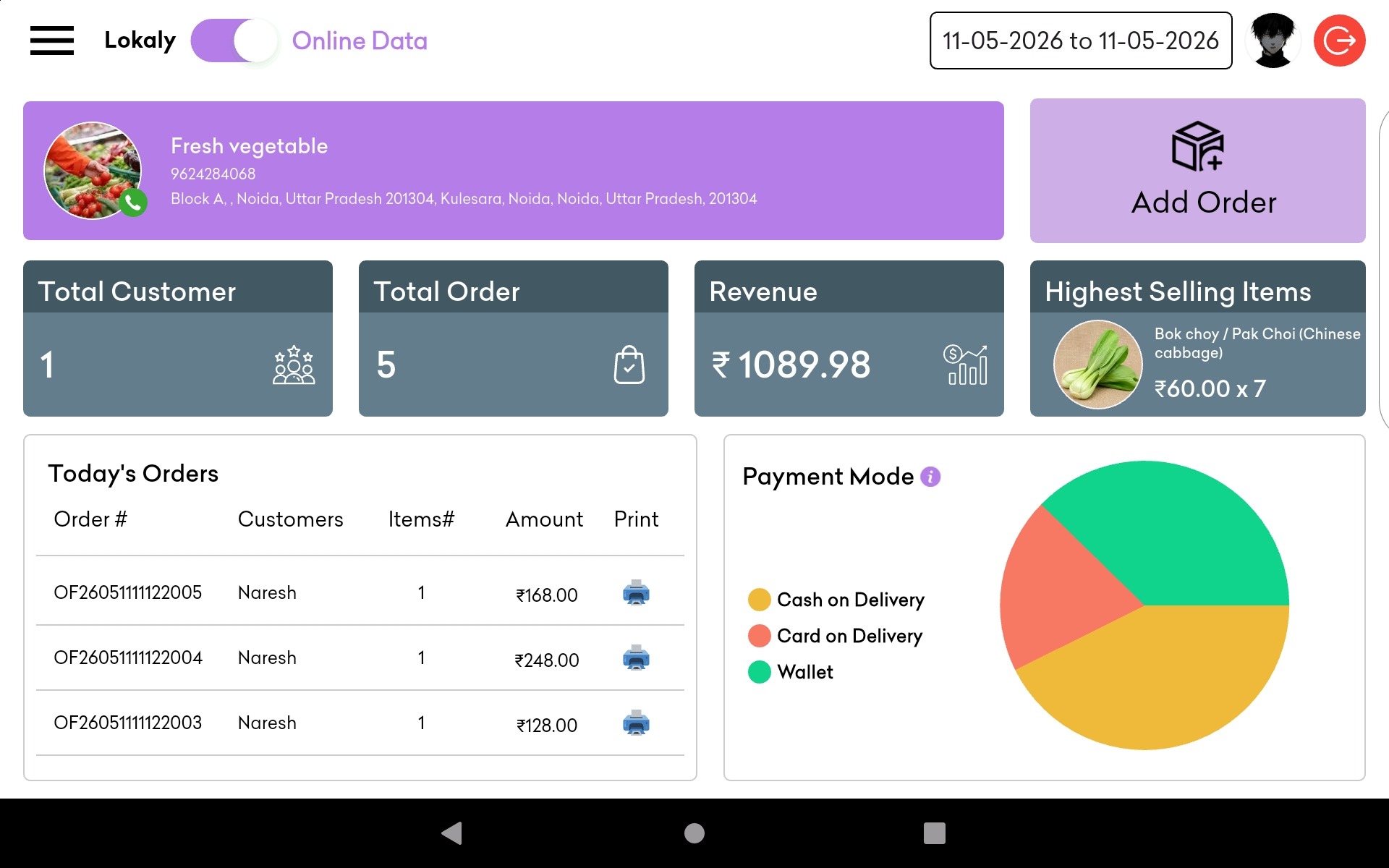
- Cloud-based dashboards – accessible from a smartphone, tablet, or computer at any time
- Multi-store stock visibility – consolidated view across all branch locations
Why Stockouts and Overstocking Are Costing Indian Retailers Crores
Stockouts and overstocking are two sides of the same coin – both stem from poor inventory visibility, and both silently drain profit.
The Staggering Cost of Stockouts
A stockout happens when a customer asks for a product you do not have. The immediate loss is one sale. But the hidden damage is far greater.
- Globally, out-of-stock situations cost retailers an estimated ₹82,000 crore ($984 billion) in missed sales every year.
- 69% of shoppers who find an item out of stock immediately go to a competitor – and many never return.
- In India, 12 million kirana stores control approximately 95% of the country’s ₹41 lakh crore ($500 billion) food and grocery market, making stockout prevention a national retail priority.
The Hidden Cost of Overstocking
Overstocking – ordering or holding more than you can sell – is often seen as “playing it safe.” It is anything but.
- Capital locked in unsold inventory cannot be used for growth, new products, or technology
- Perishable goods spoil, creating direct financial losses
- Warehouse and shelf space is wasted on slow-moving products
- Addressing overstocking and understocking together can deliver a 10% reduction in total inventory costs
India-Specific Context
India’s retail sector is projected to reach $1.5 trillion in the coming years, driving urgent demand for real-time inventory solutions. Yet the majority of small and medium retailers – including kirana stores – still rely on memory, paper registers, or basic spreadsheets. This gap is precisely where businesses lose money every single day.
What Causes Stockouts in Retail – and How to Fix Them
Stockouts are preventable. Most happen not because of bad luck, but because of systems that cannot see the problem coming.
Primary Causes of Stockouts
| Cause | Why It Happens | How Real-Time Systems Fix It |
| Inaccurate demand forecasting | Orders based on gut feeling, not data | AI demand forecasting analyses historical sales patterns |
| No low-stock alerts | Items run out before anyone notices | Automatic alerts are sent when stock drops below the threshold |
| Manual stock counting errors | Human error in physical counts | Every sale auto-deducts from live inventory |
| Supplier delays | Lead times are not factored into reorder timing | Safety stock buffers absorb supplier delays |
| Seasonal demand spikes | Festival or season demand is not anticipated | Seasonal trend analysis in demand forecasting |
| Poor multi-store visibility | Transfer between branches is done blindly | The centralised dashboard shows stock at all locations |
How to Prevent Stockouts – Step by Step
- Set reorder points for every SKU – define the minimum quantity that triggers a purchase order
- Configure low stock alert notifications – receive SMS or app alerts before stock runs out
- Build safety stock buffers – maintain a small reserve that covers supplier lead times
- Enable automatic stock reorder – let the system raise supplier orders without manual intervention
- Review your fastest-moving SKUs weekly – keep more data on products that turn over quickly
- Use demand forecasting tools – let the software factor in seasonality, festivals, and local trends
What Causes Overstocking – and Why It Is Just as Dangerous
Overstocking is excess inventory that ties up your working capital, crowds your storage, and increases the risk of product expiry or obsolescence.
Primary Causes of Overstocking
- Buying in bulk without data – purchasing large quantities based on supplier discounts without checking actual consumption rates
- Duplicate ordering – multiple staff members placing orders for the same product
- No stock visibility at the branch level – ordering for one store without checking the available surplus at another
- Seasonal blind spots – carrying festival stock long after demand has ended
- Fear-based reordering – over-ordering because there is no reliable stockout early warning
Solutions for Reducing Overstocking
- Set maximum stock levels (alongside minimum stock levels) for each product
- Use ABC analysis to classify products by sales velocity – “A” items need tighter control
- Enable inter-branch stock transfer visibility to redistribute surplus before ordering new stock
- Review inventory turnover ratios monthly to identify slow-moving products early
- Apply FIFO (First In, First Out) rotation to manage perishables and expiry dates
How Real-Time Inventory Management Works
Real-time inventory management works by connecting your point-of-sale system, supplier orders, and stock records into one live database that updates automatically with every transaction.
Here is the complete flow of how the system functions:
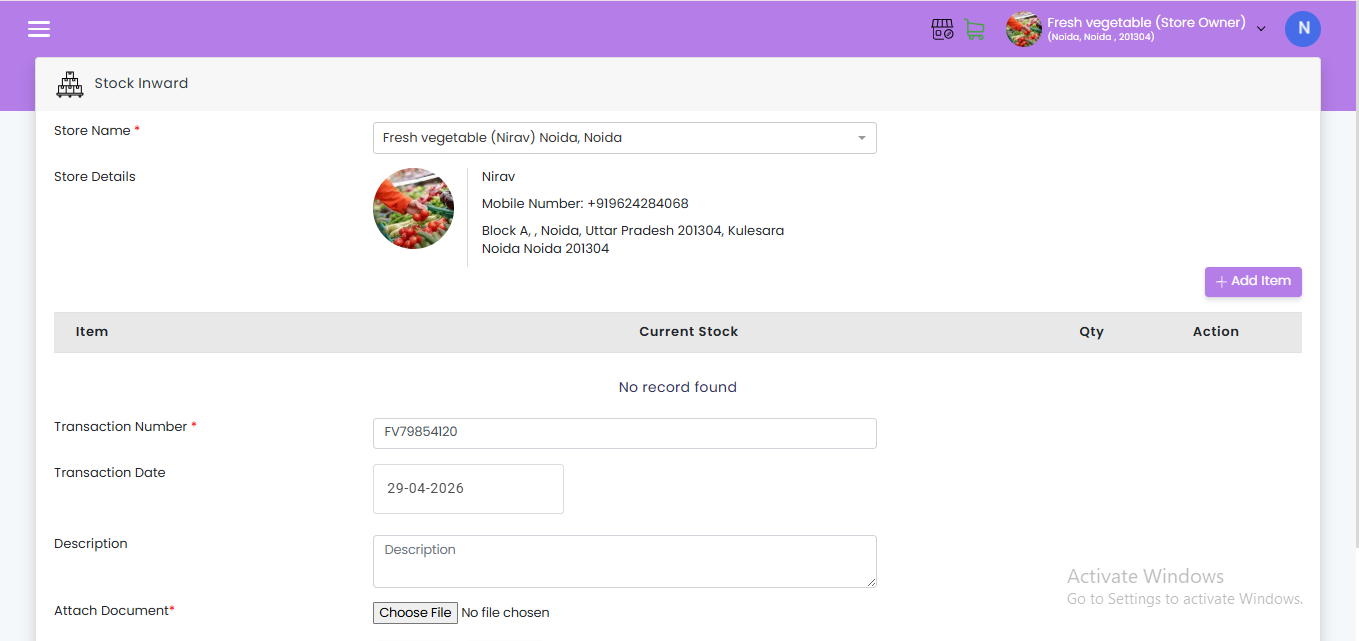
Step 1 – Sale Triggers an Instant Update
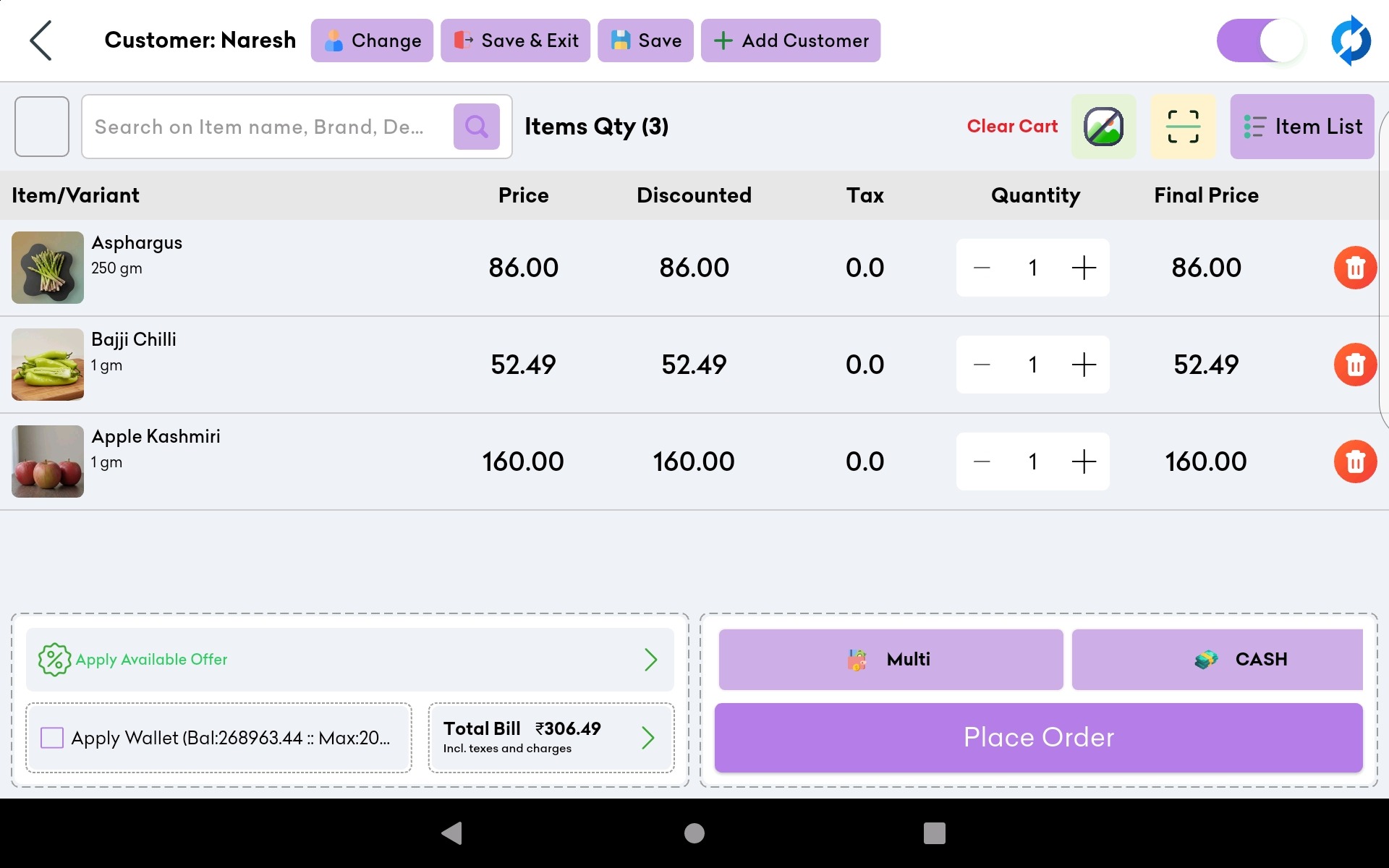
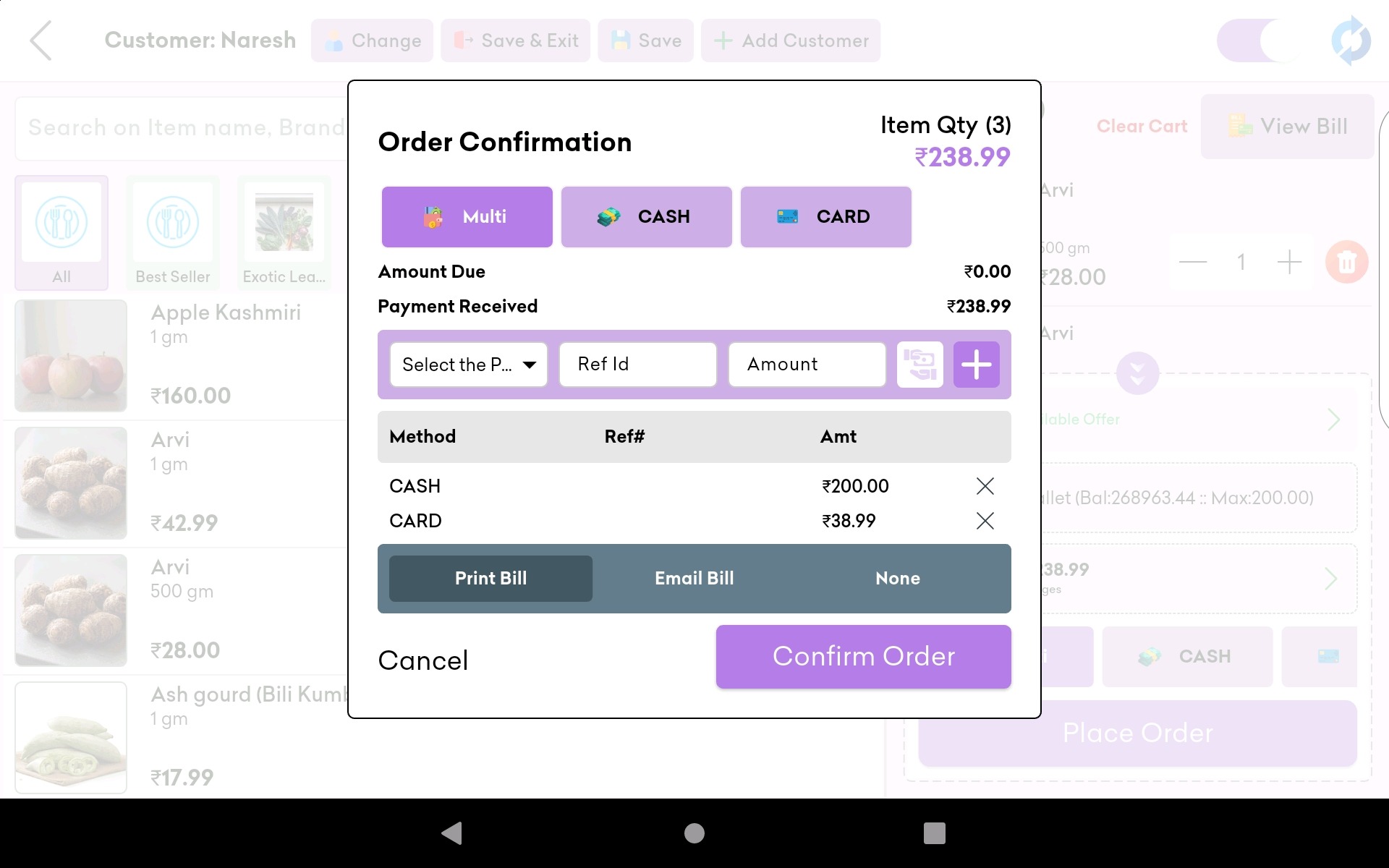
When a customer purchases a product, the POS system records the transaction and automatically deducts the exact quantity from the live stock database. No manual entry required.
Step 2 – Stock Levels Are Monitored Continuously
The software compares current stock levels against pre-set reorder points for every product, every minute. This is the engine that makes stockout prevention possible.
Step 3 – Low Stock Alert Is Triggered
When any item’s quantity falls below its reorder threshold, the system sends an instant notification to the store owner – via mobile app, SMS, or email. You are alerted before you run out, not after.
Step 4 – Automatic or One-Click Reorder
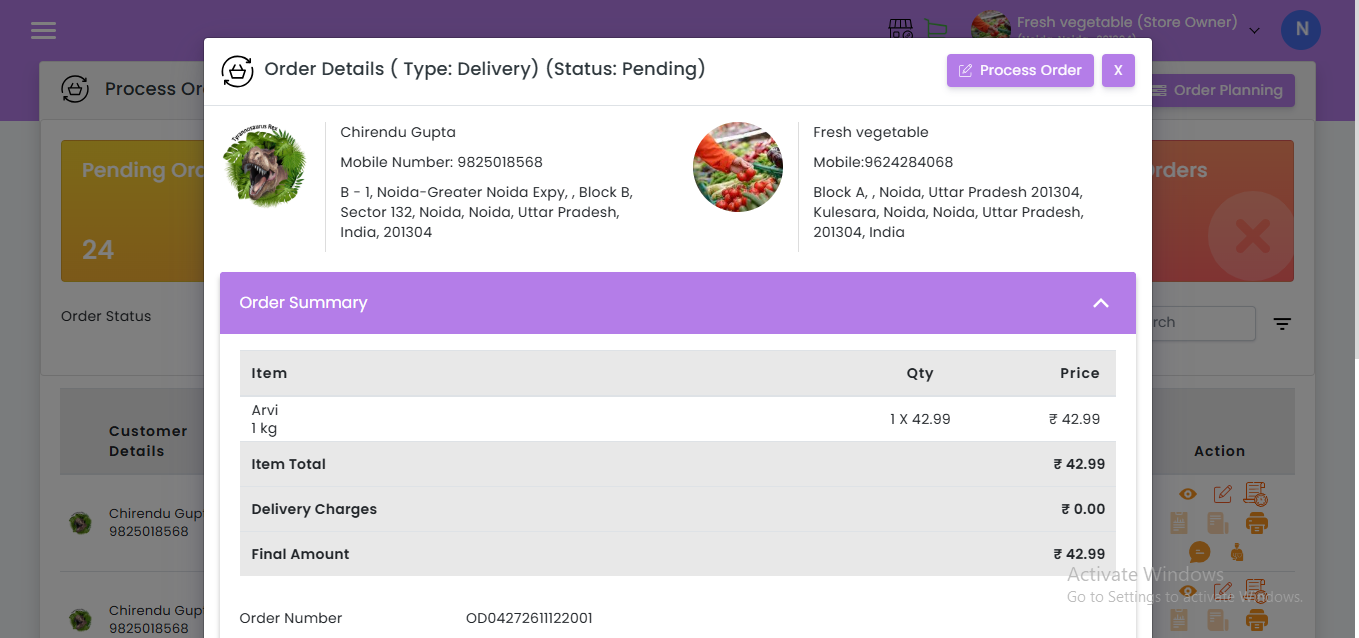
Depending on the configuration, the system either raises a purchase order to the supplier automatically or prompts the owner to approve the order with one tap. This is the automatic stock reorder system that eliminates the need to remember when to buy.
Step 5 – Delivery Updates Stock in Real Time
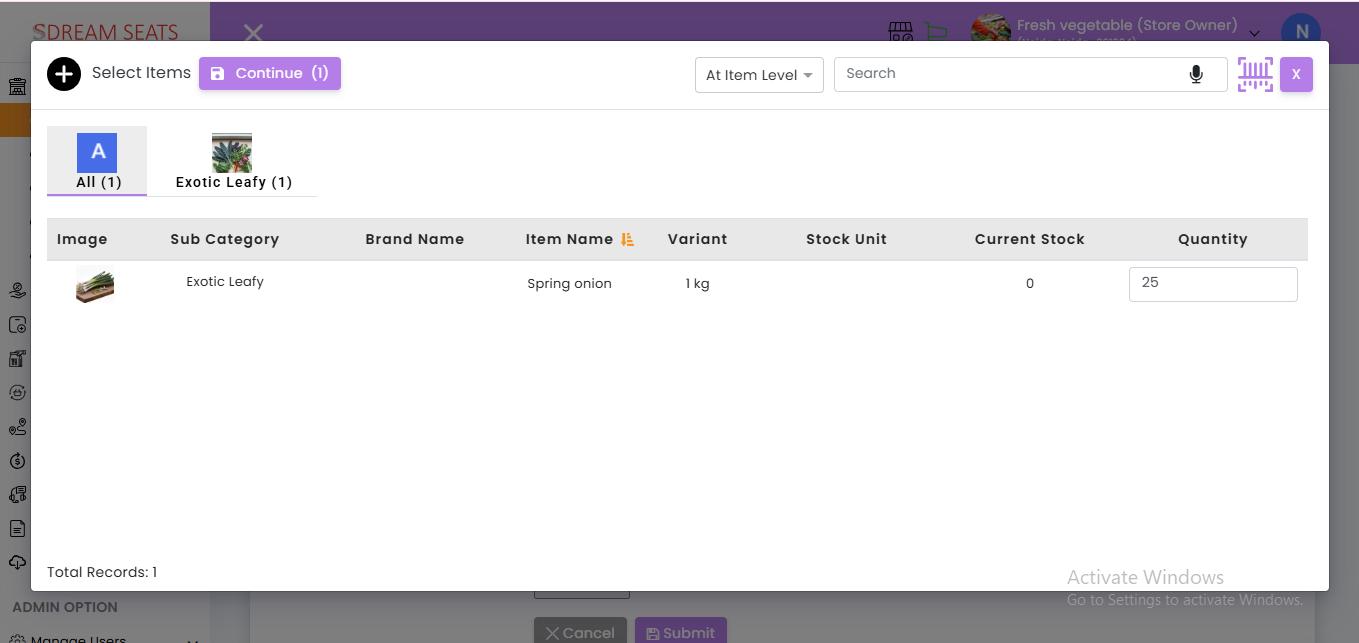
When a supplier delivers goods, scanning or entering the purchase order updates inventory levels instantly. The new stock is live and available in the system within seconds.
Step 6 – Reports and Forecasting Run in the Background
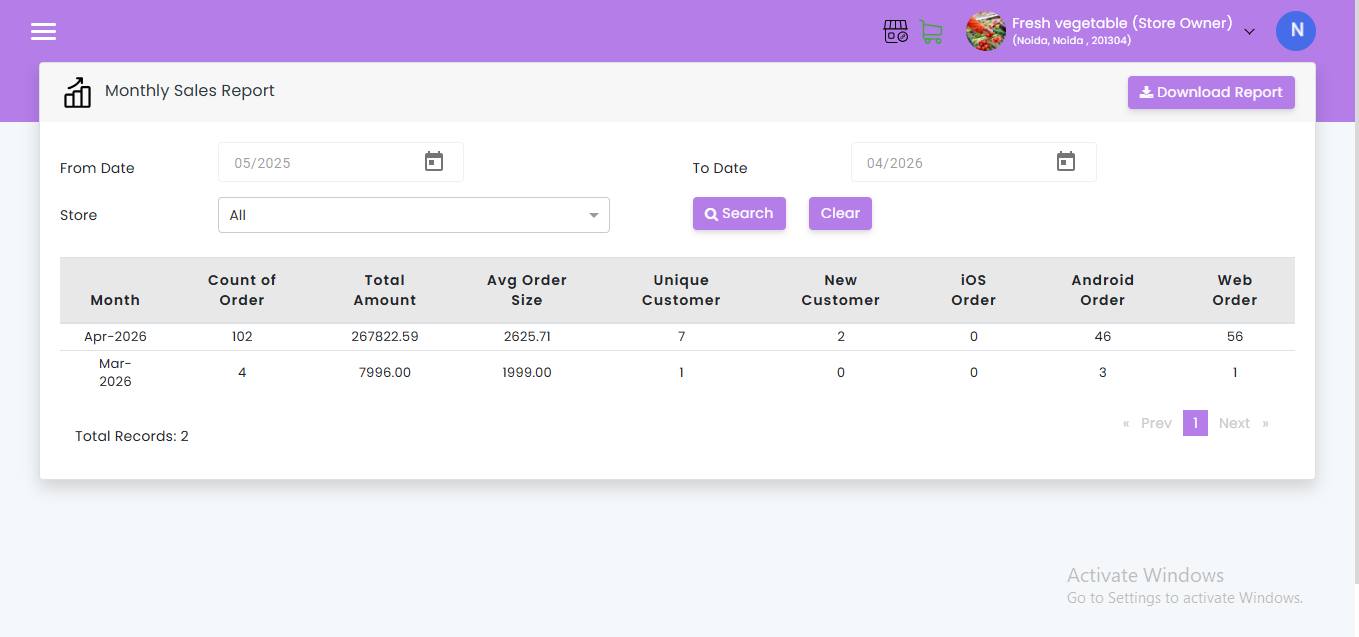
The software continuously analyses sales patterns to generate demand forecasts, helping owners prepare for seasonal spikes and slow periods well in advance.
Key Features to Look for in Inventory Management Software for Small Retailers in India
Not every software is built for Indian market realities. Here are the features that matter most for kirana stores, grocery shops, pharmacy retailers, and general merchants across Tier 2 and Tier 3 cities.
Must-Have Features
- Real-time stock tracking – live inventory updated with every sale and purchase
- Low stock alert system – customisable threshold notifications per product
- Automatic reorder triggers – system-generated purchase orders to suppliers
- POS integration – billing and inventory in one connected system
- Multi-store dashboard – consolidated view for retailers with more than one outlet
- Cloud-based access – view and manage stock from any device, anywhere
- Digital stock register – full audit trail replacing paper registers
- Barcode or QR scanning support – fast, accurate product identification
India-Specific Requirements
- GST-compliant billing and purchase records – critical for tax filings and audits
- Regional language support – usability in Hindi and local languages
- Offline mode with sync – essential for areas with intermittent internet connectivity
- WhatsApp-based alerts – preferred communication channel for Indian shop owners
- Affordable subscription pricing – SaaS pricing suitable for small business budgets
Advanced Features for Growing Retailers
- Demand forecasting with festival calendars – accounts for Diwali, Eid, and regional festivals
- Supplier management and purchase history – track which suppliers are most reliable
- Expiry date tracking – especially important for FMCG and pharmacy retailers
- ABC-XYZ inventory classification – prioritise management effort on high-impact SKUs
- Inter-branch stock transfer – redistribute stock between outlets without new procurement
How to Calculate Safety Stock for Your Shop
Safety stock is the buffer inventory you maintain above your normal stock to absorb unexpected demand spikes or supplier delays. Calculating it correctly prevents stockouts without creating costly overstock.
The Basic Safety Stock Formula
The most practical formula for small retailers is:
Example for a kirana store selling 50 kg of atta per day on average:
| Variable | Value |
| Average daily sales | 50 kg |
| Maximum daily sales (peak day) | 80 kg |
| Average supplier lead time | 3 days |
| Maximum lead time (delay scenario) | 5 days |
Calculation:
- Maximum scenario: 80 × 5 = 400 kg needed
- Average scenario: 50 × 3 = 150 kg consumed
- Safety Stock = 400 − 150 = 250 kg
This means maintaining at least 250 kg of atta in reserve at all times protects against stockouts even during demand spikes or supplier delays.
Service Level-Based Safety Stock (For Advanced Users)
For high-margin or fast-moving products where availability is critical:
- A Z-score of 1.65 targets a 95% service level (5% chance of stockout)
- A Z-score of 2.05 targets a 98% service level (2% chance of stockout)
Recommended Safety Stock by Product Type (India Retail Context)
| Product Category | Recommended Safety Stock | Reason |
| Staples (rice, atta, dal) | 5–7 days of average demand | High daily movement, price-sensitive customers |
| FMCG (packaged goods) | 3–5 days of average demand | Predictable demand, reliable supply |
| Seasonal/festival items | 10–14 days before peak | Surge demand, supply chain strain |
| Perishables (dairy, bread) | 1–2 days maximum | Expiry risk outweighs stockout risk |
| Pharmacy/medical | 7–10 days | Urgency of customer need |
Real-World Benefits: What Local Retailers Gain
The ROI of real-time inventory management is well-documented across global and Indian retail research.
Quantified Business Outcomes
| Metric | Improvement with Real-Time Inventory |
| Stock accuracy | Up to 35% improvement |
| Stockout incidents | 15% average reduction |
| Excess inventory carrying costs | 20% average reduction |
| Overall inventory costs | Up to 10% reduction |
| Time spent on manual stock counts | Up to 60–80% reduction |
| Average inventory accuracy (industry) | Rises from 63% to 83%+ |
Sources: Opensend Inventory Statistics 2024, Procurement Tactics
Operational Benefits for Kirana and Local Stores
- Never miss a sale – top-selling products are always available when customers walk in
- Reduce wastage – perishables are flagged before expiry, reducing spoilage losses
- Free up working capital – stop locking money in excess inventory that doesn’t sell
- Build supplier trust – consistent, data-driven orders improve supplier relationships
- Scale with confidence – add new branches with centralised stock control
- GST compliance made easy – digital purchase and sales records simplify tax filing
Customer Experience Impact
- Customers who find their preferred items in stock are more likely to return
- Consistent product availability builds reputation, especially in competitive local markets
- Faster billing through integrated POS and inventory reduces queue time
Demand Forecasting for Retail Stores: The Secret Weapon
Demand forecasting is the process of predicting future sales based on historical data, seasonality, and local trends. It is the brain behind intelligent inventory management – telling your system what to stock before customers ask for it.
Why Demand Forecasting Matters
Most small retailers in India reorder based on what sold last week or on supplier push. This reactive approach creates two problems: you are always behind demand, and you never plan for peaks.
Demand forecasting transforms this by:
- Analysing your historical sales data to identify trends
- Accounting for seasonal spikes (Navratri, Diwali, Ramzan, summer holidays)
- Factoring in lead times so stock arrives before it is needed
- Identifying slow-moving SKUs before they become dead stock
Demand Forecasting Methods Suitable for Small Retailers
- Moving Average Method: Average sales over the last 4–8 weeks. Simple, suitable for products with stable demand.
- Seasonal Index Method: Compare this month’s sales to the same month last year. Ideal for products with predictable seasonal cycles.
- Software-Generated Forecasts: Modern retail inventory apps apply machine learning to your own sales history and generate automated forecasts per product – no manual calculation required.
Practical Demand Forecasting Checklist for Indian Retailers
- Maintain at least 3–6 months of digital sales history per SKU
- Tag products with seasonal flags (festival, monsoon, wedding season)
- Track local events that affect demand (school reopening, cricket season, local fairs)
- Set separate reorder points for peak season versus off-season
- Review forecast accuracy monthly and adjust thresholds accordingly
Comparing Inventory Management Approaches
Understanding the differences between approaches helps retailers make an informed decision.
| Feature | Manual (Paper Register) | Basic Software (Spreadsheet/Tally) | Real-Time Inventory System |
| Stock visibility | Daily/weekly counts | Manual entry needed | Live, every transaction |
| Stockout alerts | None | Manual check | Automatic notifications |
| Demand forecasting | None | Basic | AI-powered, automated |
| Multi-store management | Not possible | Difficult | Centralised dashboard |
| GST compliance | Manual | Semi-automated | Fully integrated |
| Supplier reorder | Memory-based | Manual | Automatic |
| Accuracy | Low (human error) | Medium | High (system-driven) |
| Setup cost | Zero | Low | Low (SaaS subscription) |
| Time investment | Very high | High | Very low |
| Scalability | None | Limited | Designed for growth |
How Lokaly’s Real-Time Inventory System Solves This for Local Retailers
Lokaly is built specifically for Indian local retailers – kirana stores, grocery shops, pharmacy outlets, and general merchants – who need powerful inventory tools without enterprise complexity or cost.

What Lokaly Offers
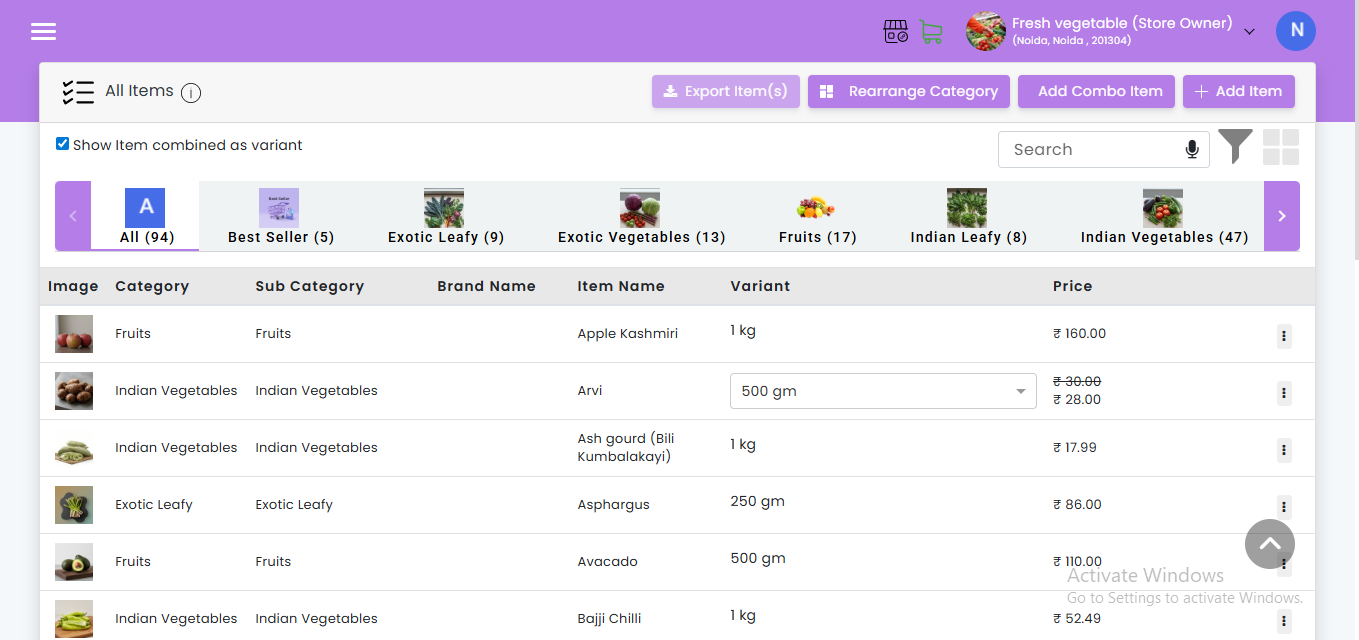
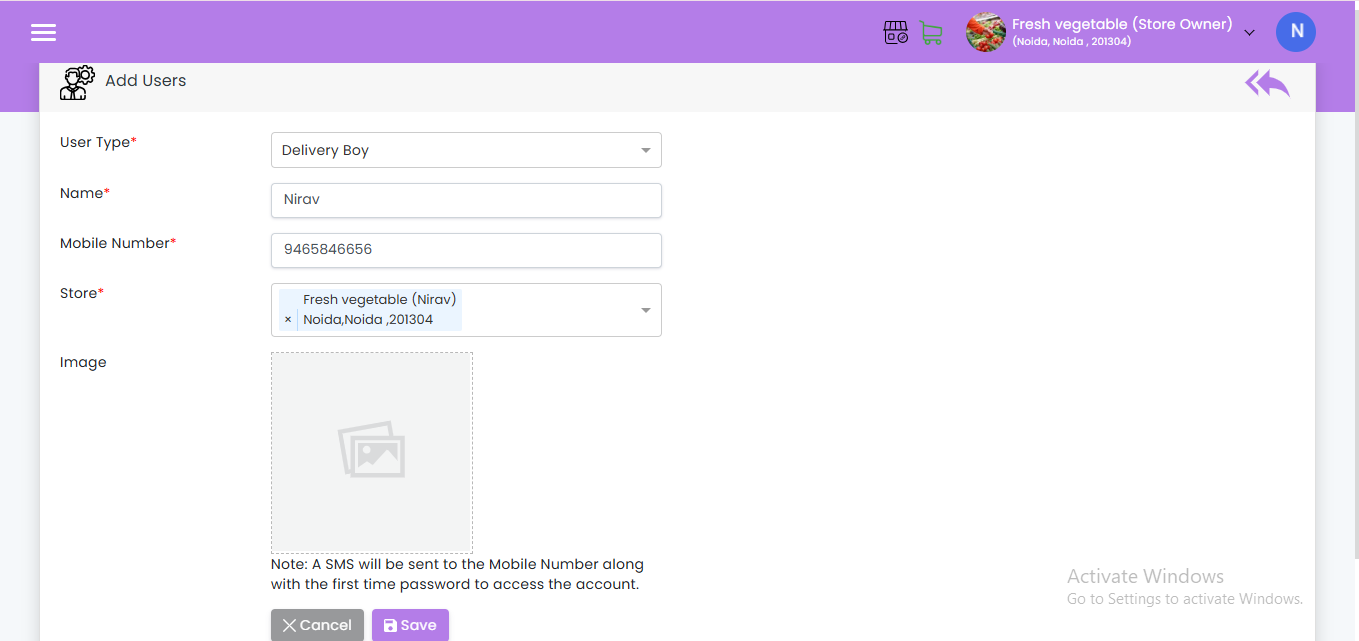
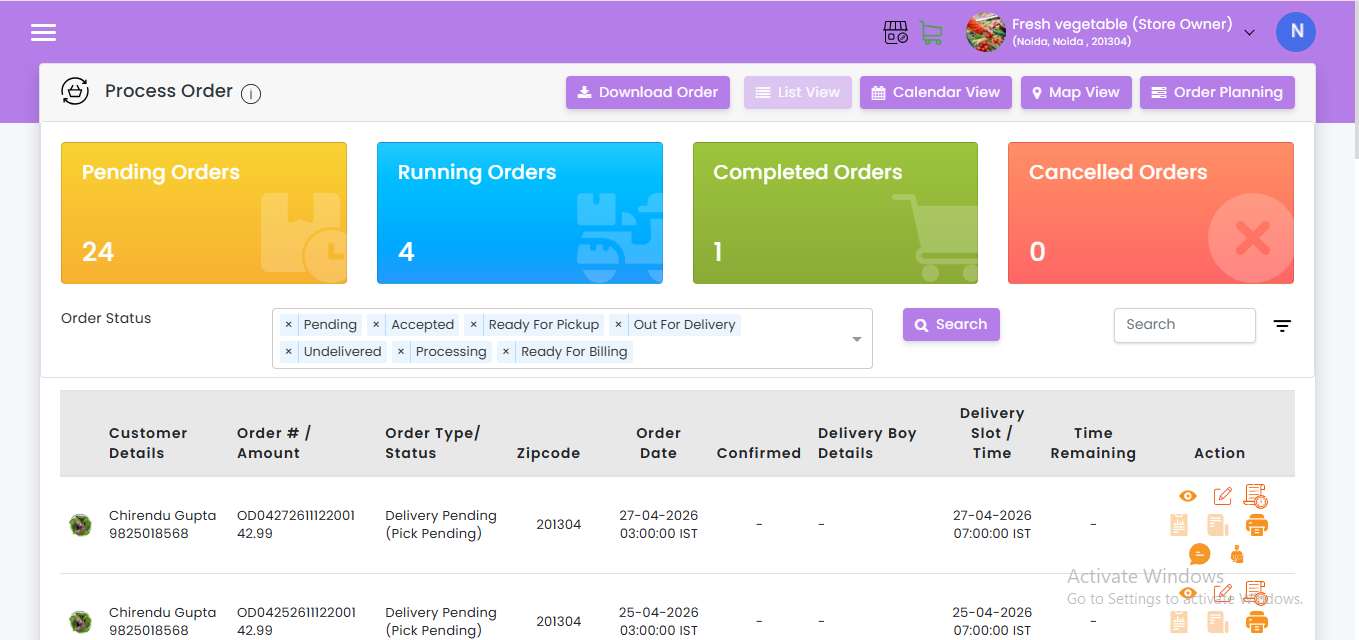
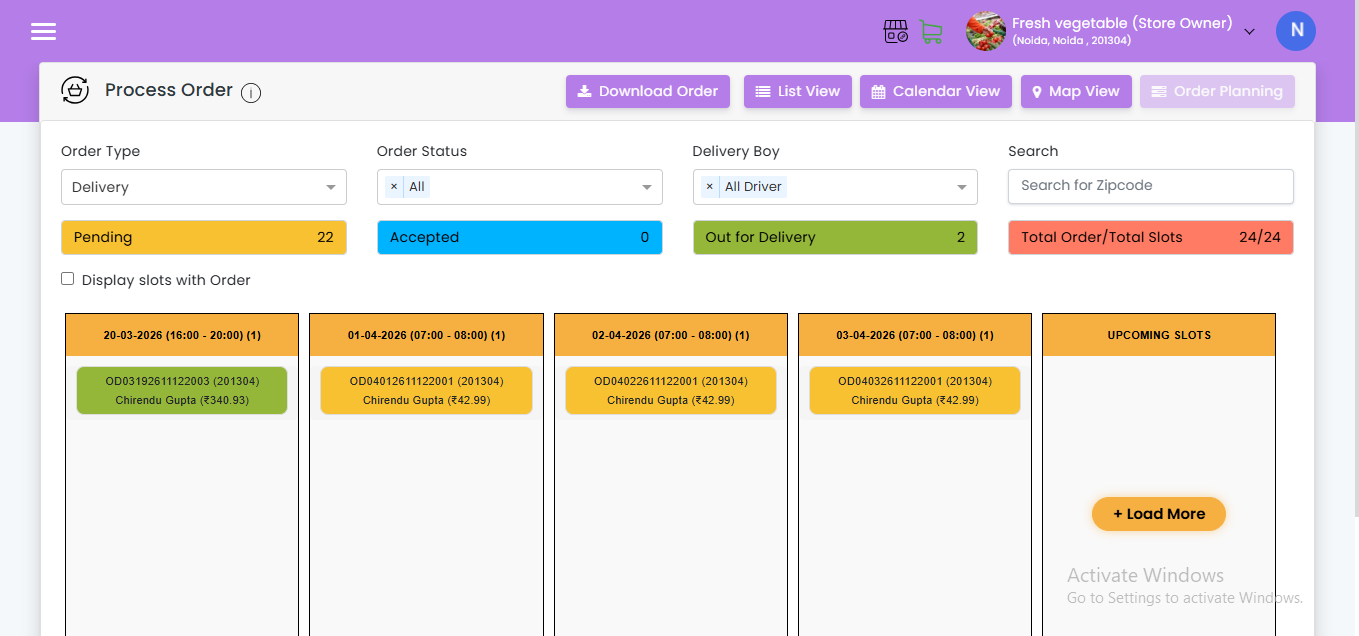
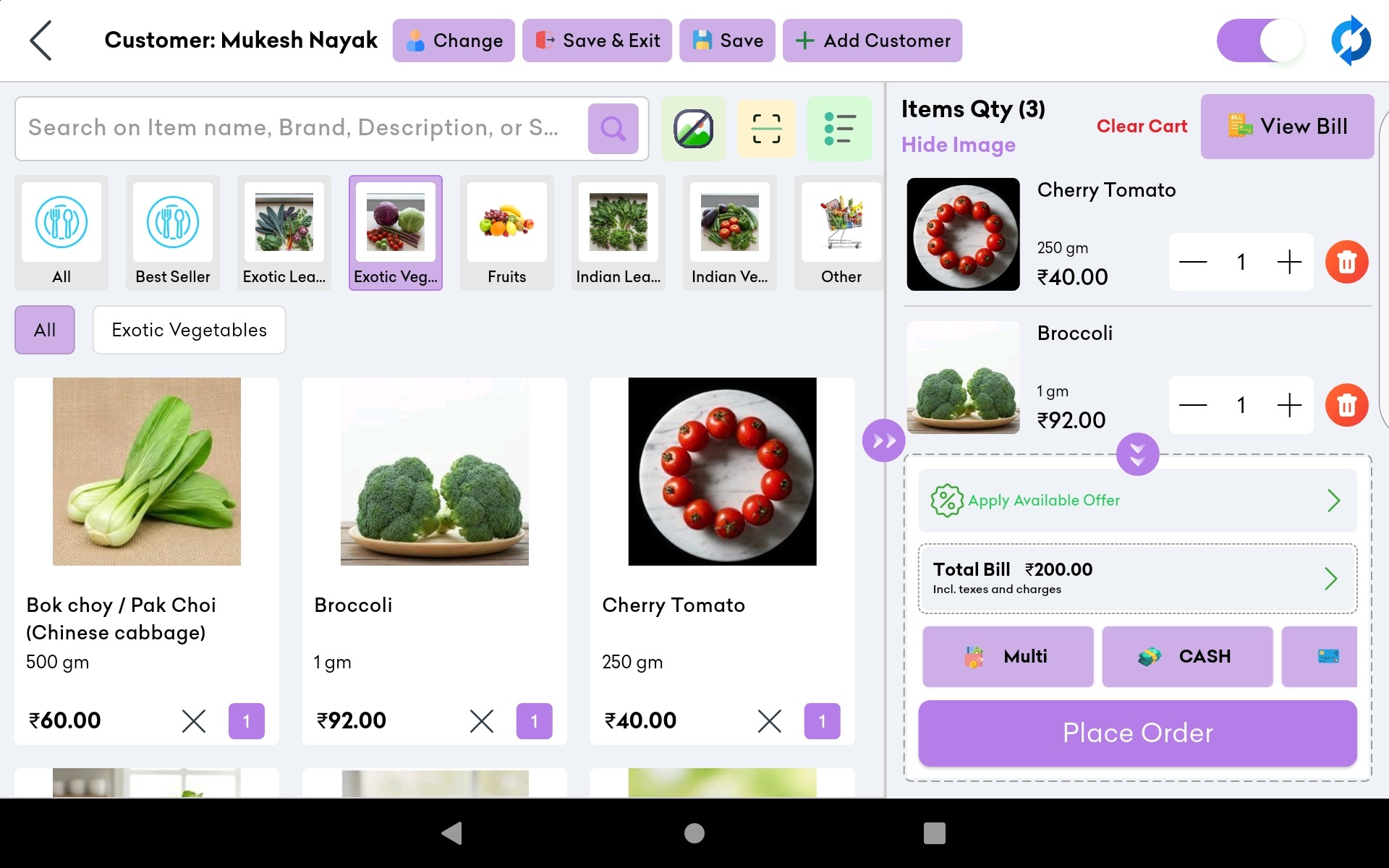
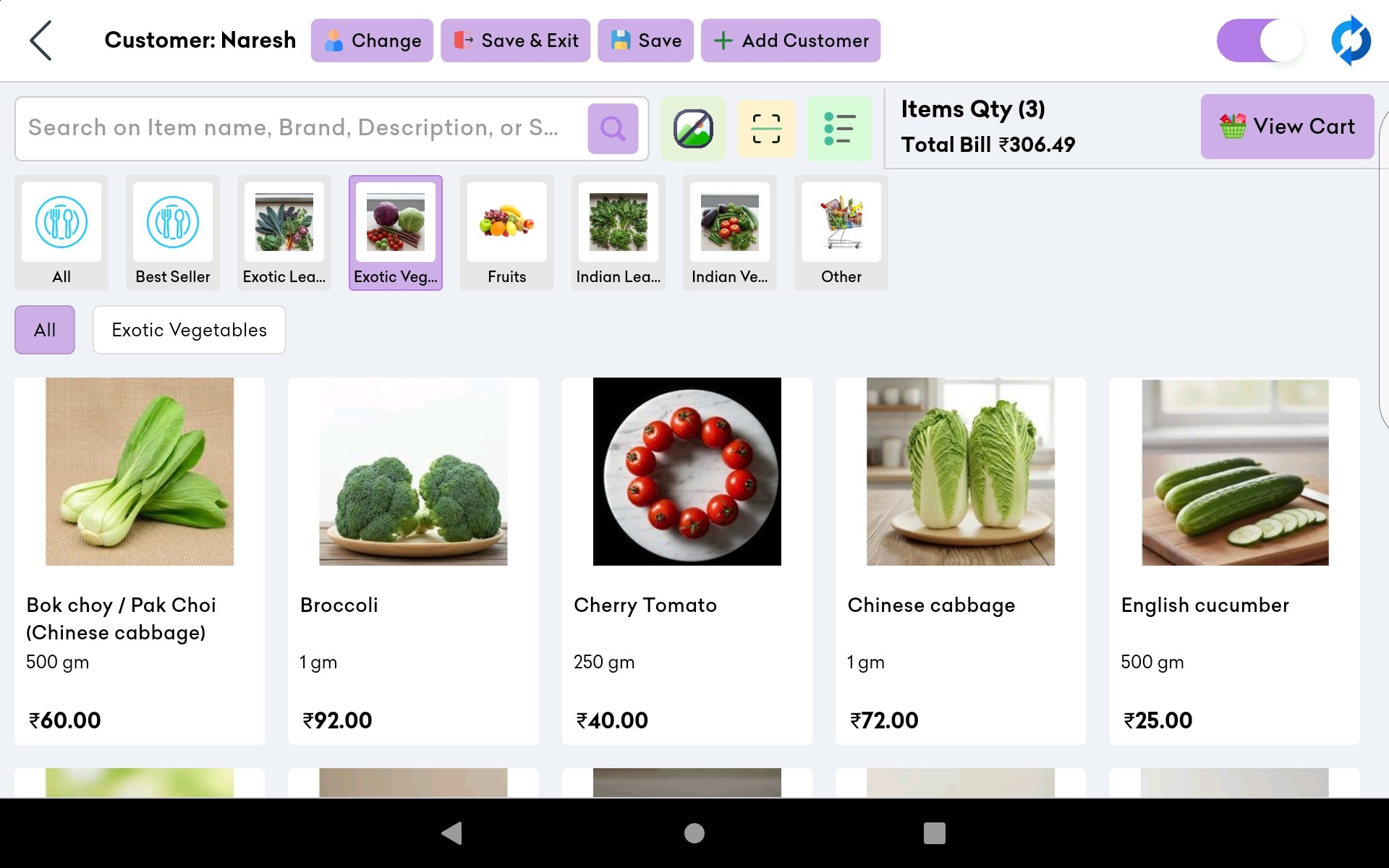
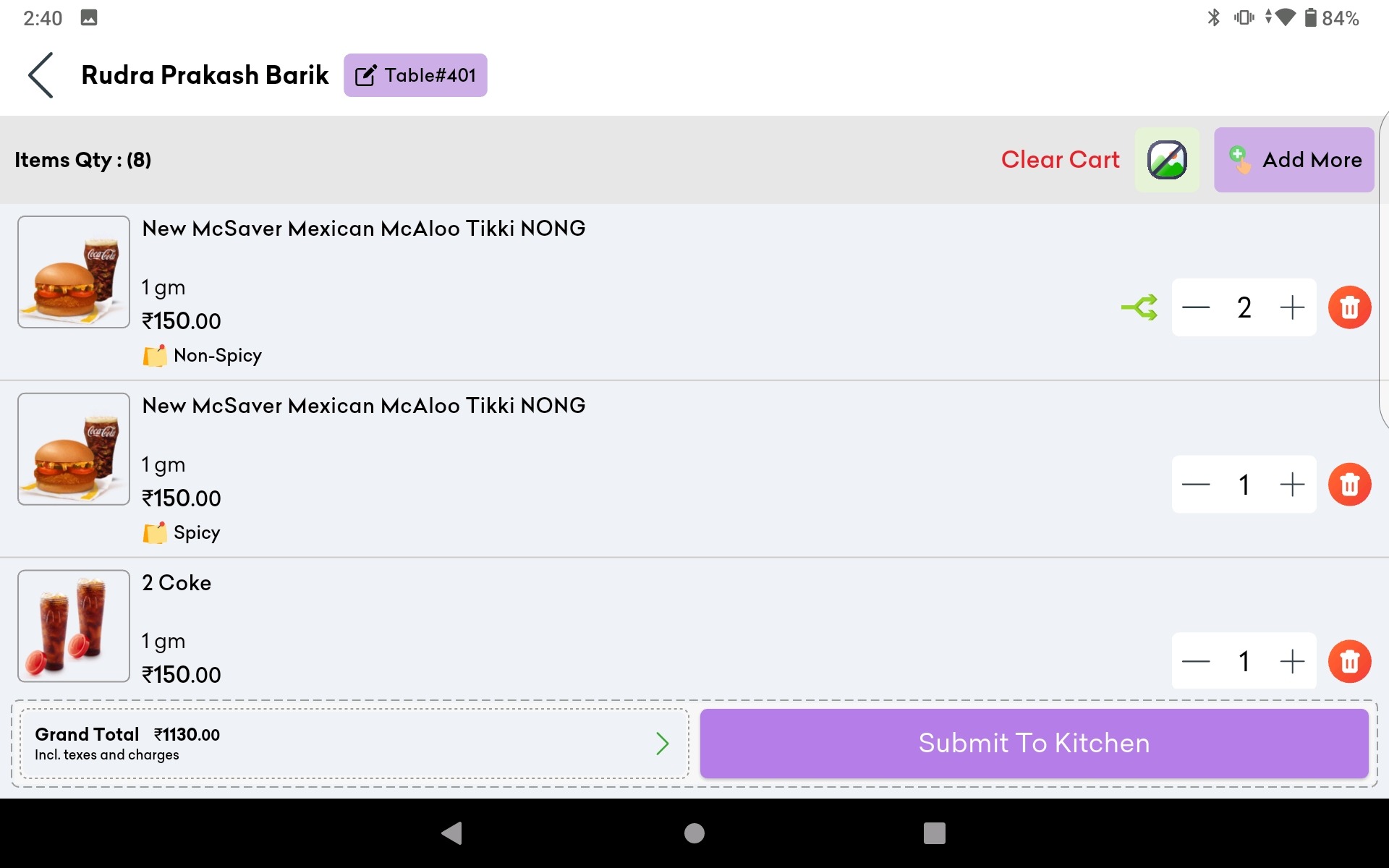
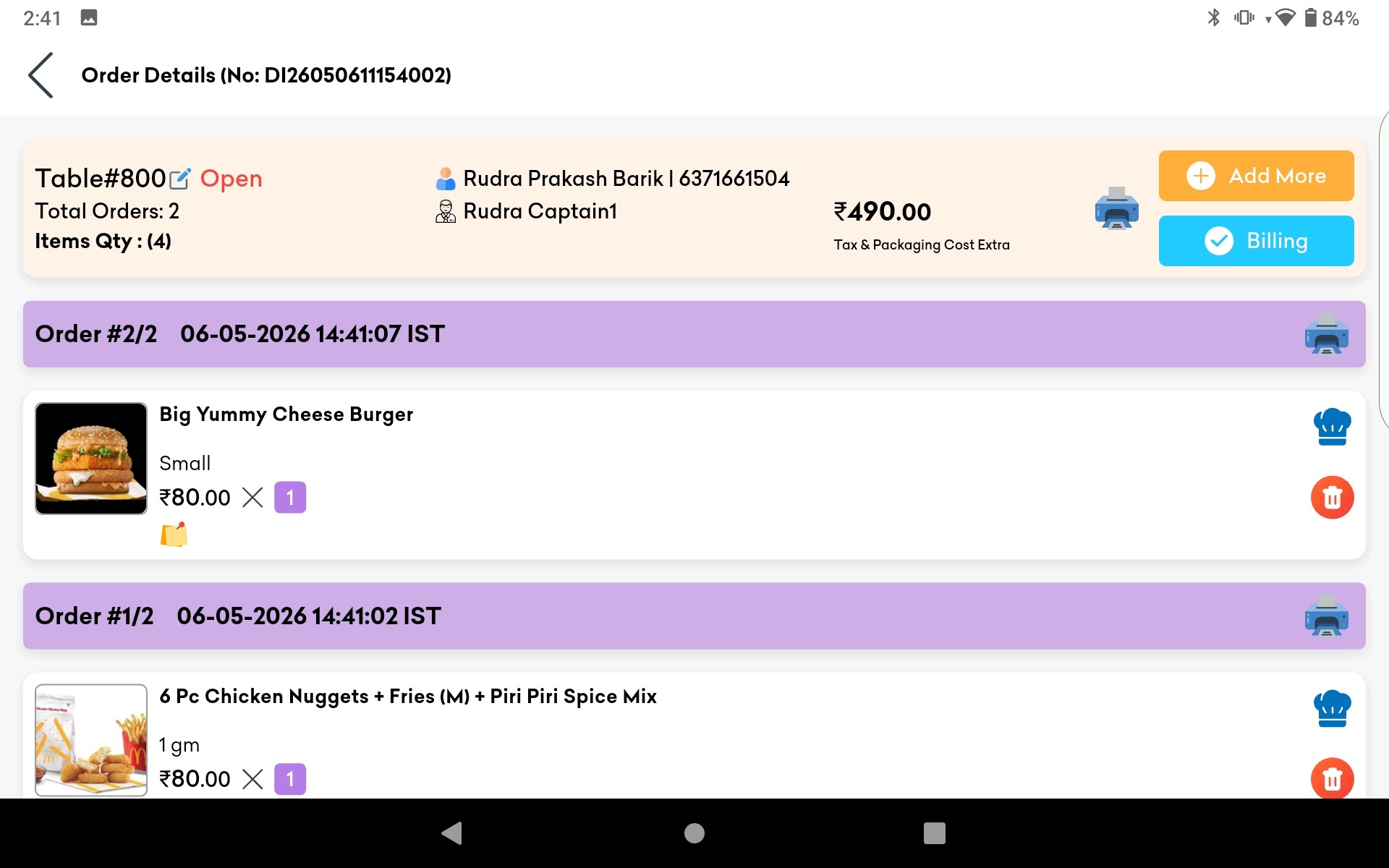
Real-Time Stock Tracking: Every sale made through Lokaly’s POS instantly updates your stock. You always know what is available, what is running low, and what has run out – without counting a single item manually.
Automatic Low Stock Alerts: Set your own minimum threshold for each product. Lokaly sends you an alert the moment stock dips below that level – via app notification or WhatsApp – so you can reorder before your shelf goes empty.
Automatic Reorder System: Configure supplier contacts and preferred order quantities. Lokaly can raise purchase orders automatically or with one-tap approval when products hit their reorder point.
Demand Forecasting Built In: Lokaly analyses your sales history to predict upcoming demand – factoring in weekly patterns, seasonal trends, and local festivals – so you always have the right stock at the right time.
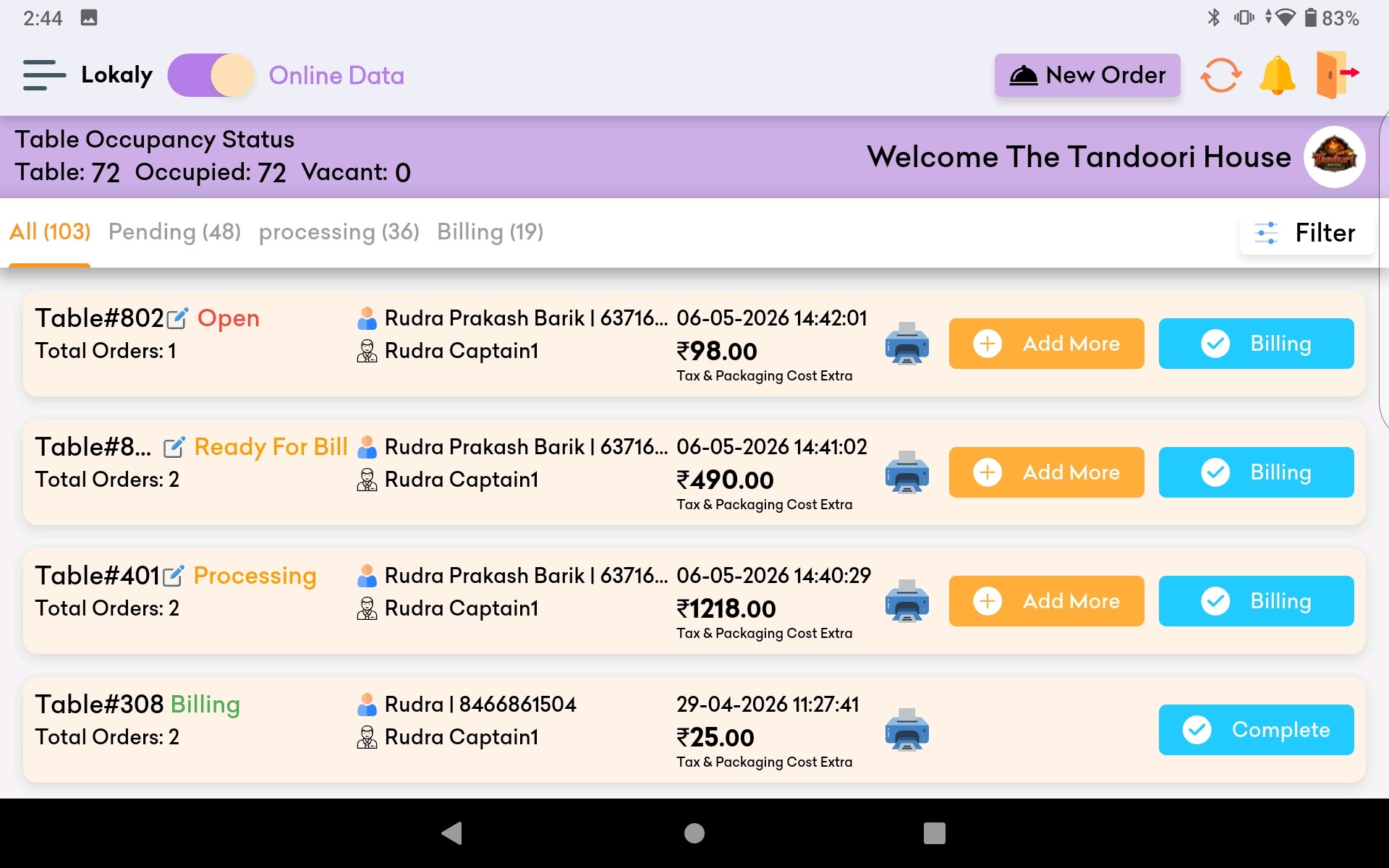
Multi-Store Dashboard: Manage stock across all your outlets from one screen. See which store has surplus and which is running low, and enable inter-branch transfers before placing supplier orders.
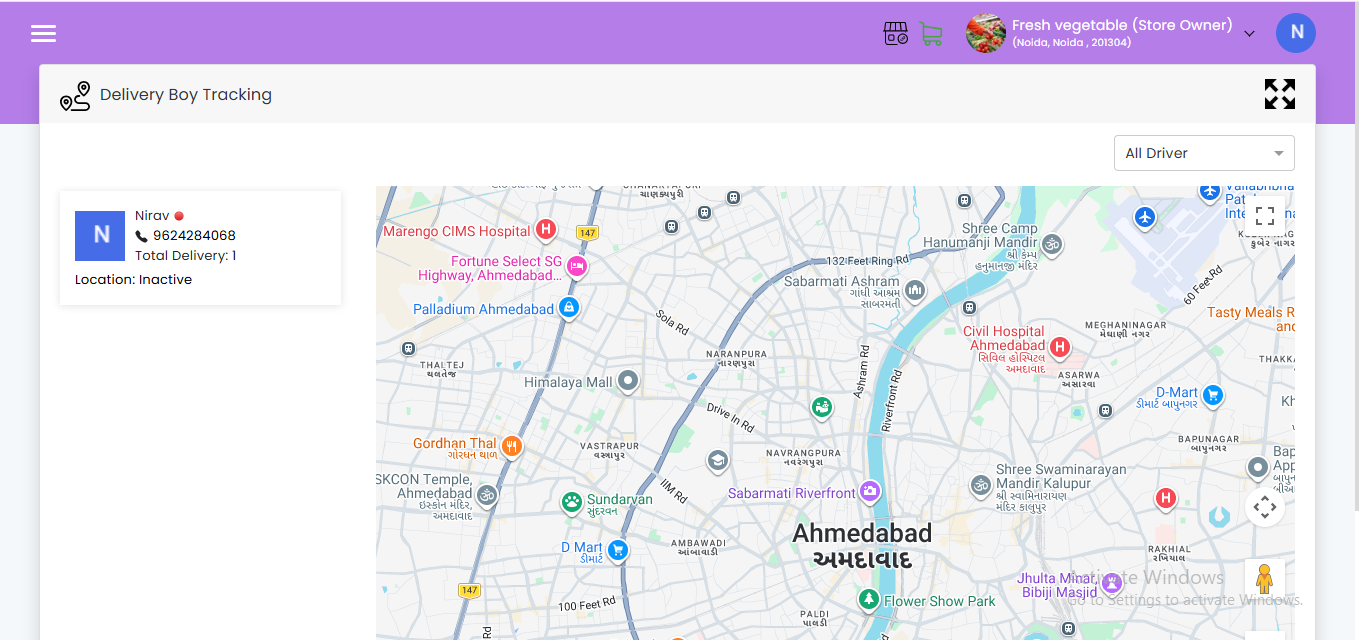
Cloud-Based and Mobile-First: Access your stock data from any device, anywhere. Lokaly works on smartphones, ensuring shop owners can stay informed even when they are away from the counter.
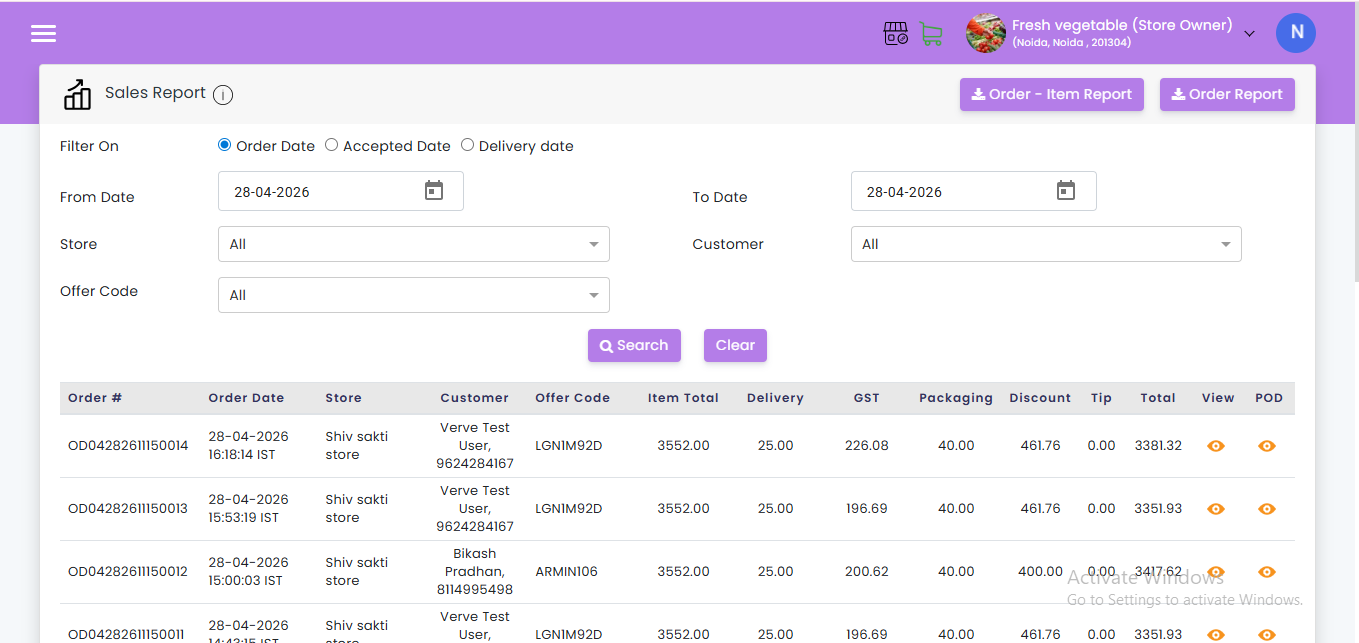
GST-Ready Digital Stock Register: Every purchase and sale is recorded digitally, creating an automatic audit trail that simplifies GST filings, returns, and compliance.
Who It Is Built For
- Kirana store owners looking to go digital without complexity
- Grocery retailers managing perishables and high-turnover FMCG
- Pharmacy and medical store owners need expiry tracking
- General merchants running one or multiple outlets in Tier 2 and Tier 3 cities
- Any local retailer tired of manual stock counts and surprise stockouts
Start your free trial at Lokaly and see the difference real-time stock visibility makes in your first week.