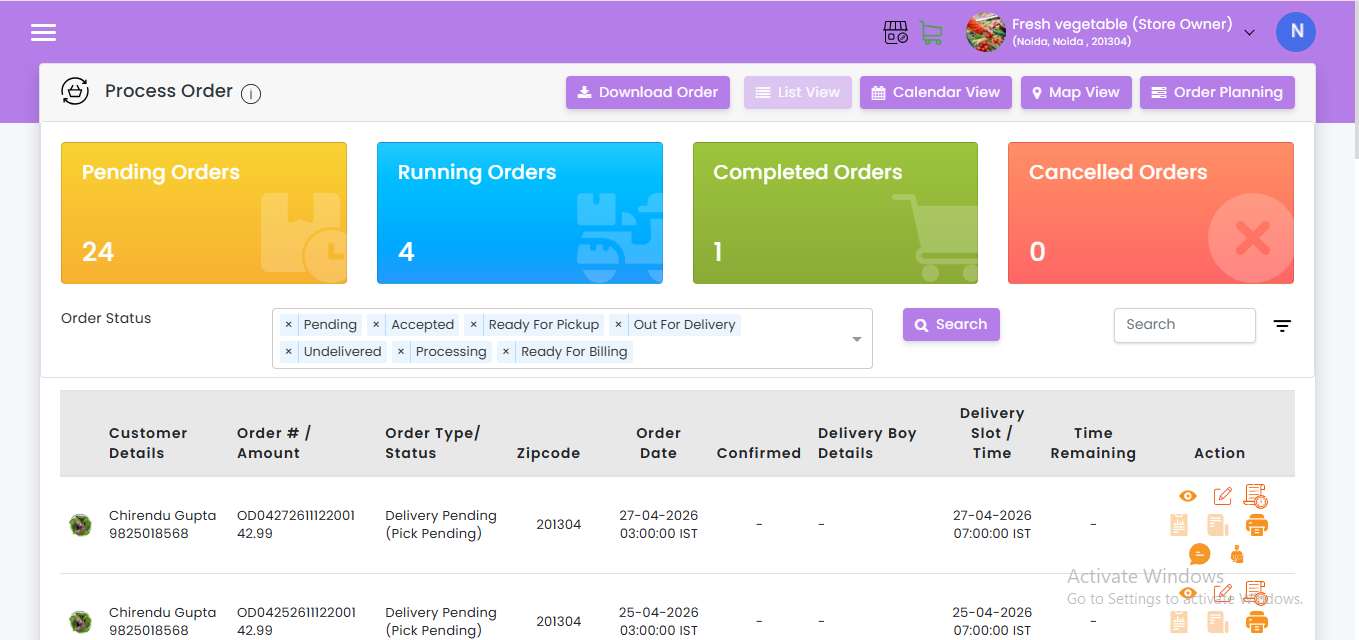
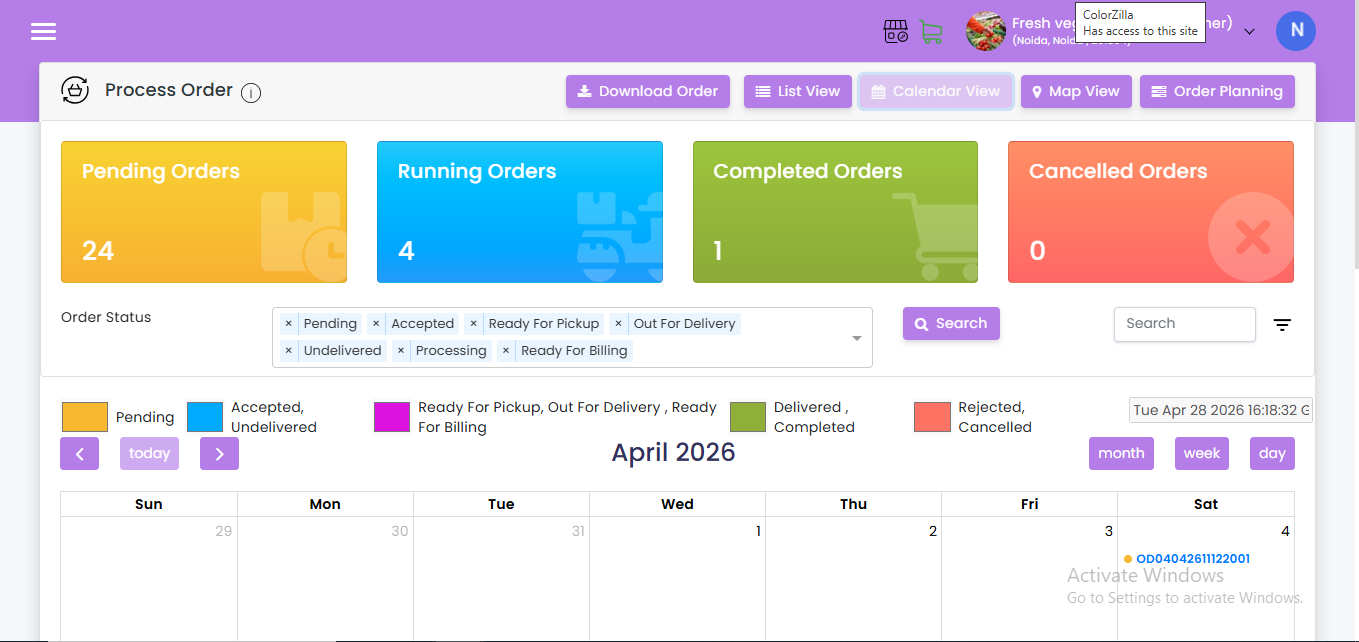
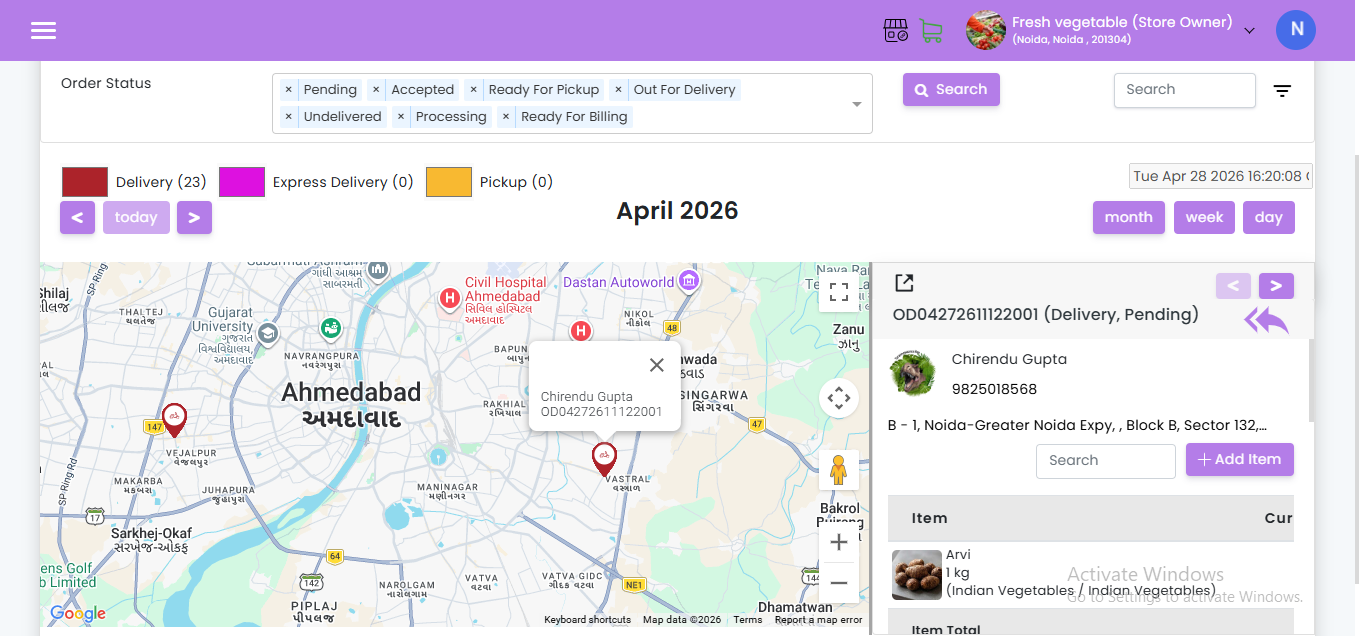
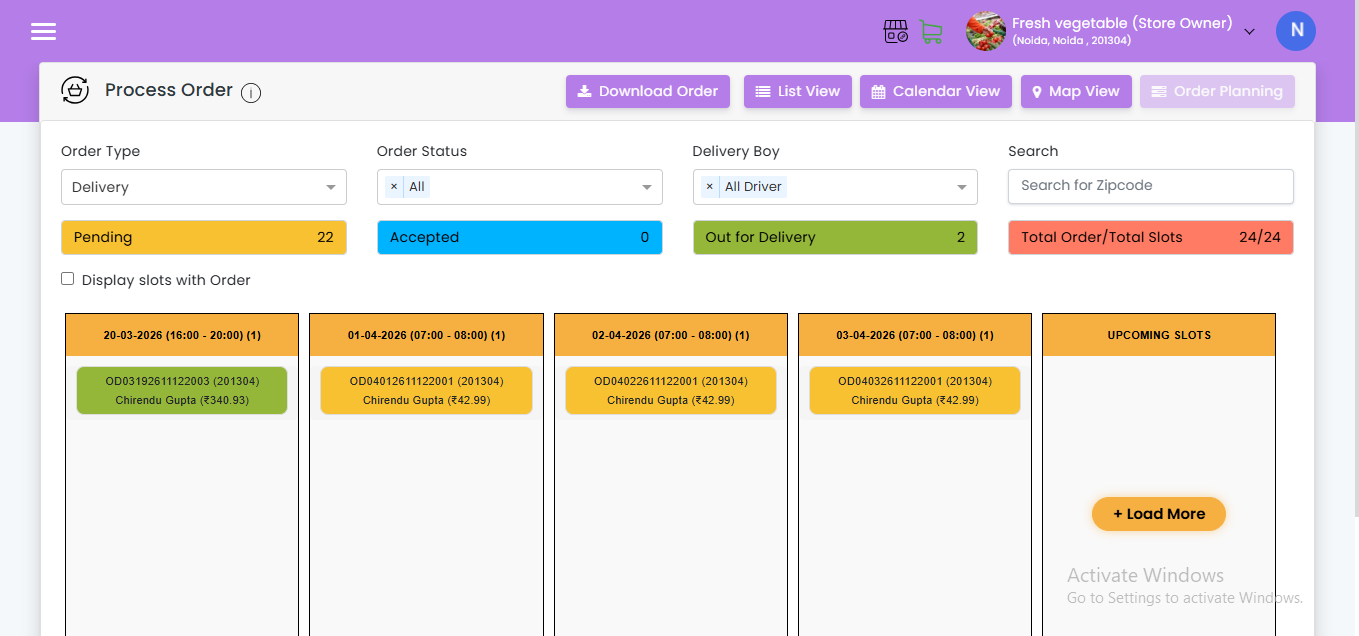
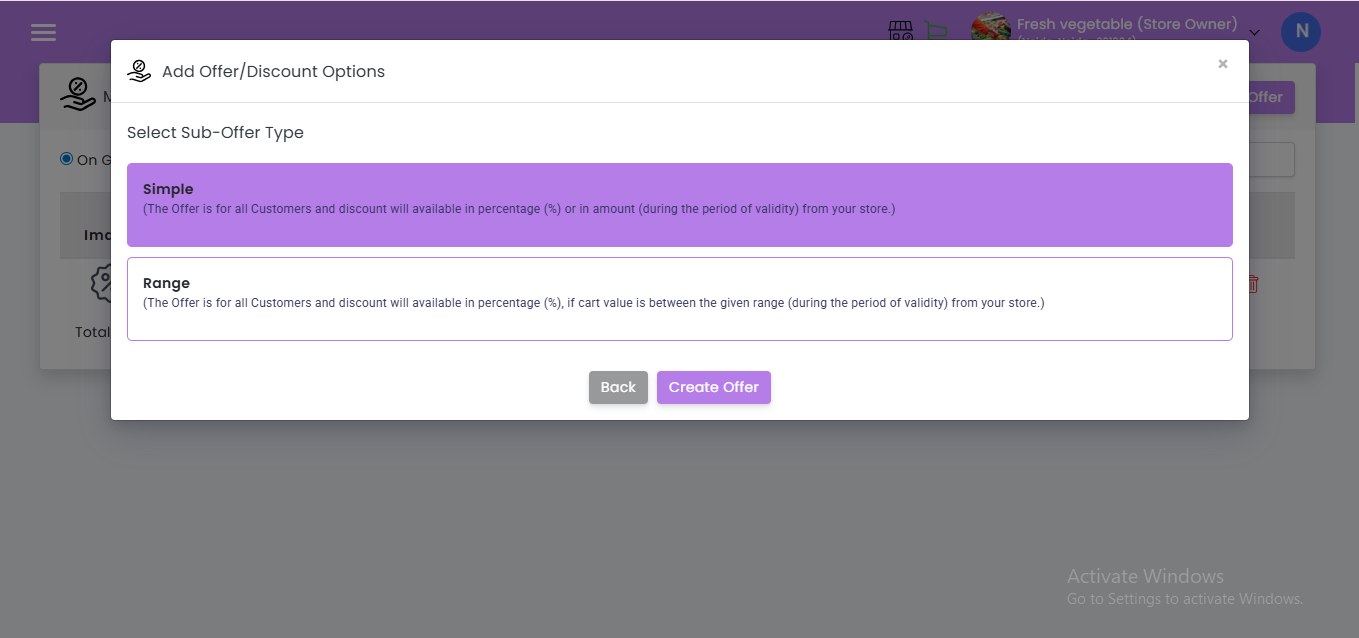
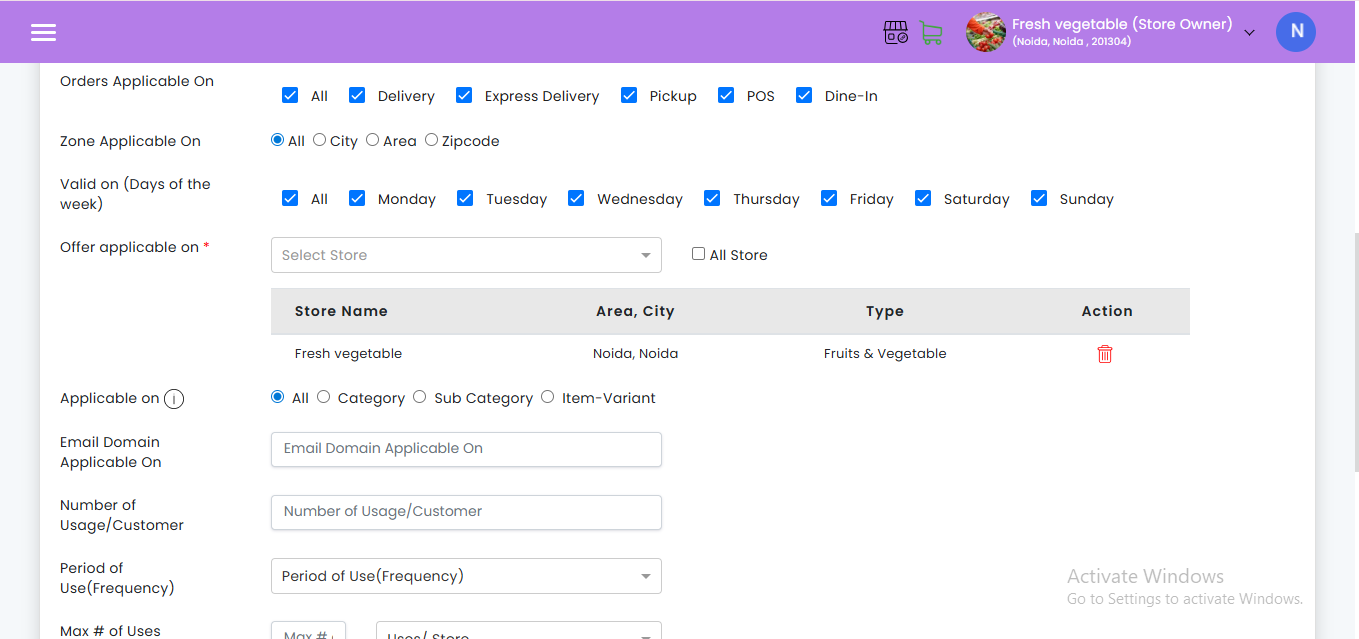
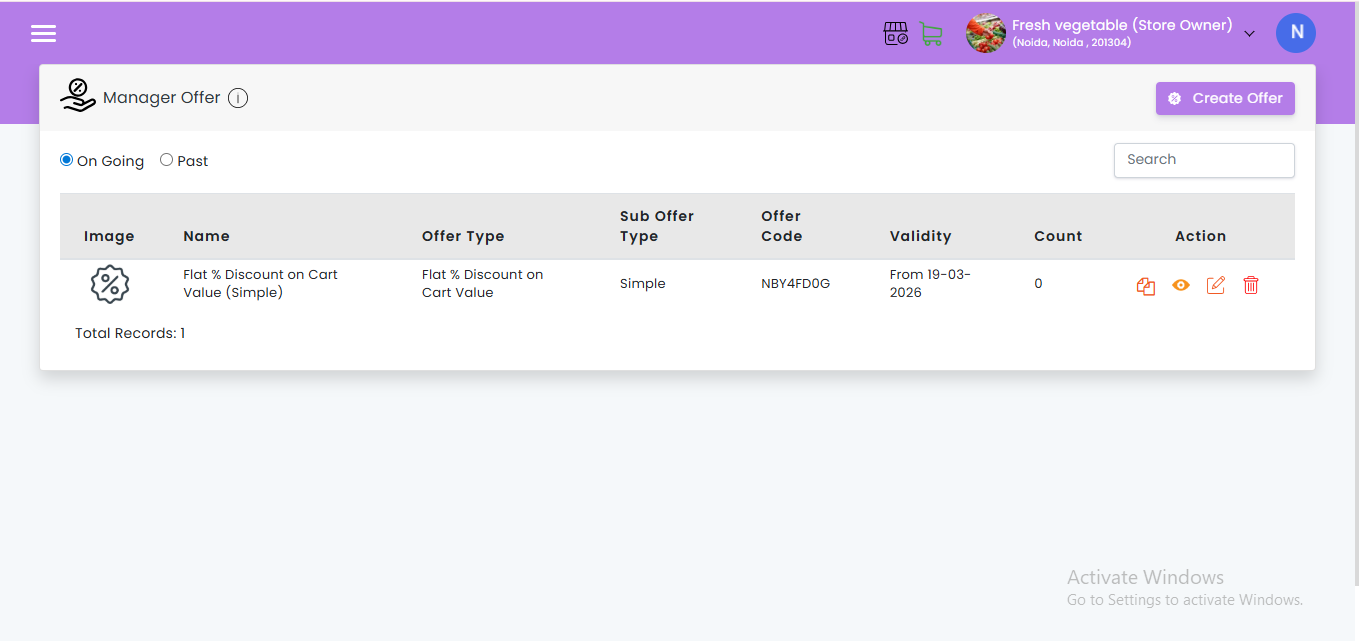
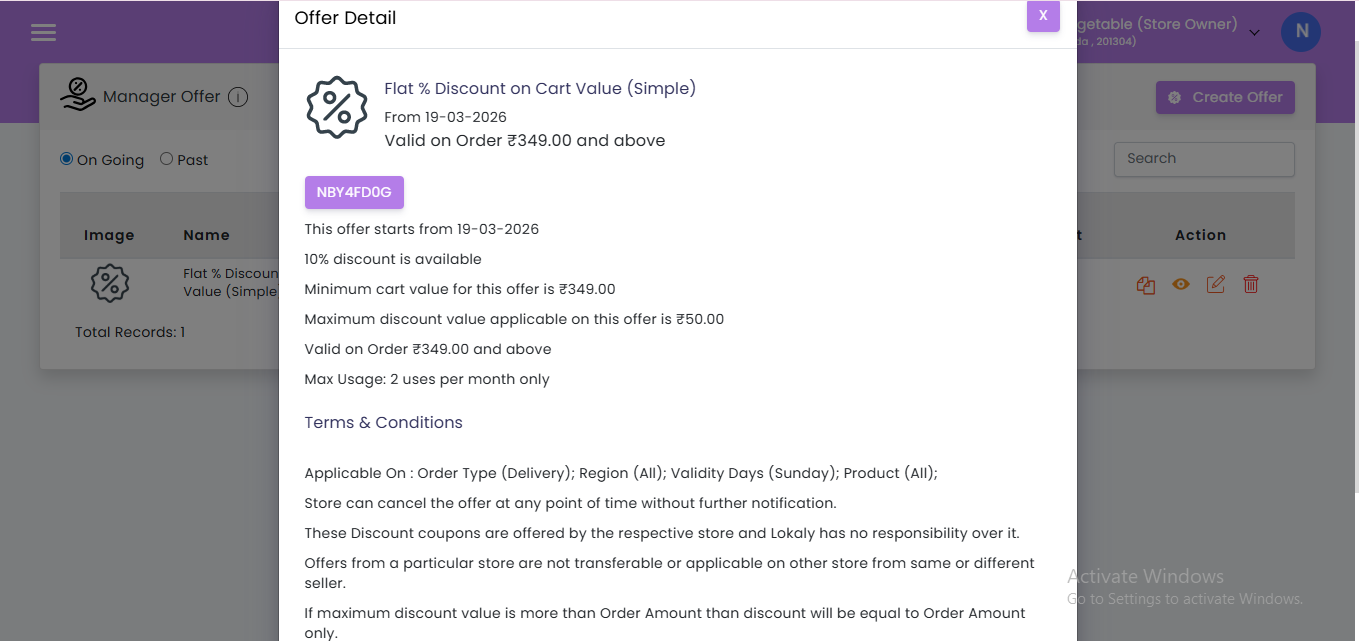
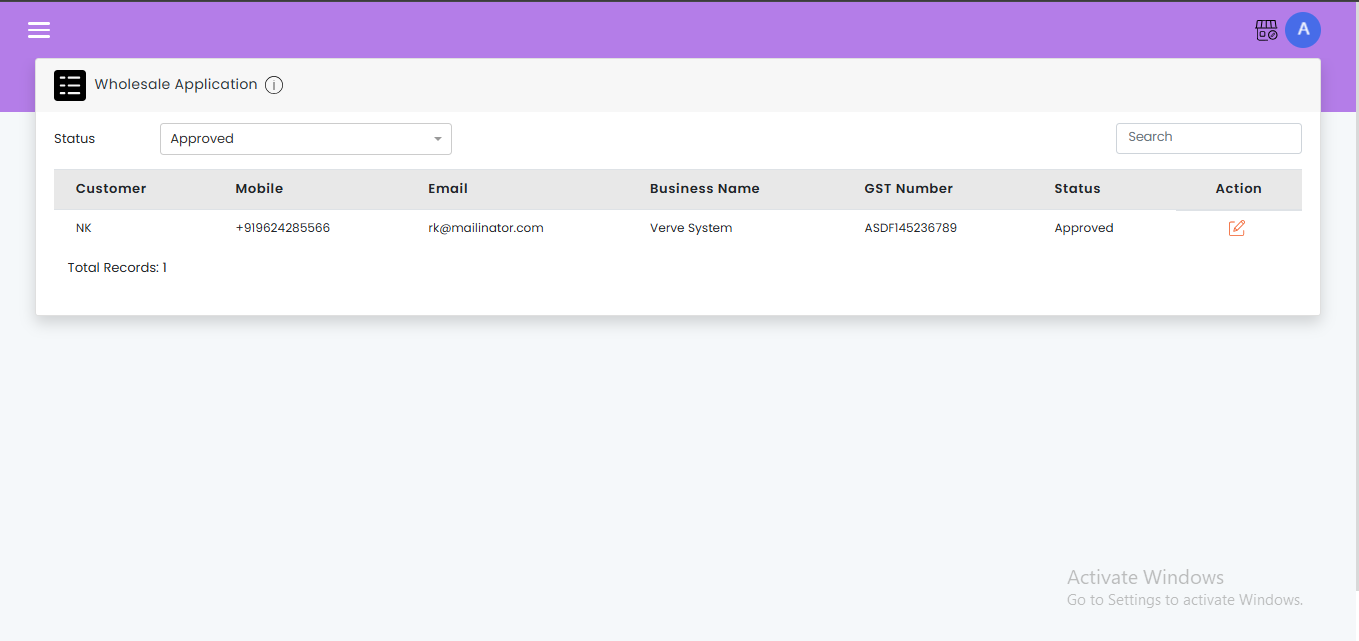
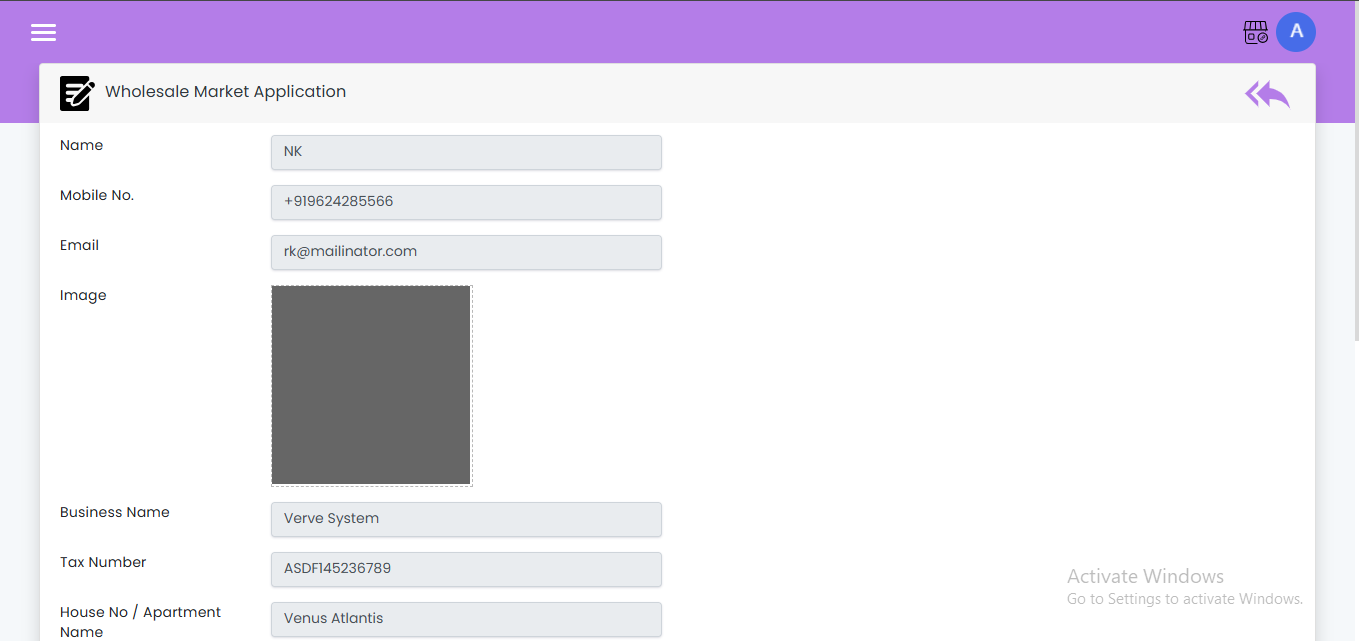
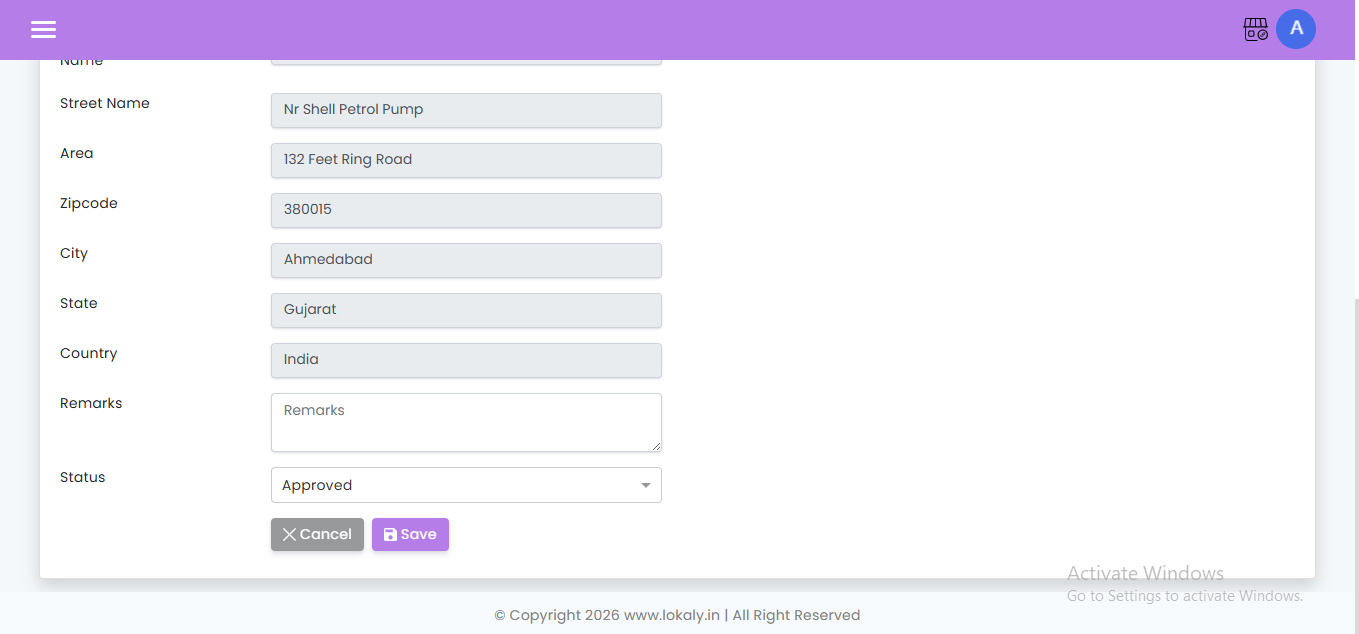
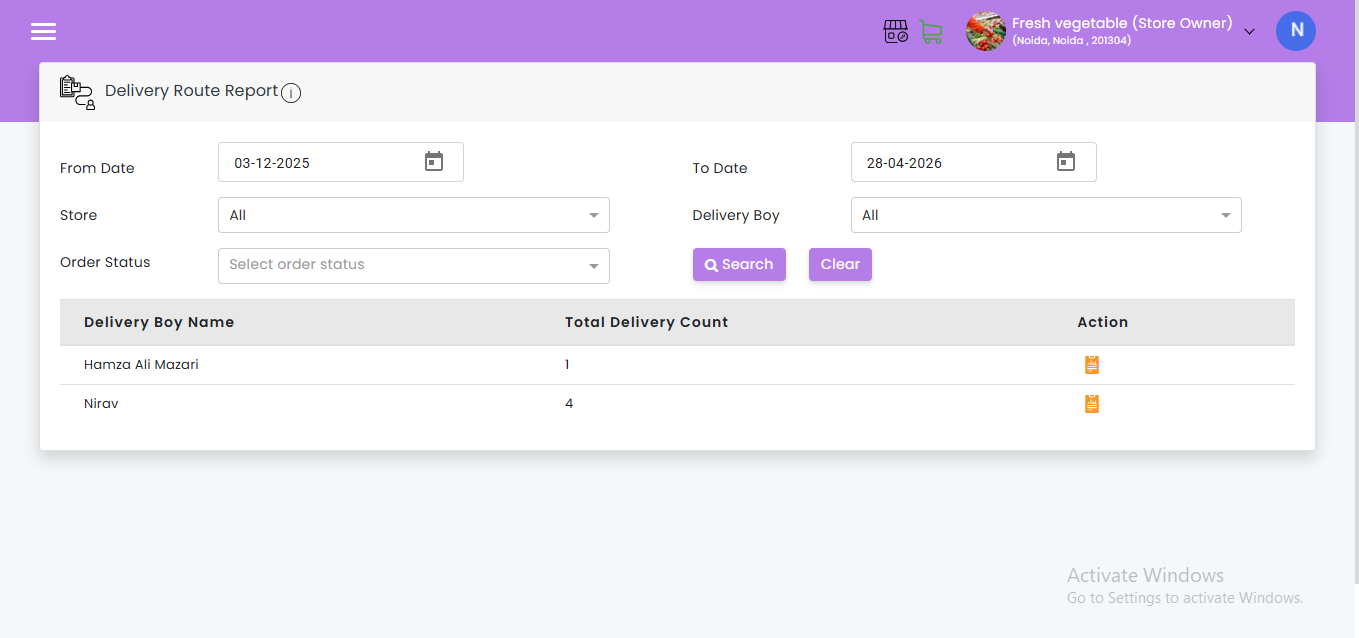
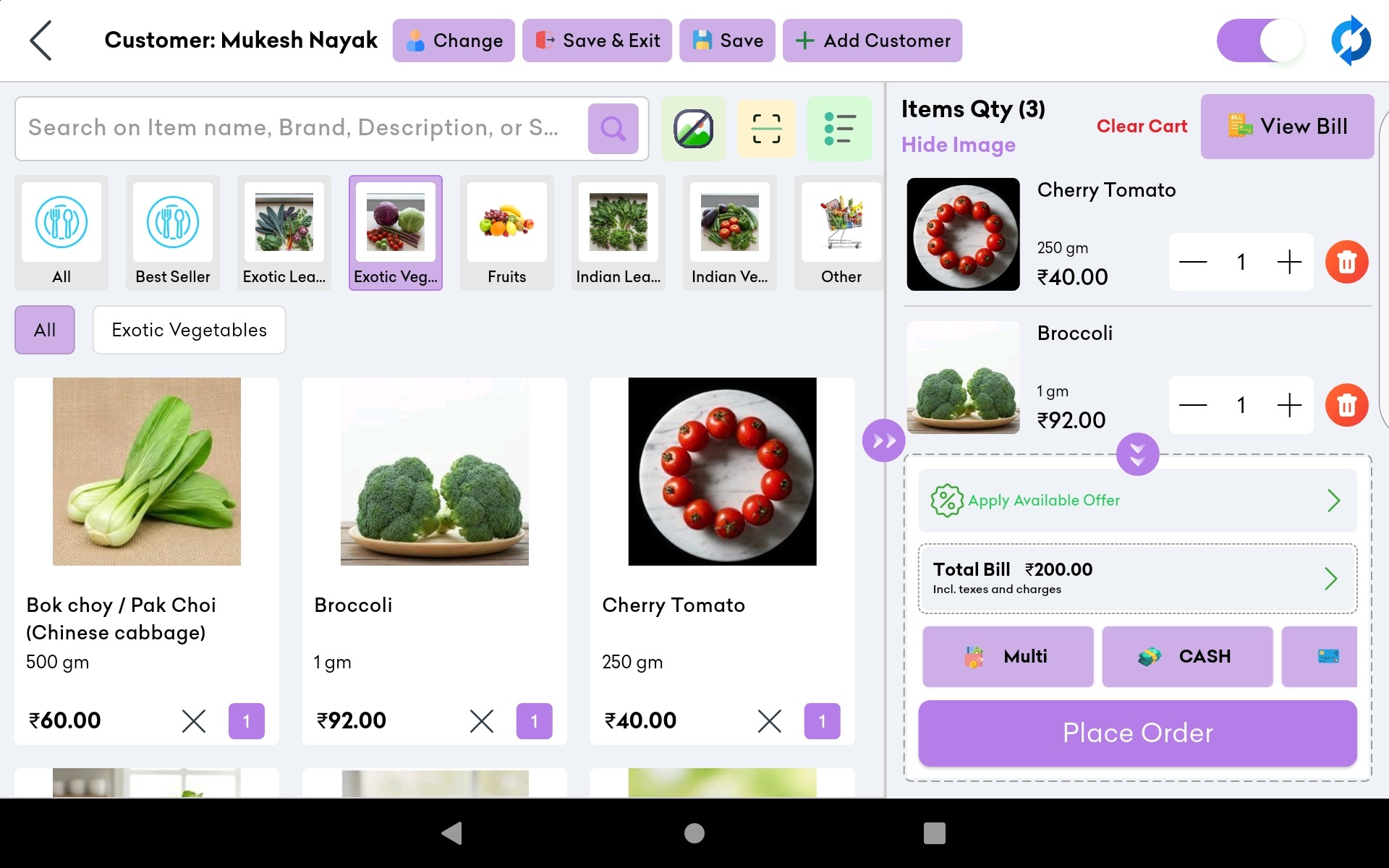
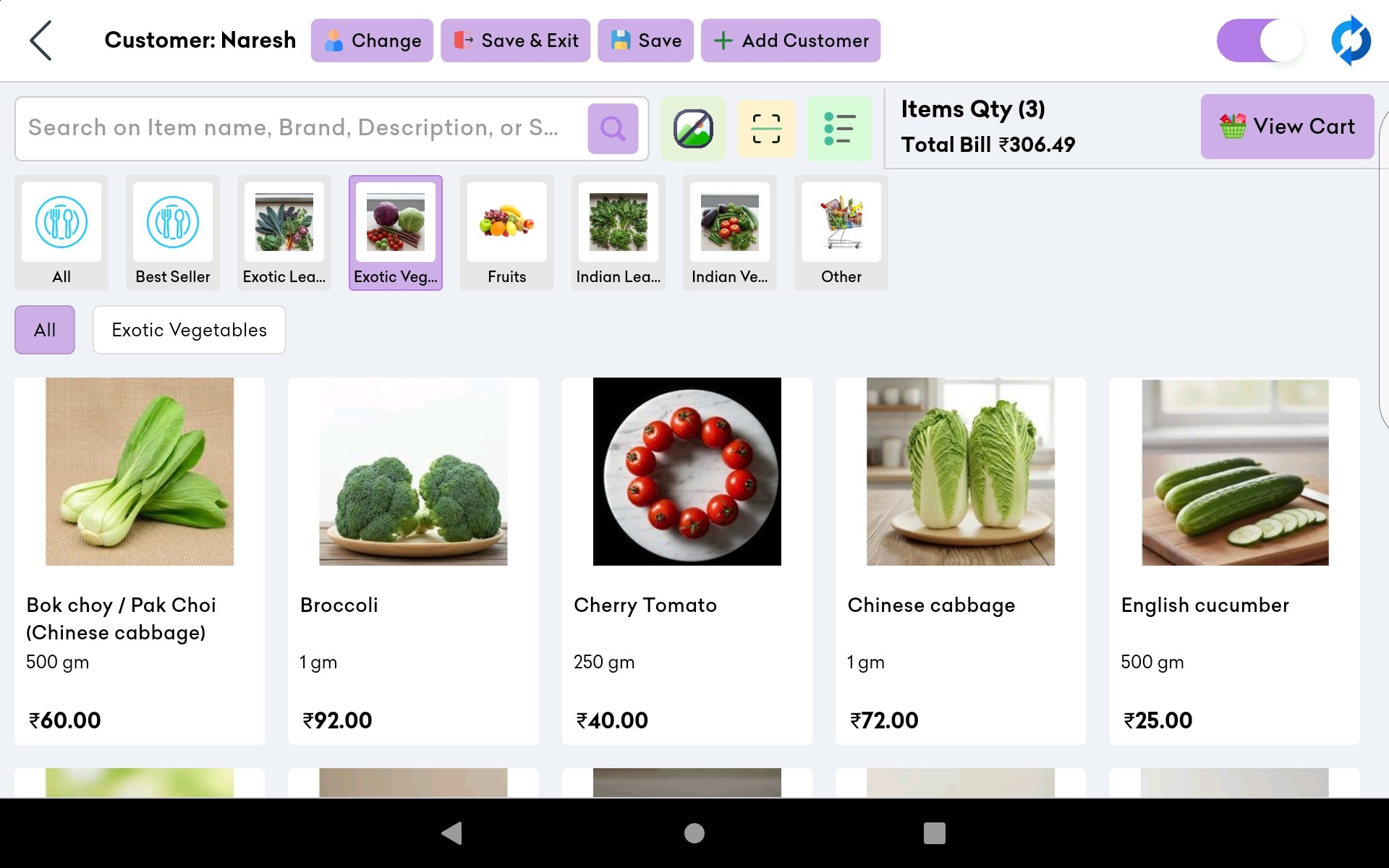
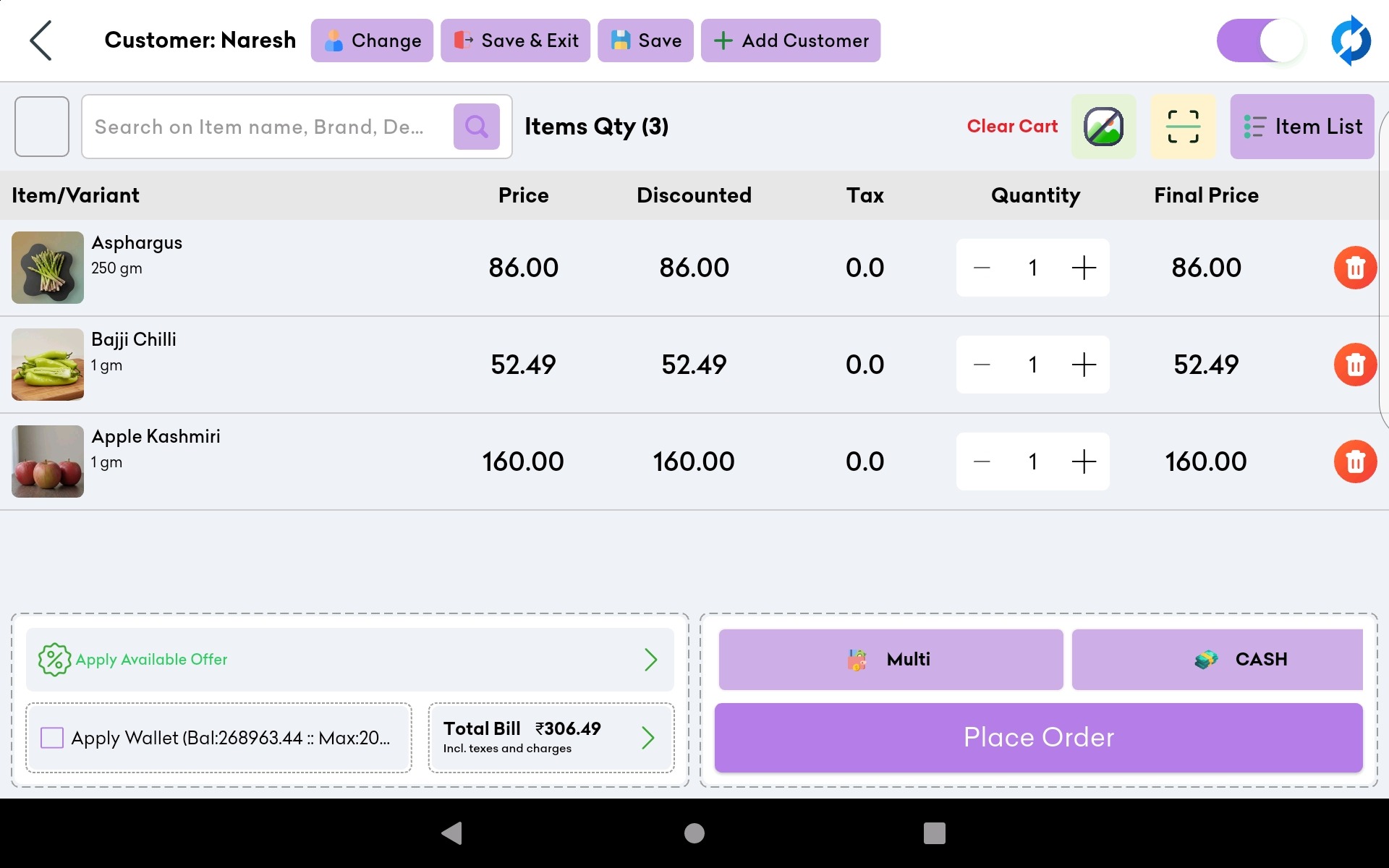
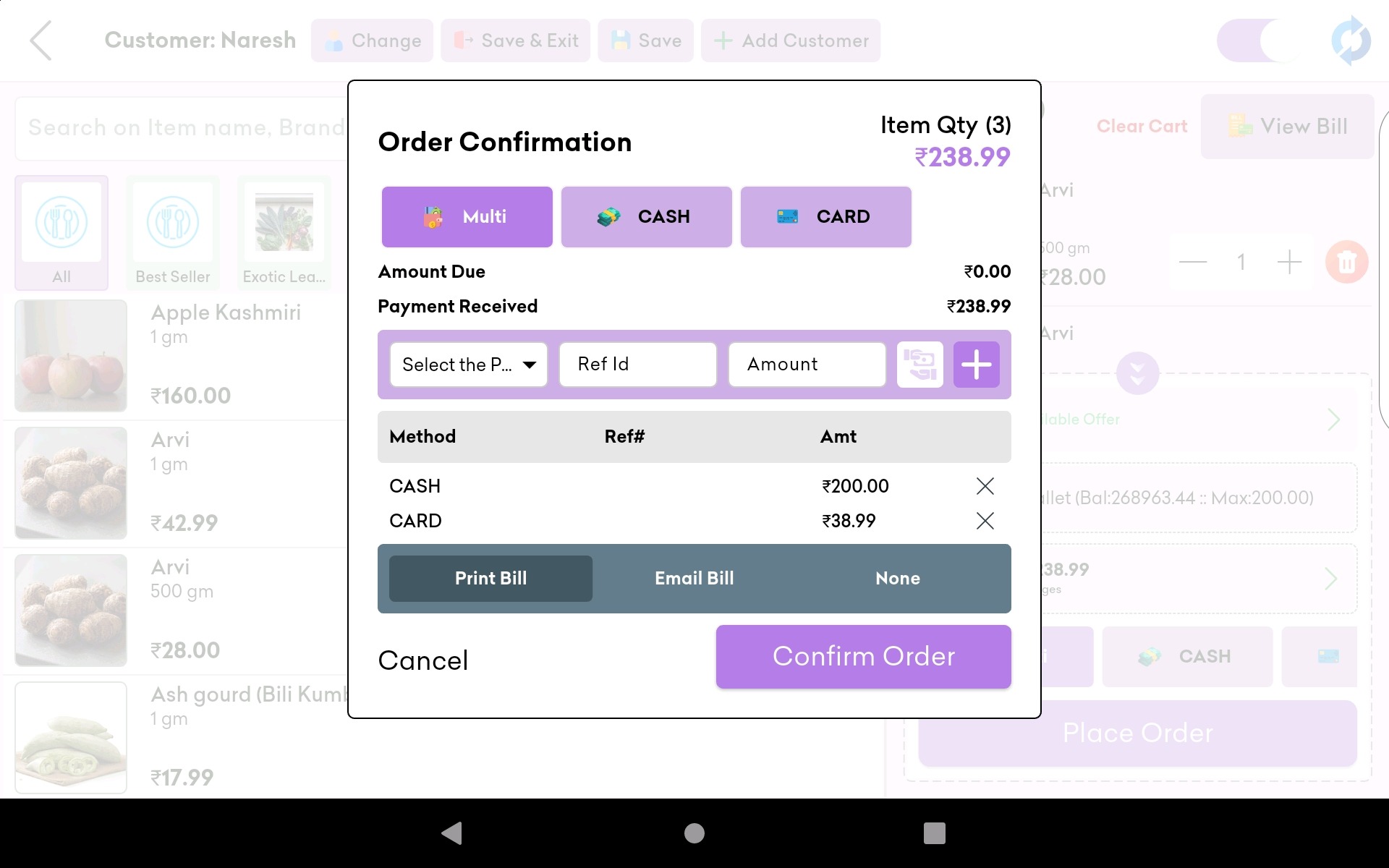
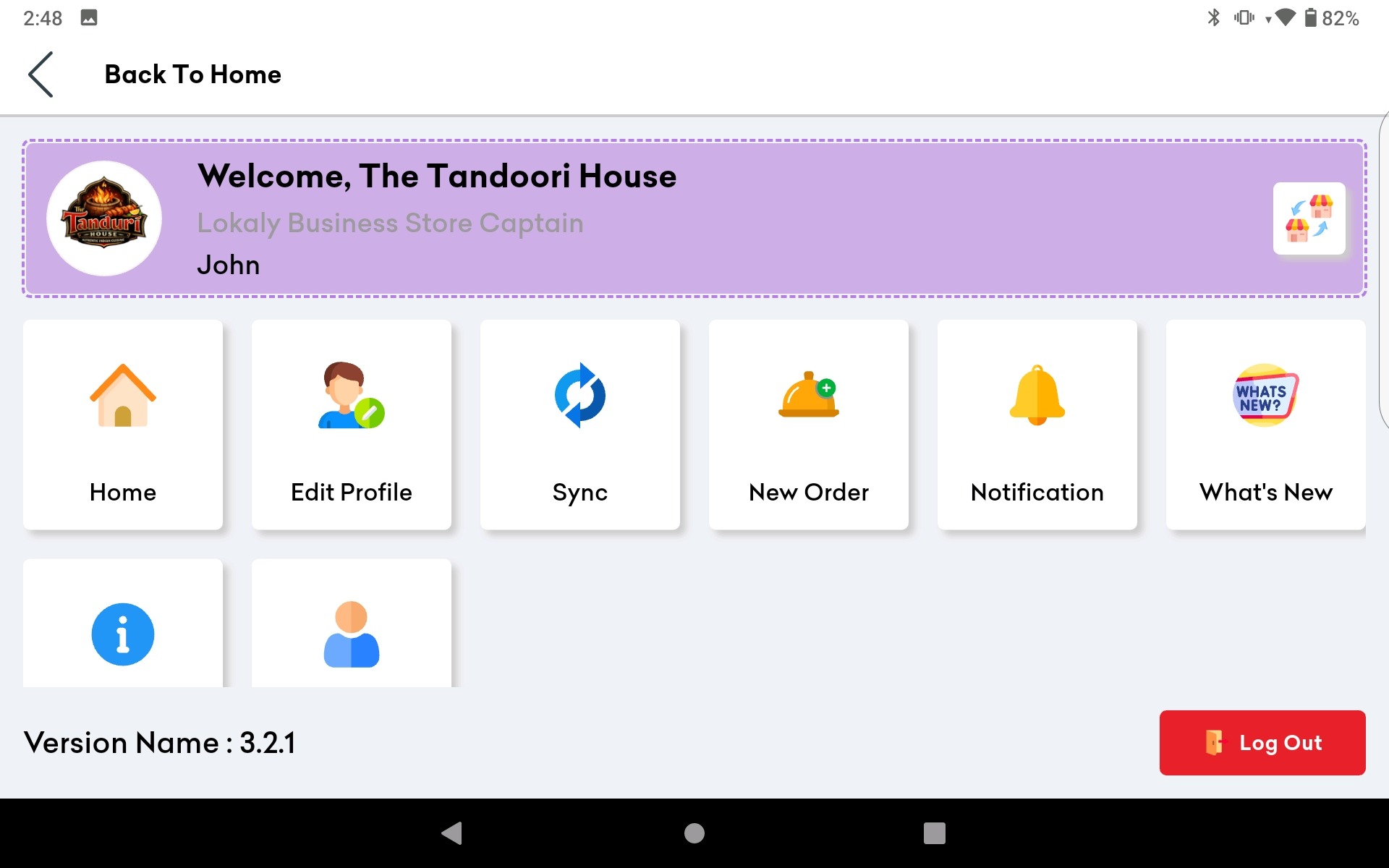
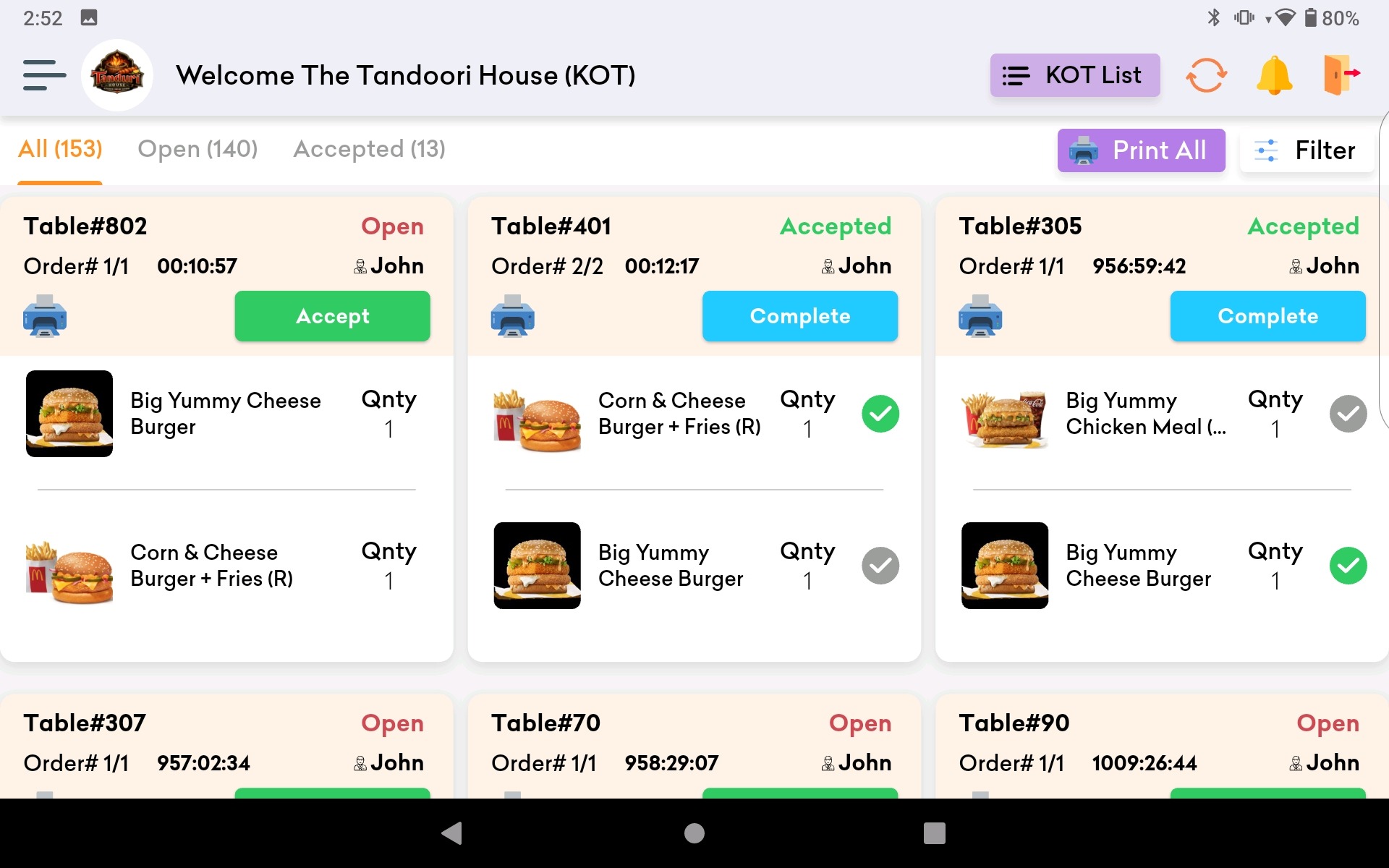
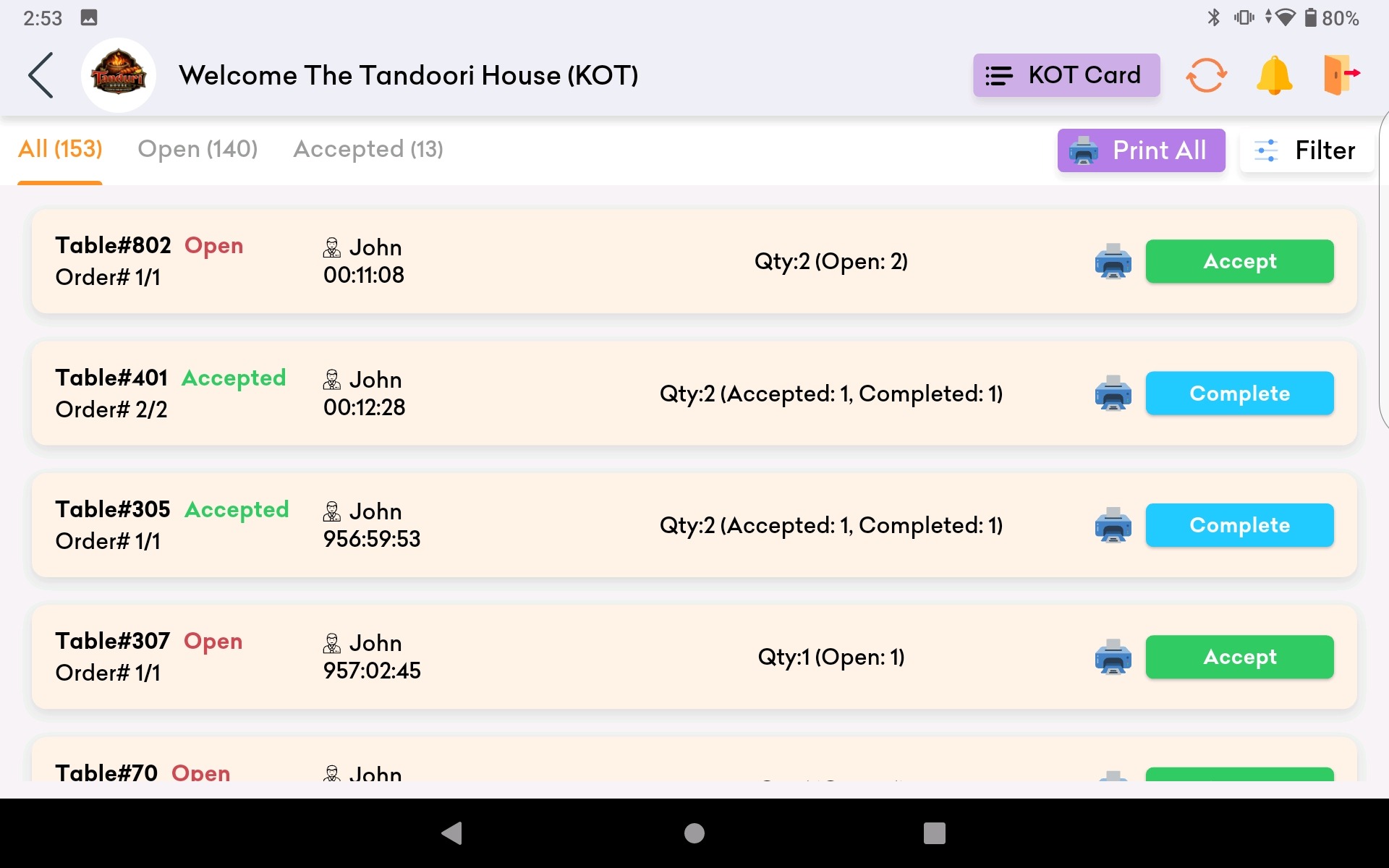
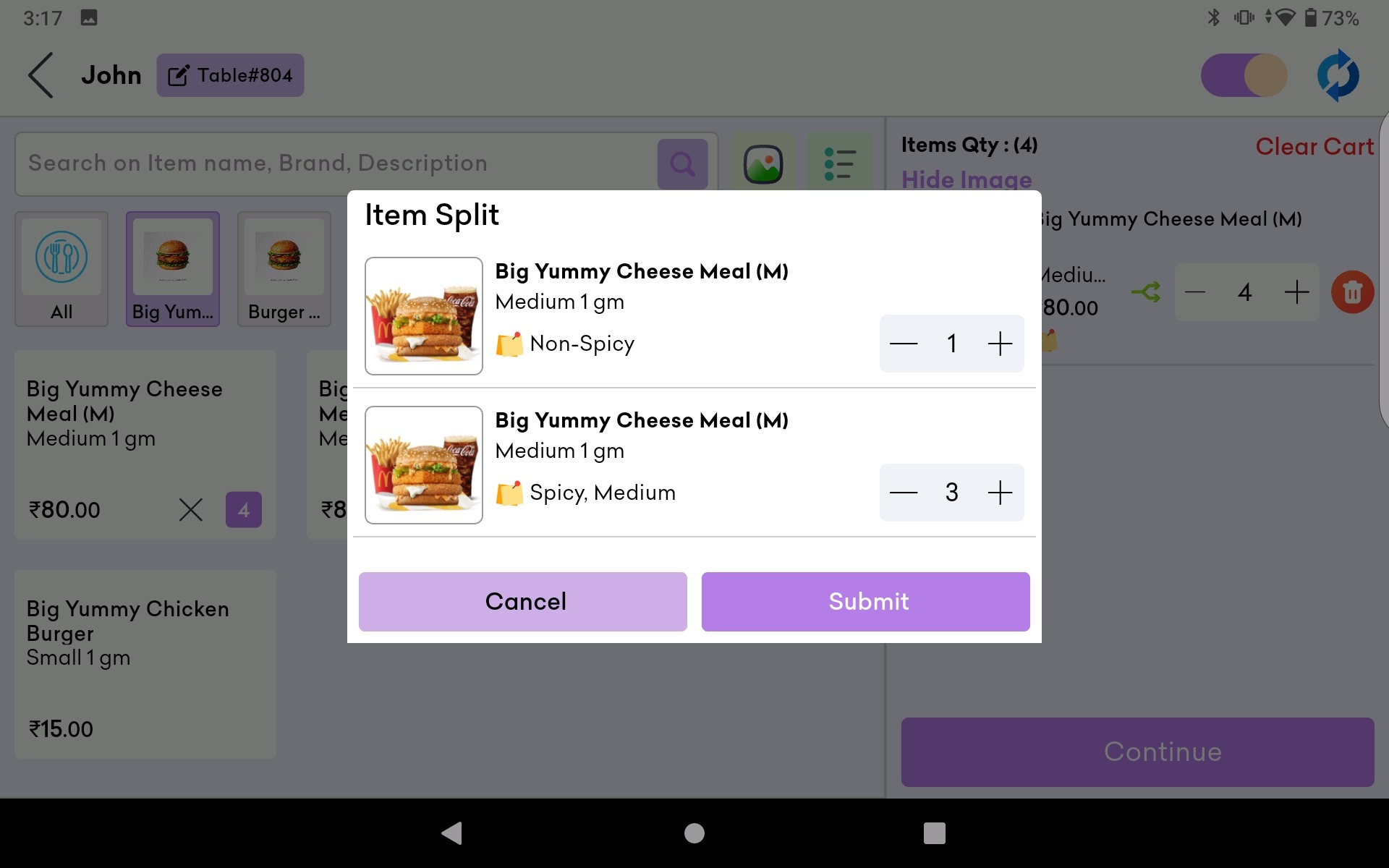
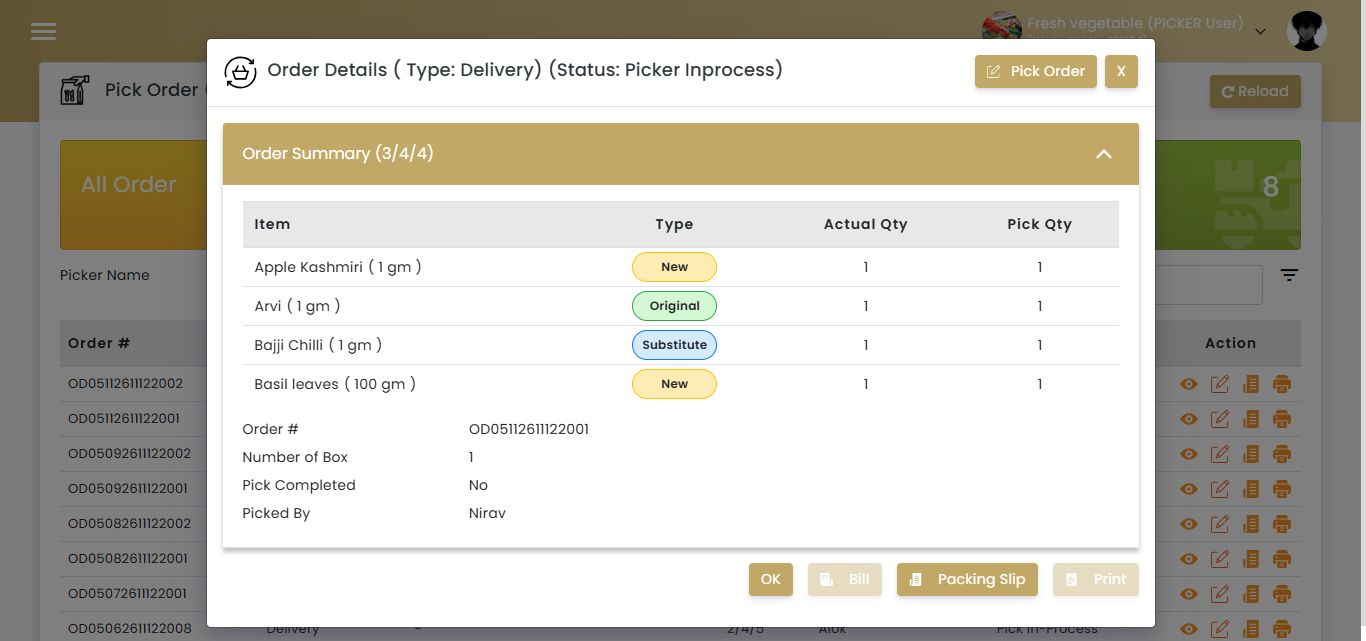
In today’s competitive restaurant industry, efficiency and customer satisfaction are paramount. One of the most critical tools that modern restaurants rely on to achieve these goals is a Point of Sale (PoS) system. In this blog, we’ll explore what a PoS system for a restaurant is, the components involved, why it’s essential, and how to effectively use it to streamline your operations and boost your business.
What is a PoS System for a Restaurant?
A Point of Sale (PoS) system is a combination of hardware and software that manages sales transactions in a restaurant. It acts as the central hub for processing customer orders, managing payments, tracking inventory, and generating reports. A PoS system integrates various functions to provide a seamless and efficient operation, improving both the customer experience and the management of the restaurant.
Restaurant PoS Hardware
The hardware components of a restaurant PoS system typically include:
- Touchscreen Terminal: The primary interface for staff to enter orders and process transactions.
- Receipt Printer: Prints receipts for customers and kitchen tickets for staff.
- Cash Drawer: Secures cash payments and keeps track of cash transactions.
- Card Reader: Facilitates credit and debit card payments.
- Barcode Scanner: Scans item barcodes for quick and accurate order entry (commonly used in restaurants with retail sections).
- Kitchen Display System (KDS): Digital screens in the kitchen that display order details, improving communication and efficiency.
- Customer Display: Shows order details and prices to customers, ensuring transparency and accuracy.
Restaurant PoS Software
The software component is equally crucial and includes features such as:
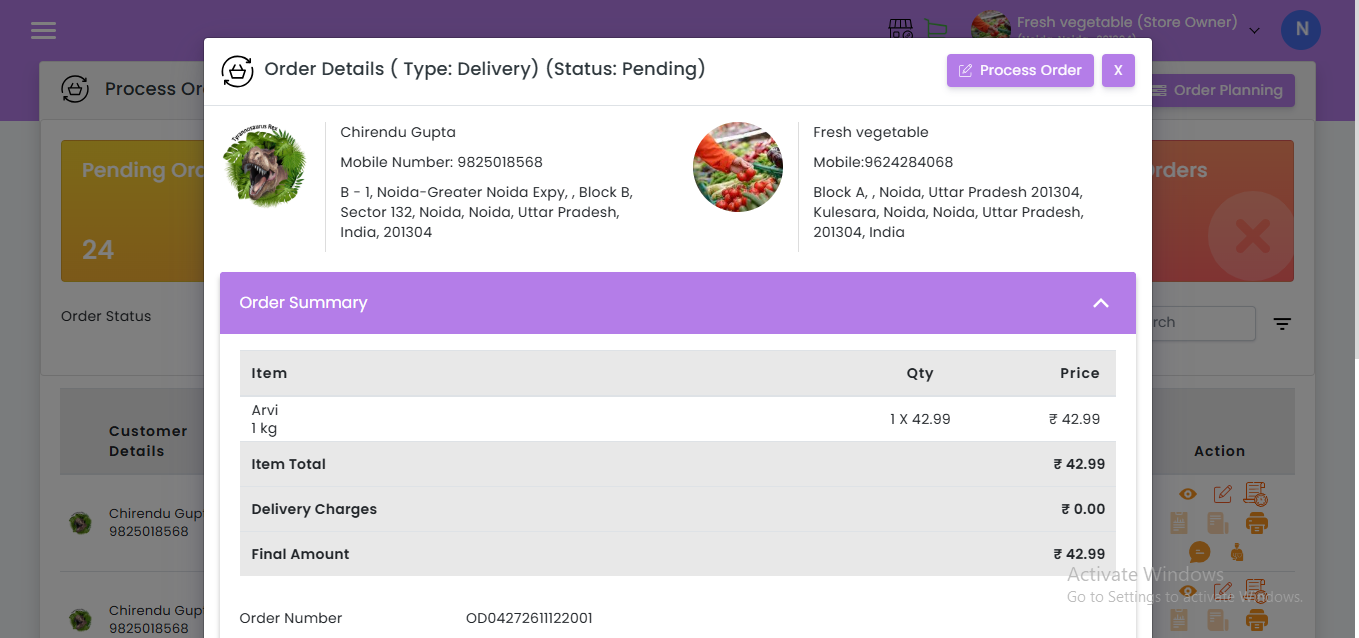
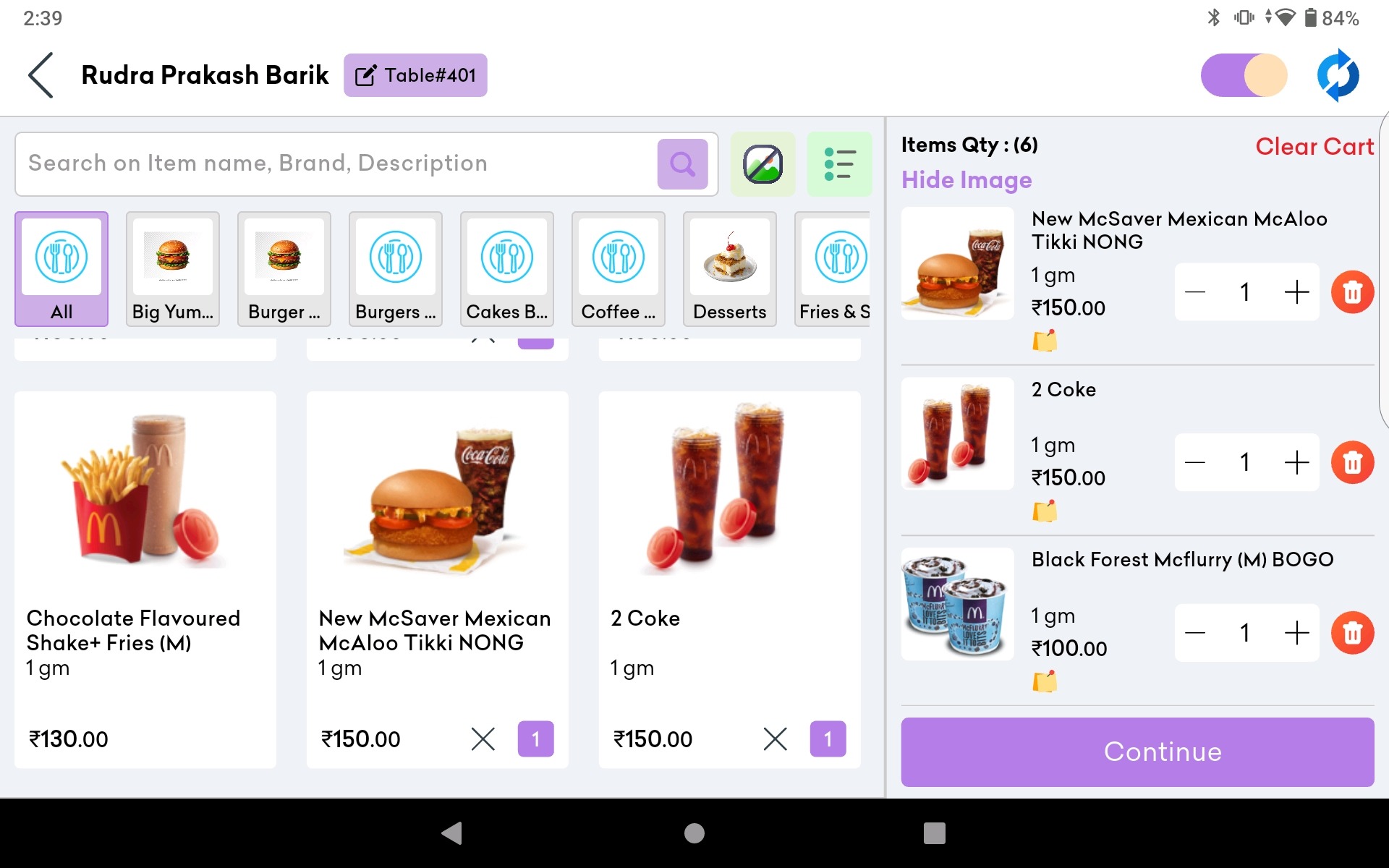
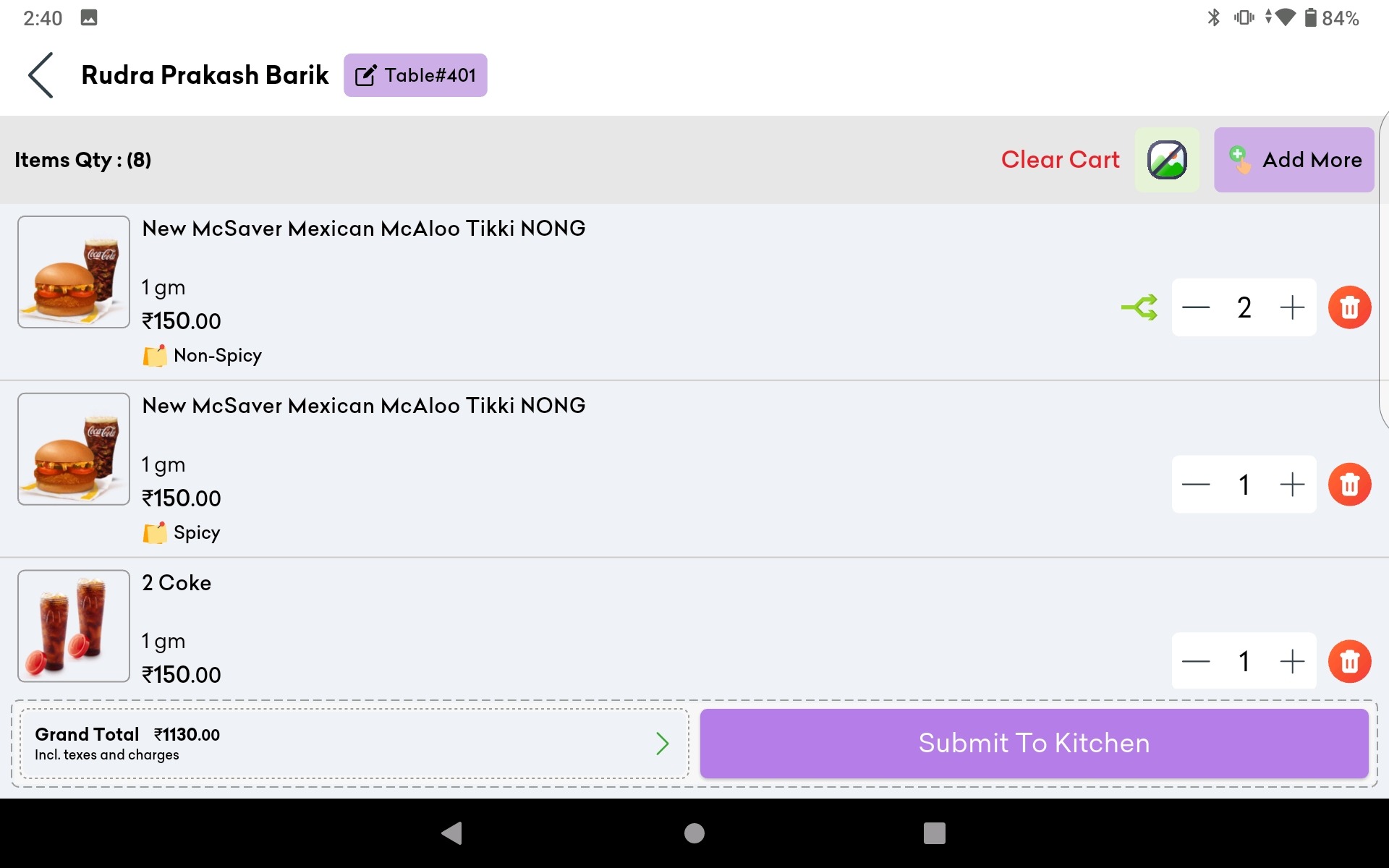
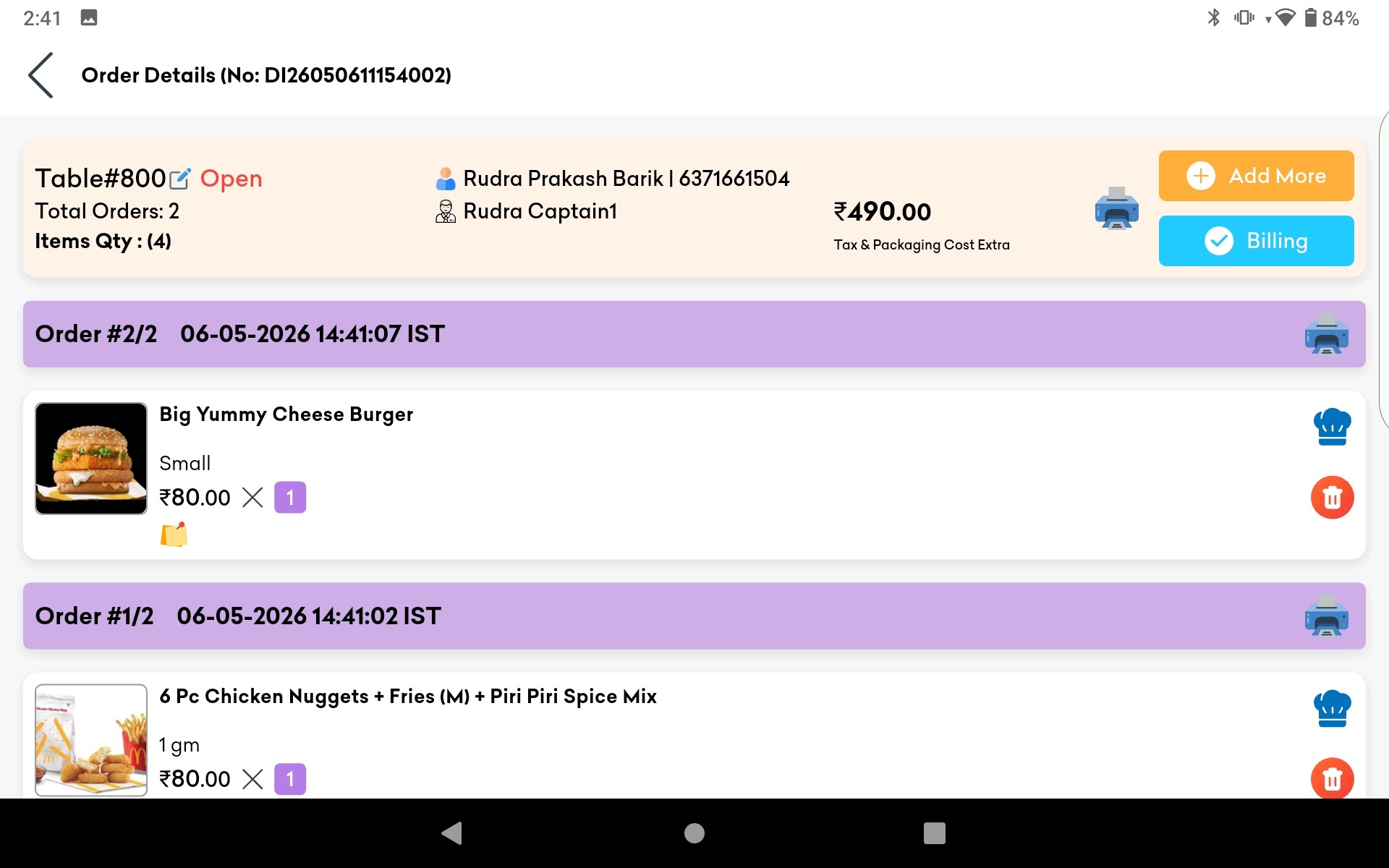
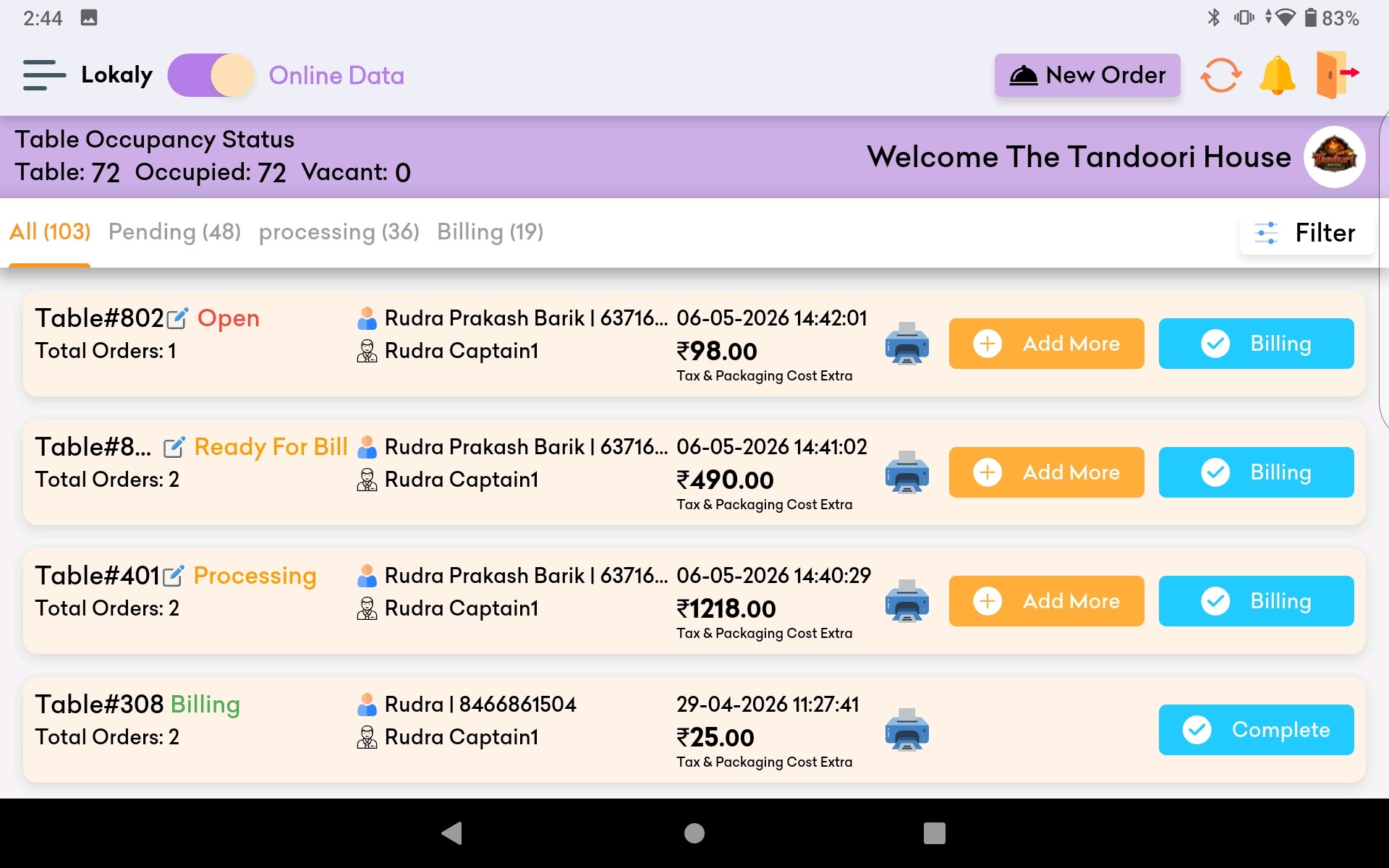
- Order Management: Allows staff to input, modify, and track customer orders.
- Payment Processing: Handles various payment methods, including cash, credit/debit cards, and digital wallets.
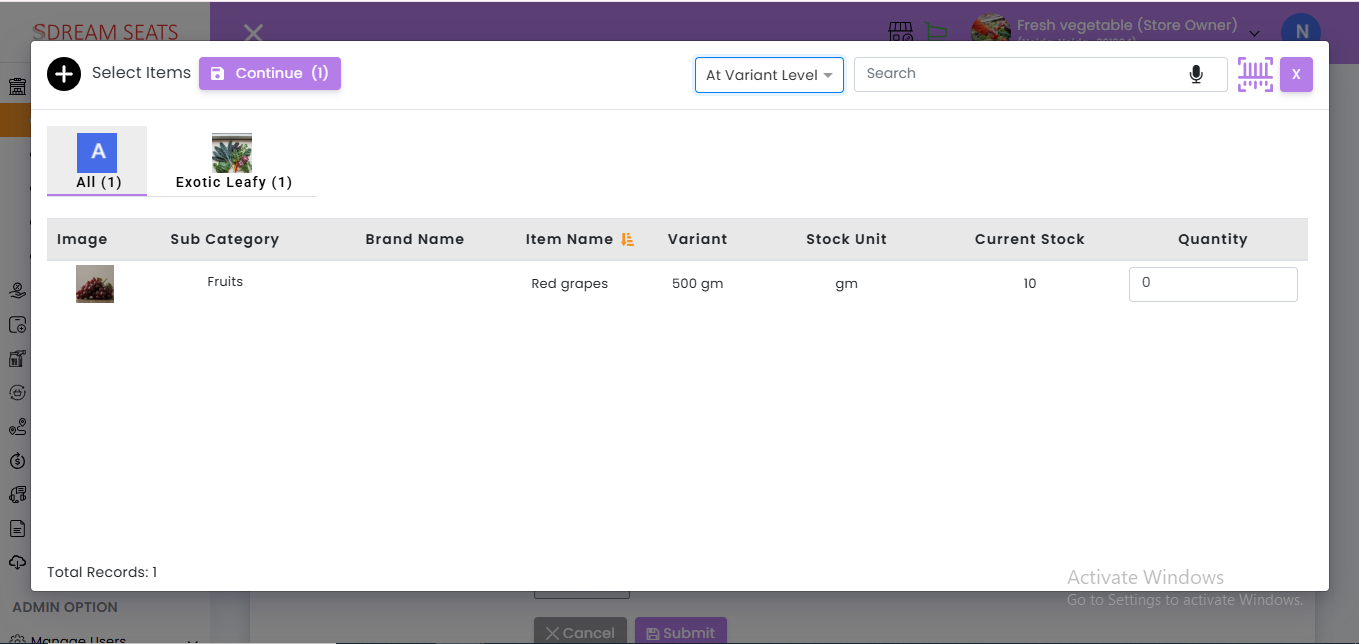
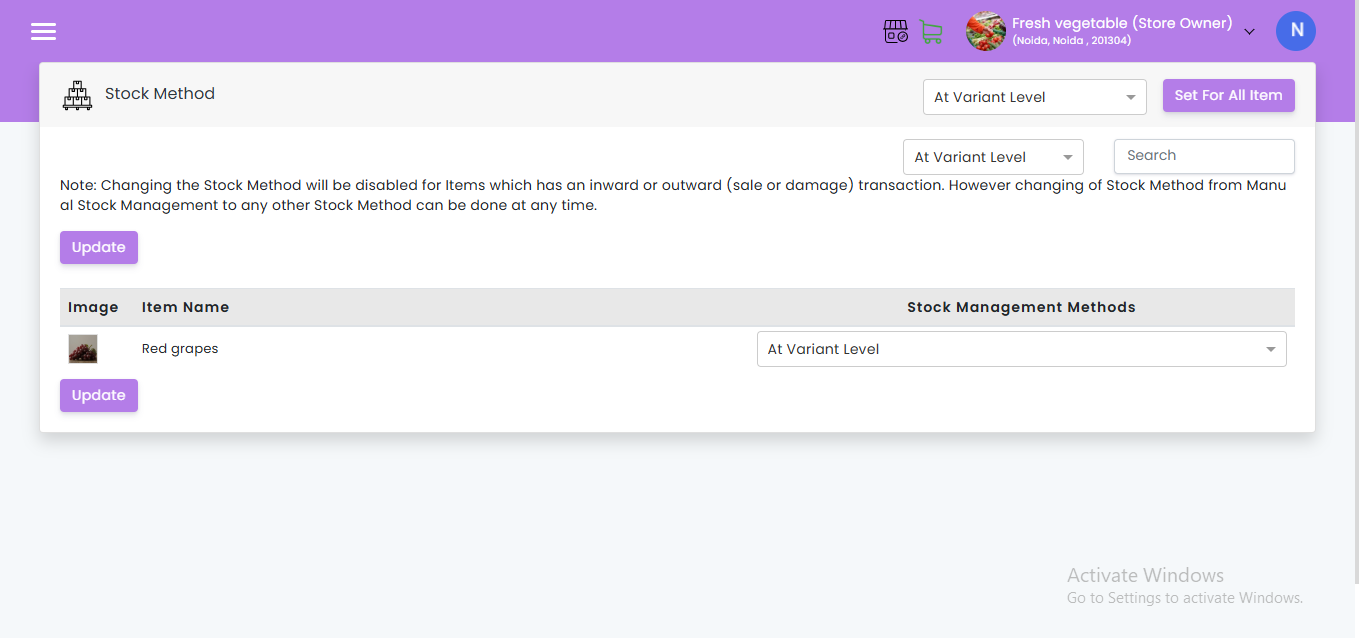
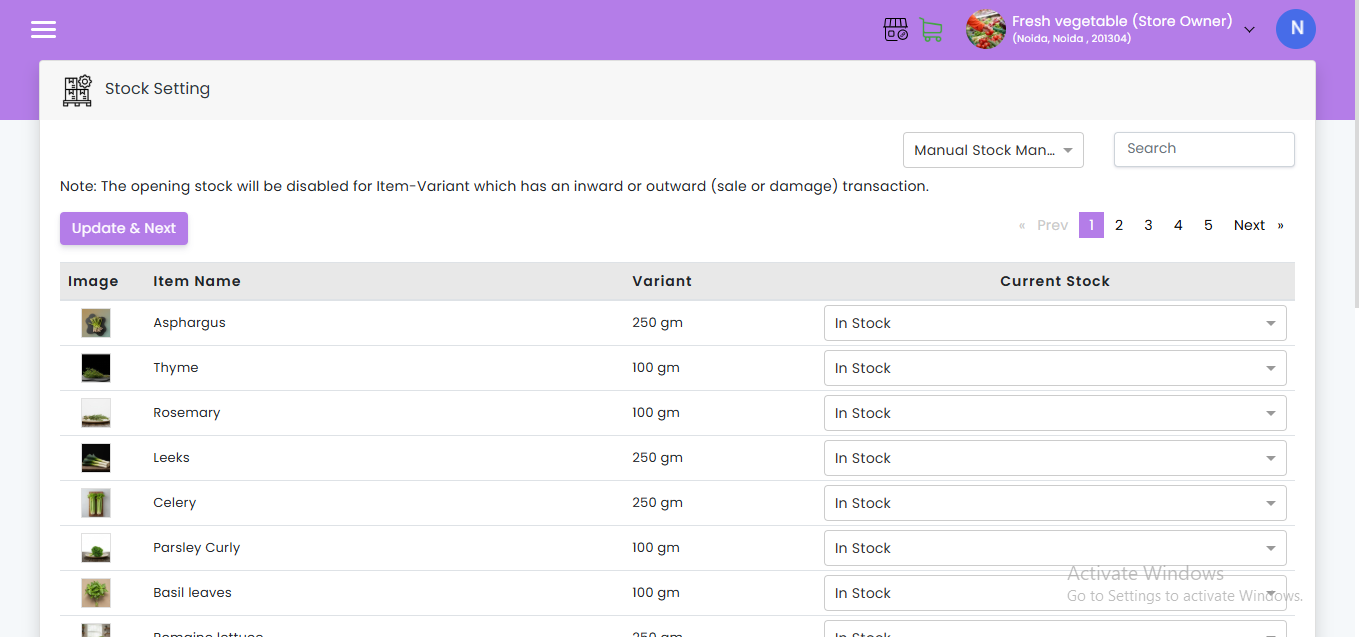
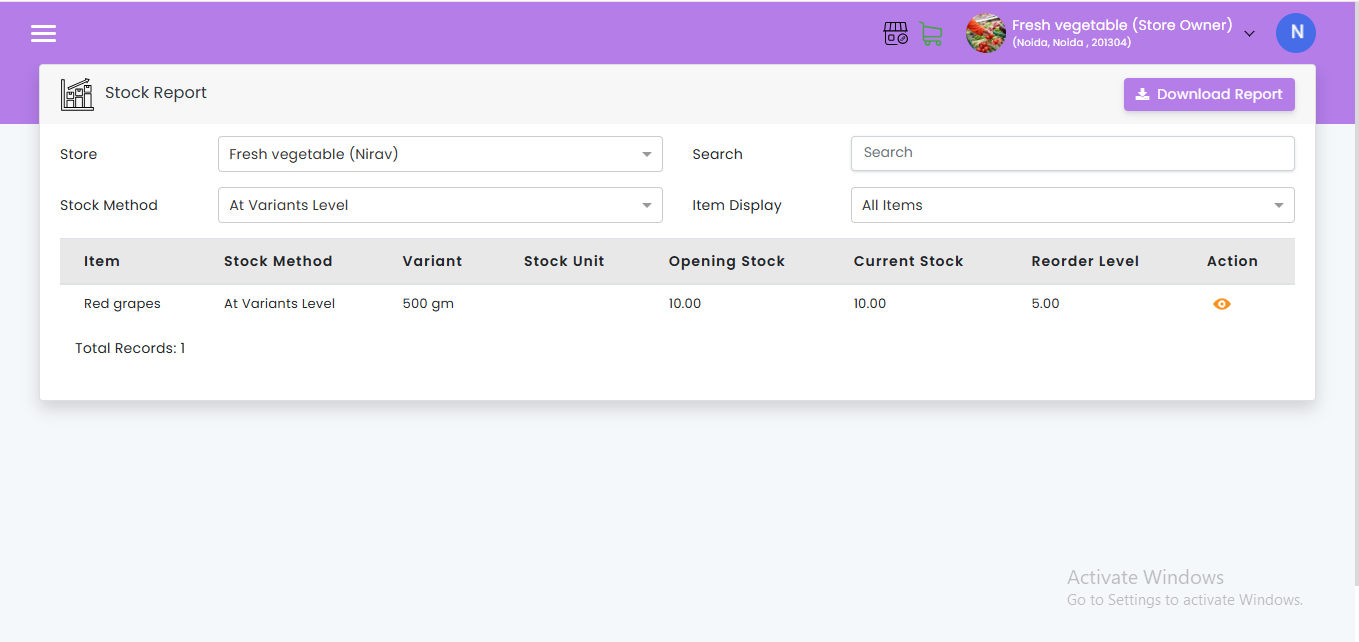
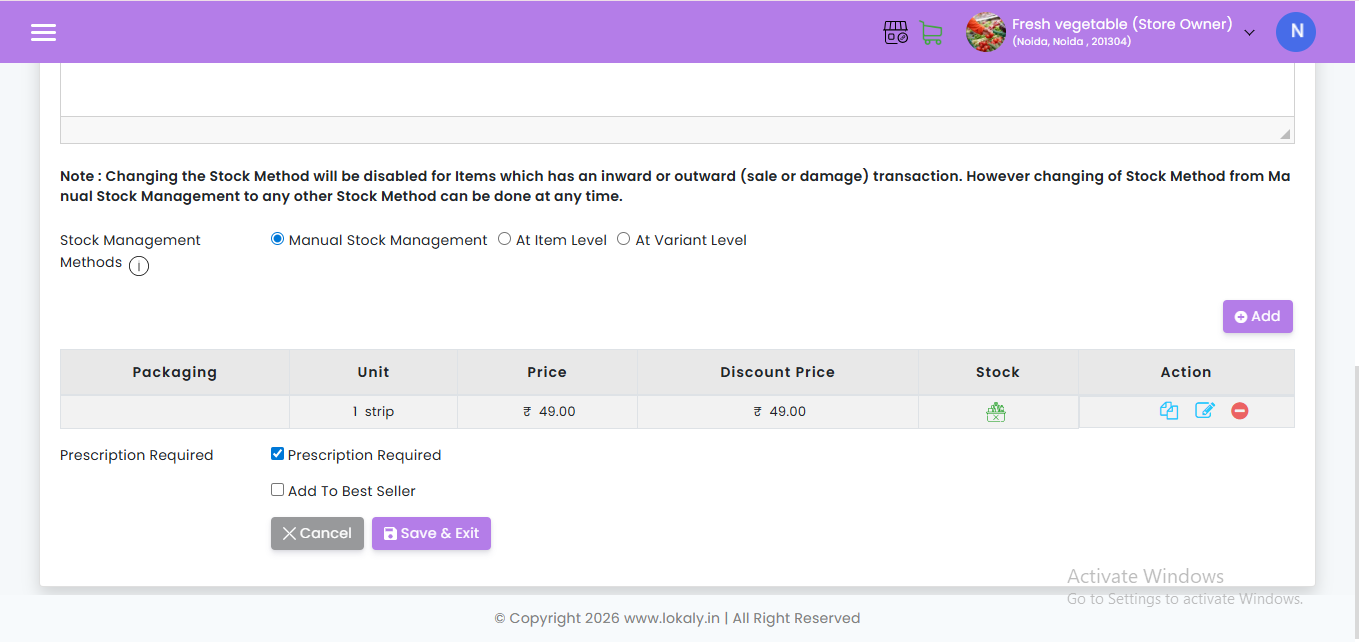
- Inventory Management: Tracks ingredient and product inventory, helping to manage stock levels and reduce waste.
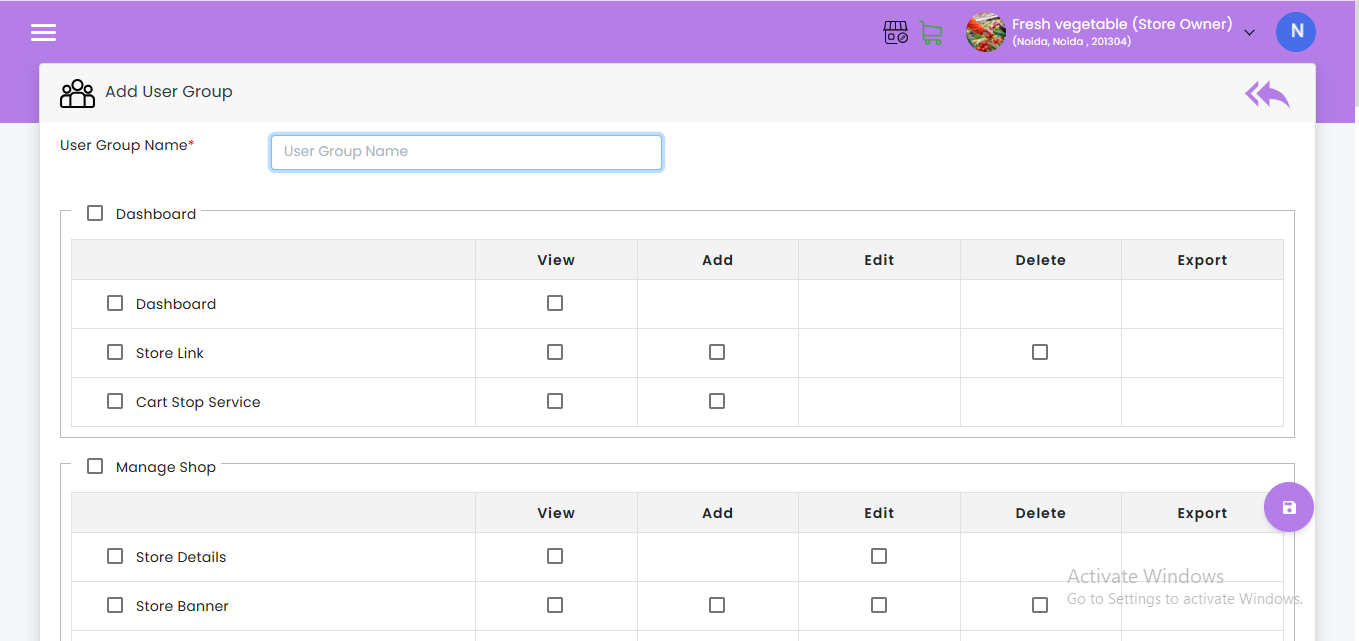
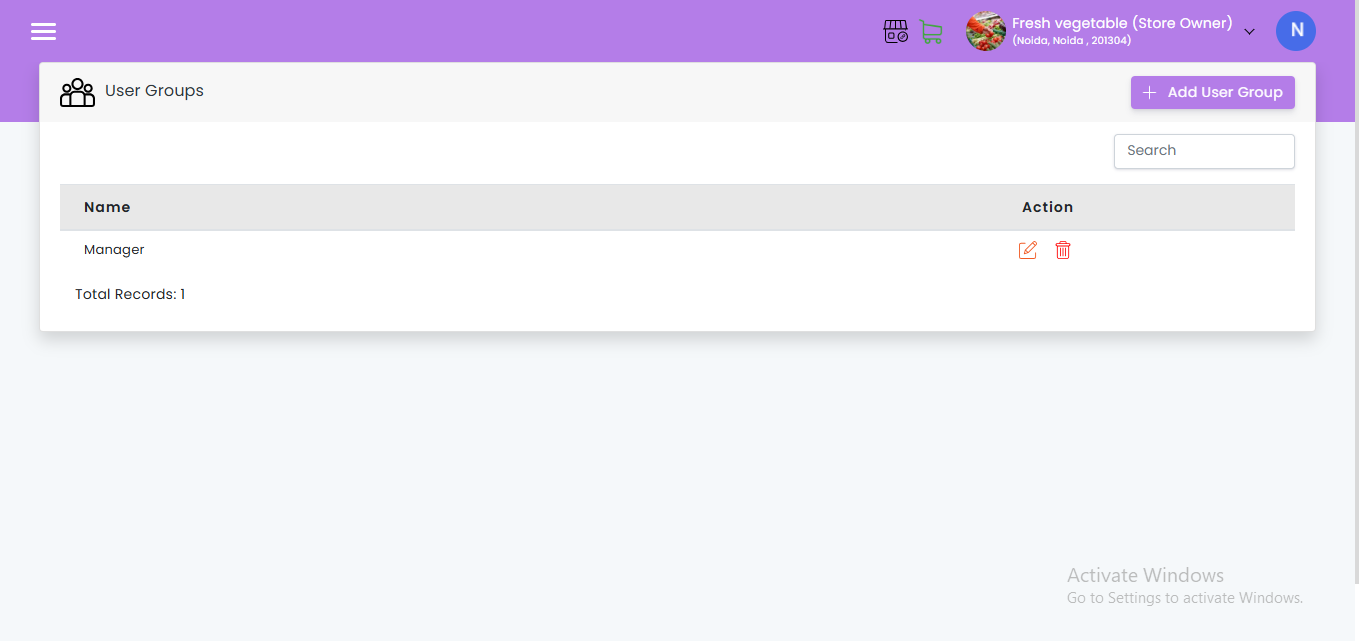
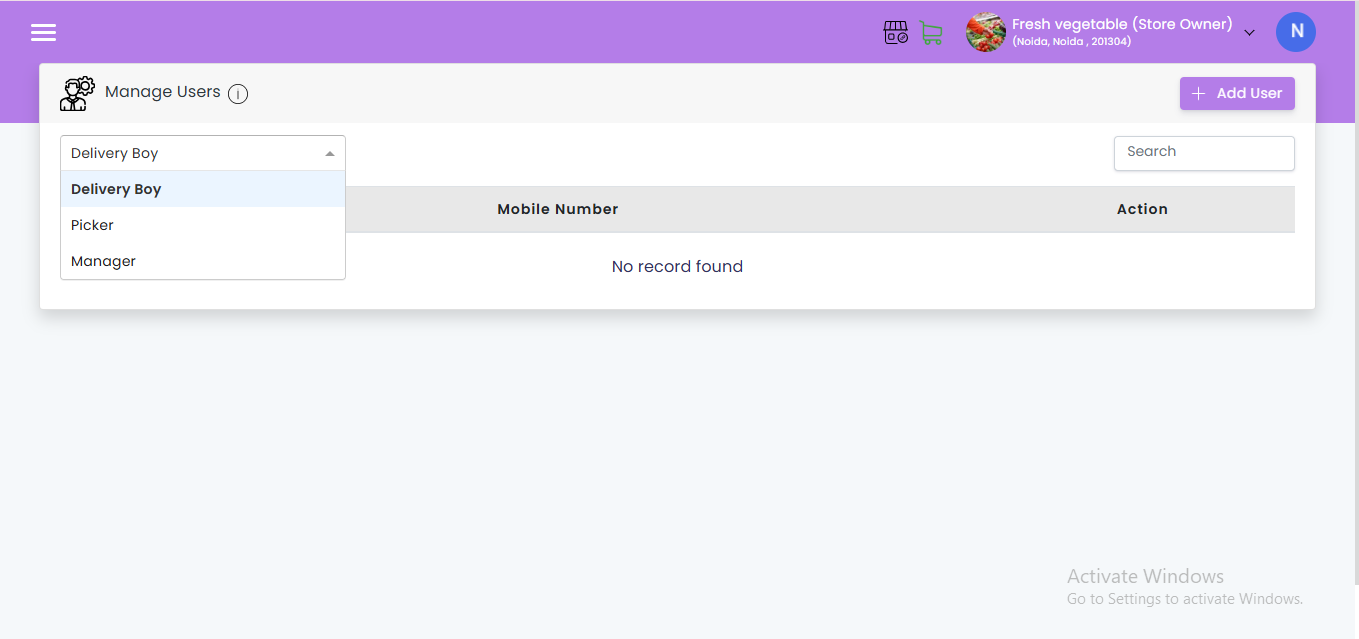
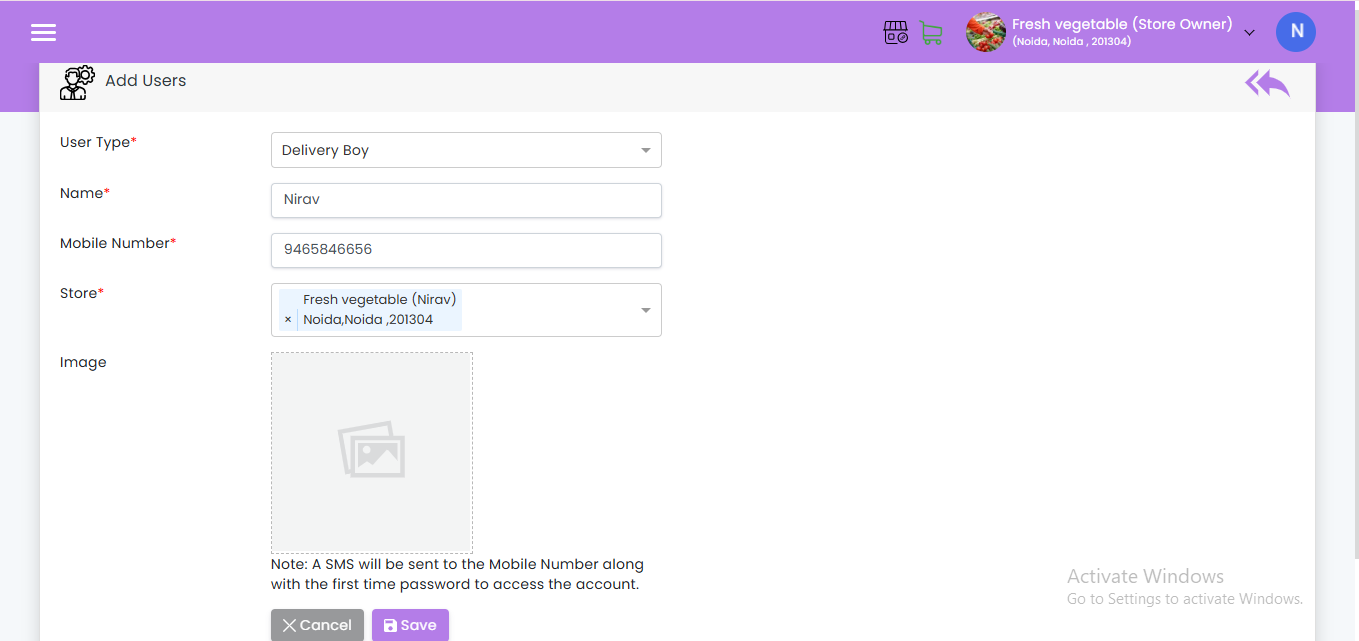
- Employee Management: Monitors employee hours, schedules, and performance.
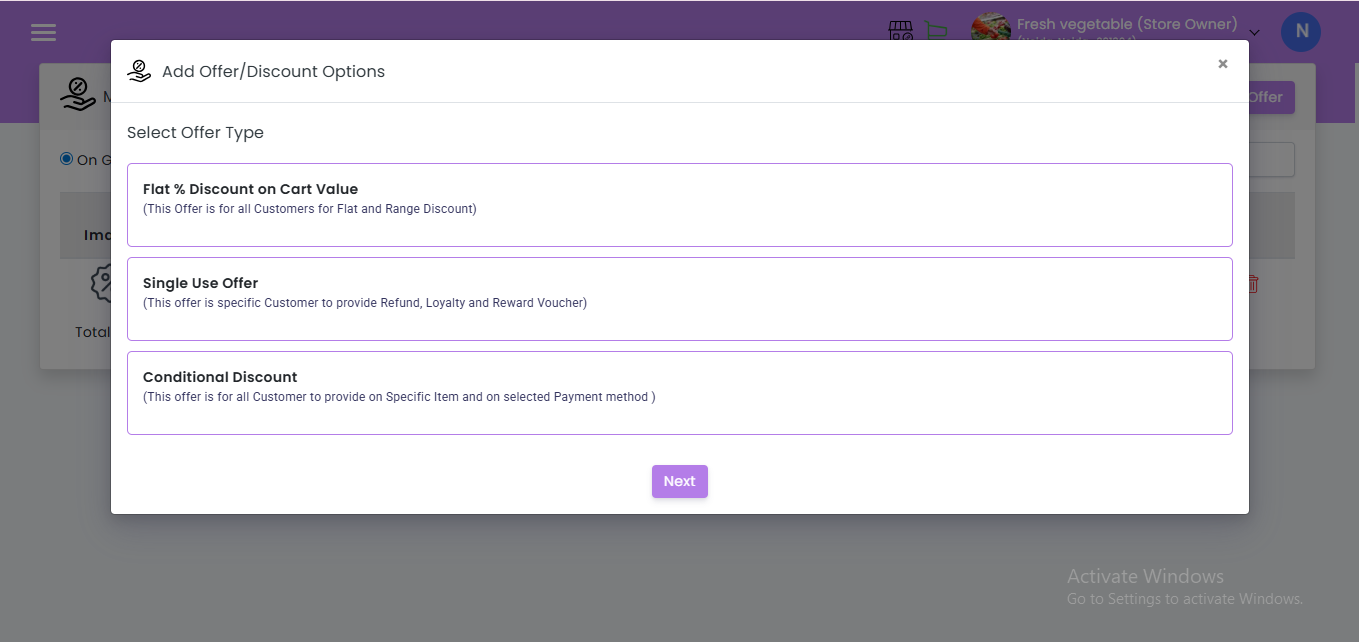
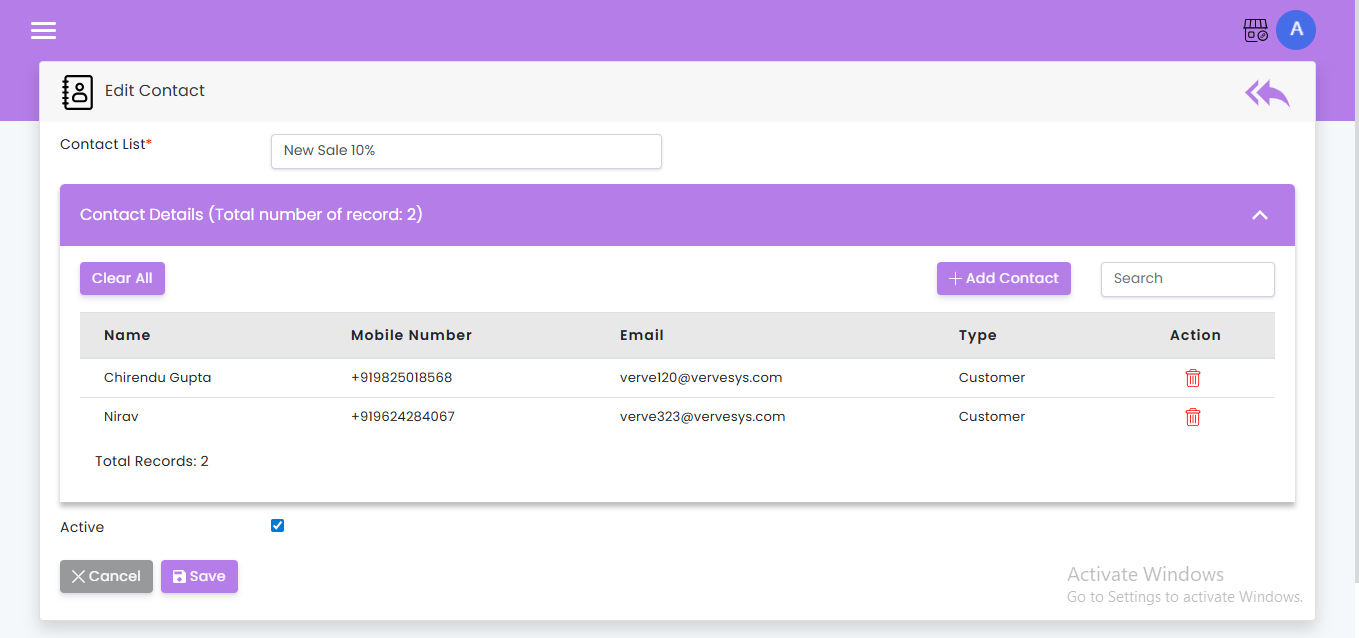
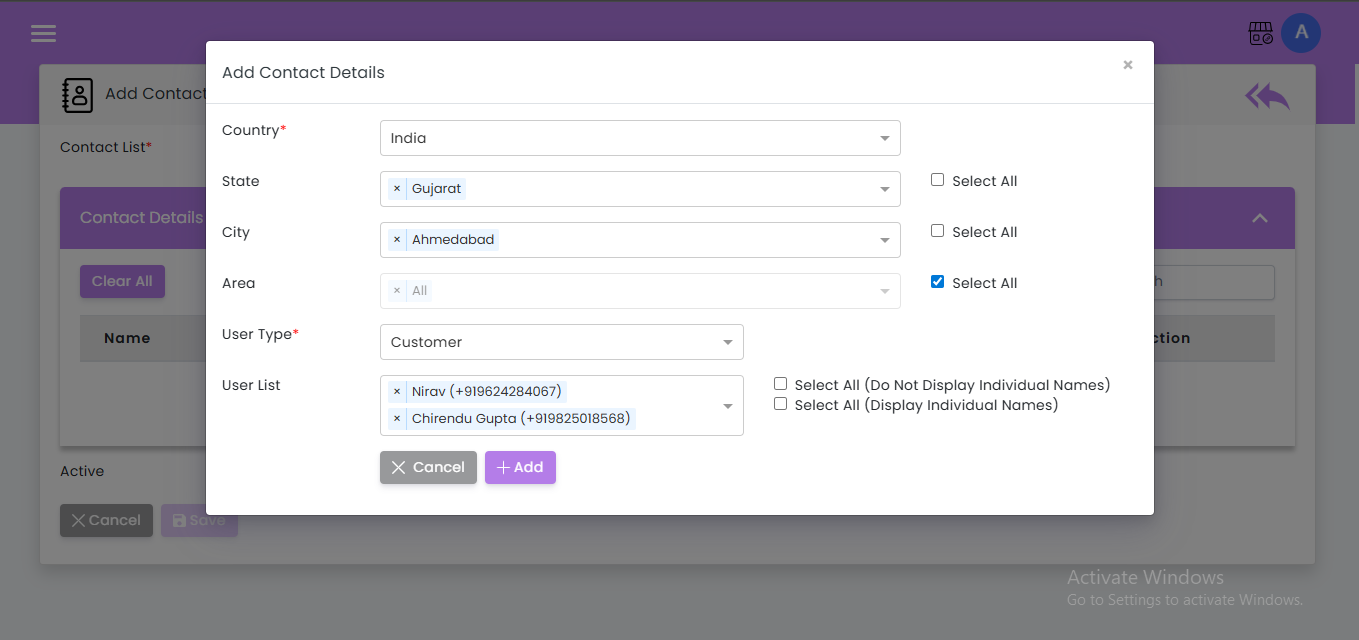
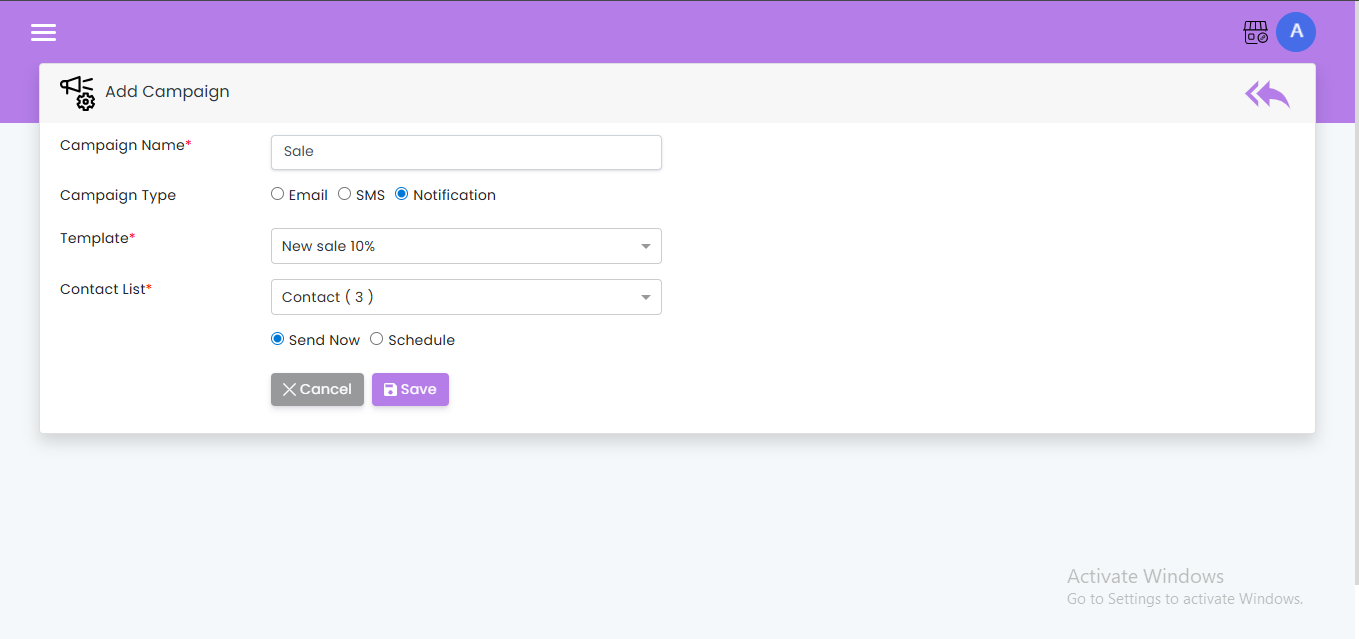
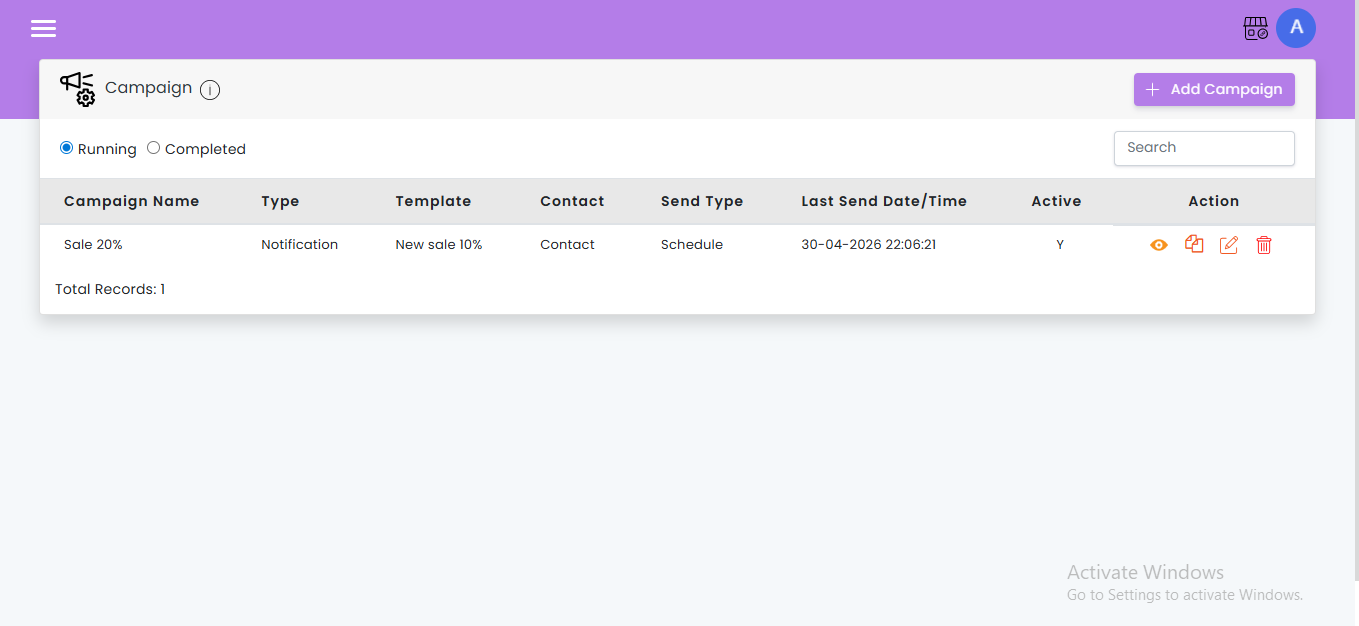
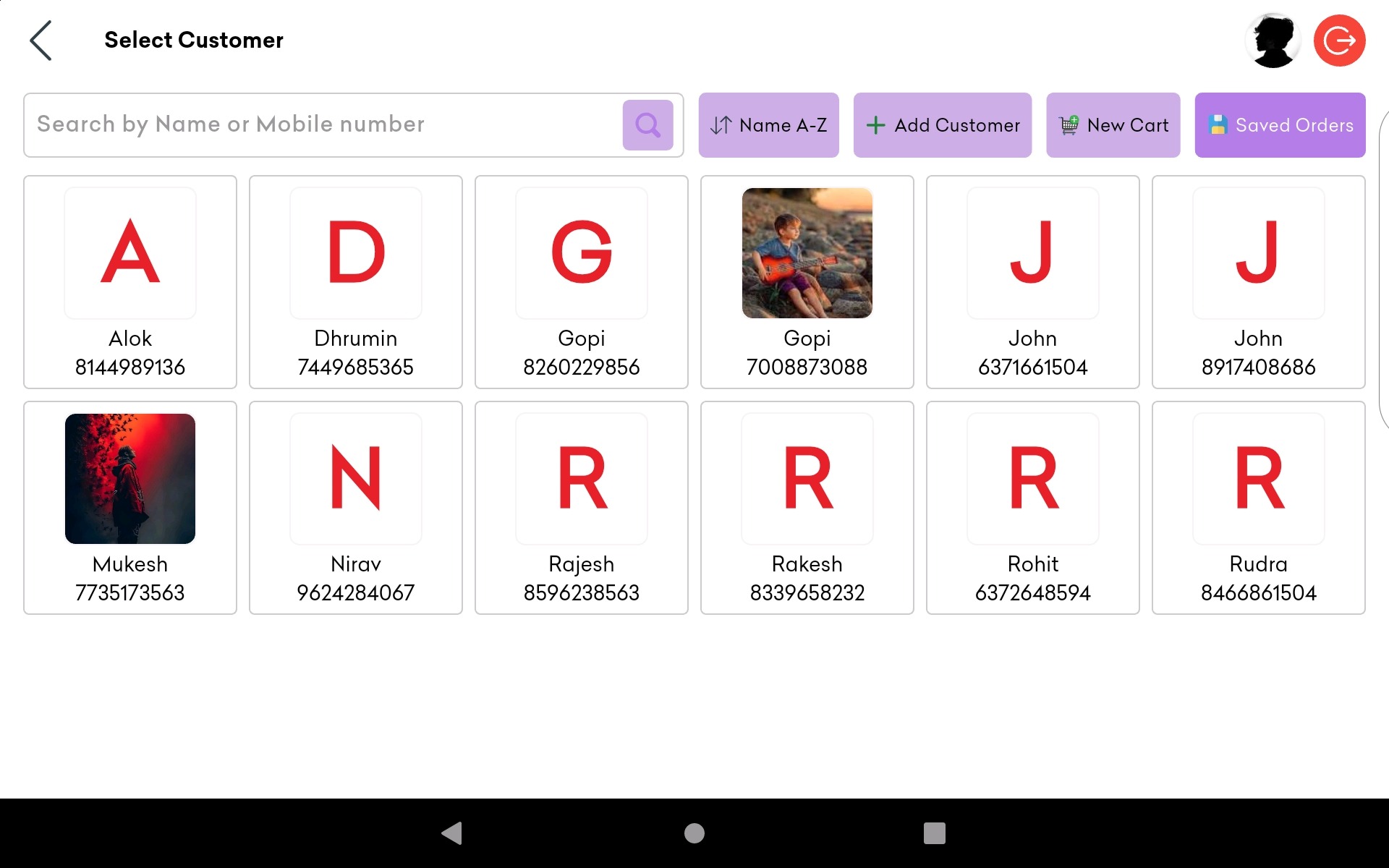
- Customer Relationship Management (CRM): Stores customer data, tracks loyalty programs, and manages marketing campaigns.
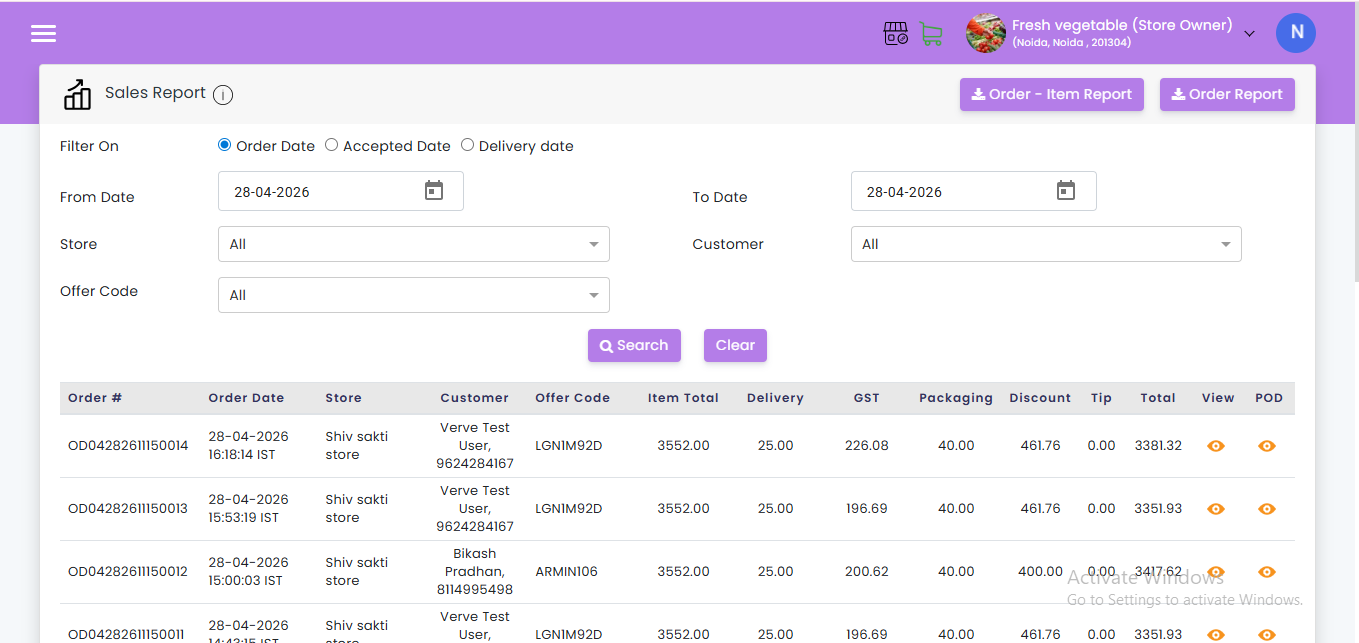
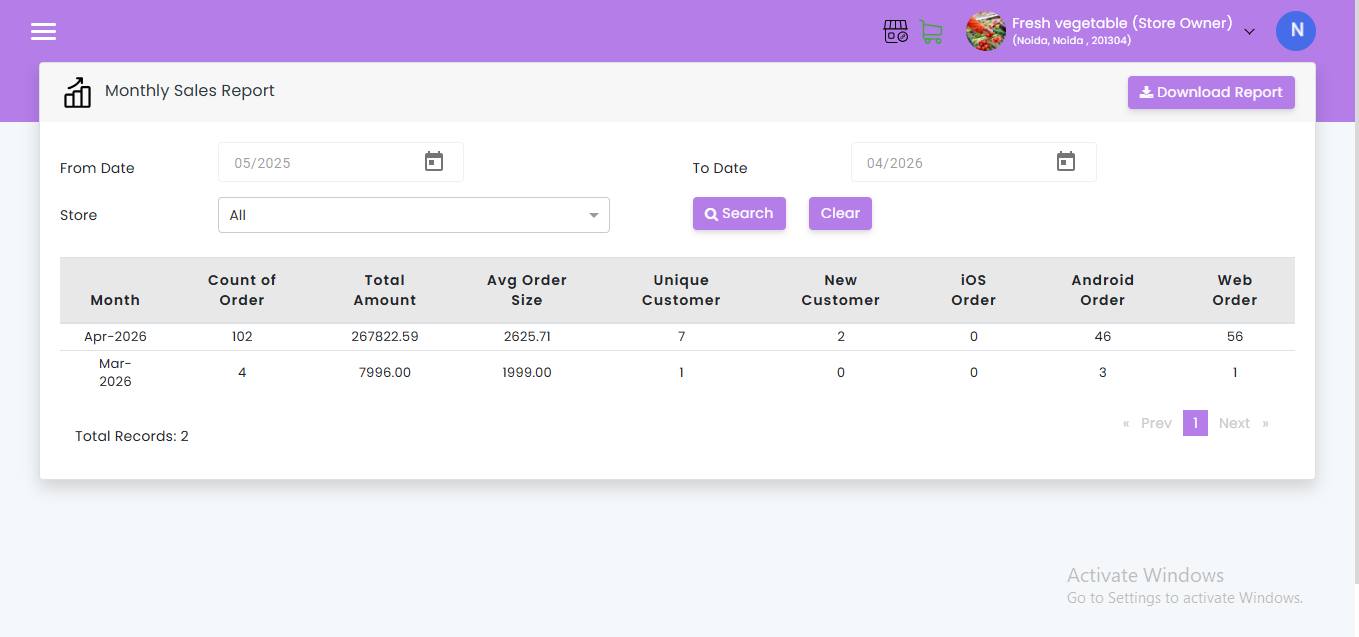
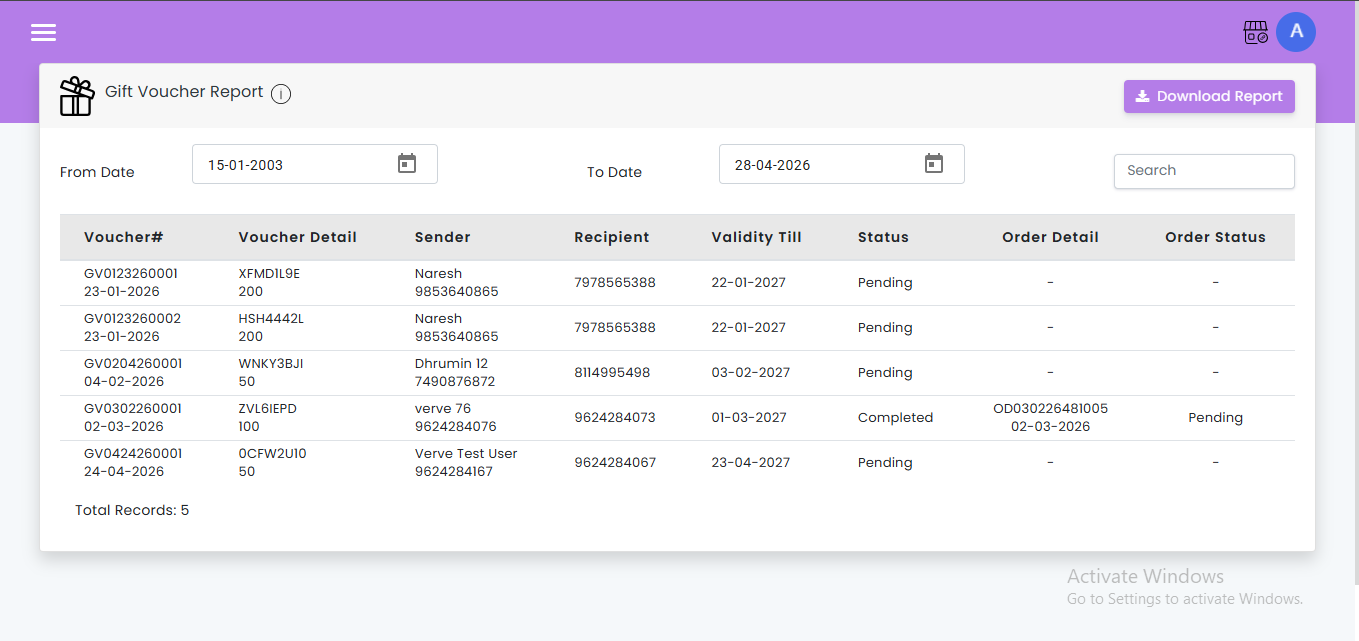
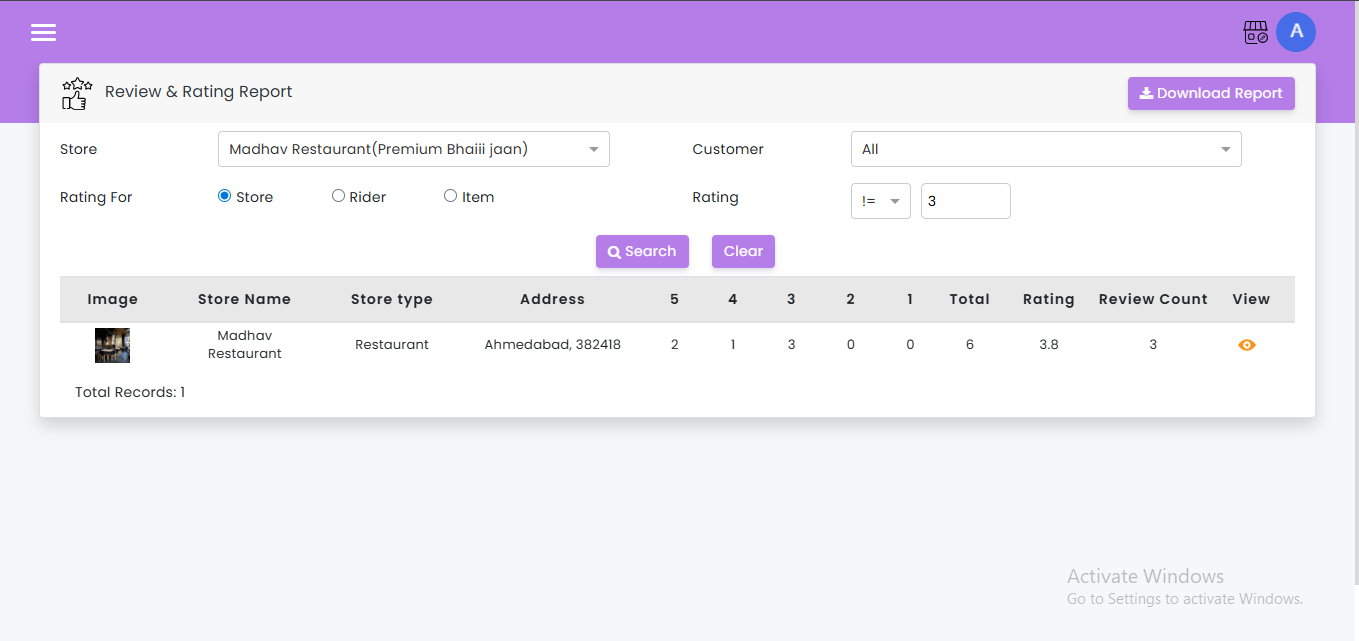
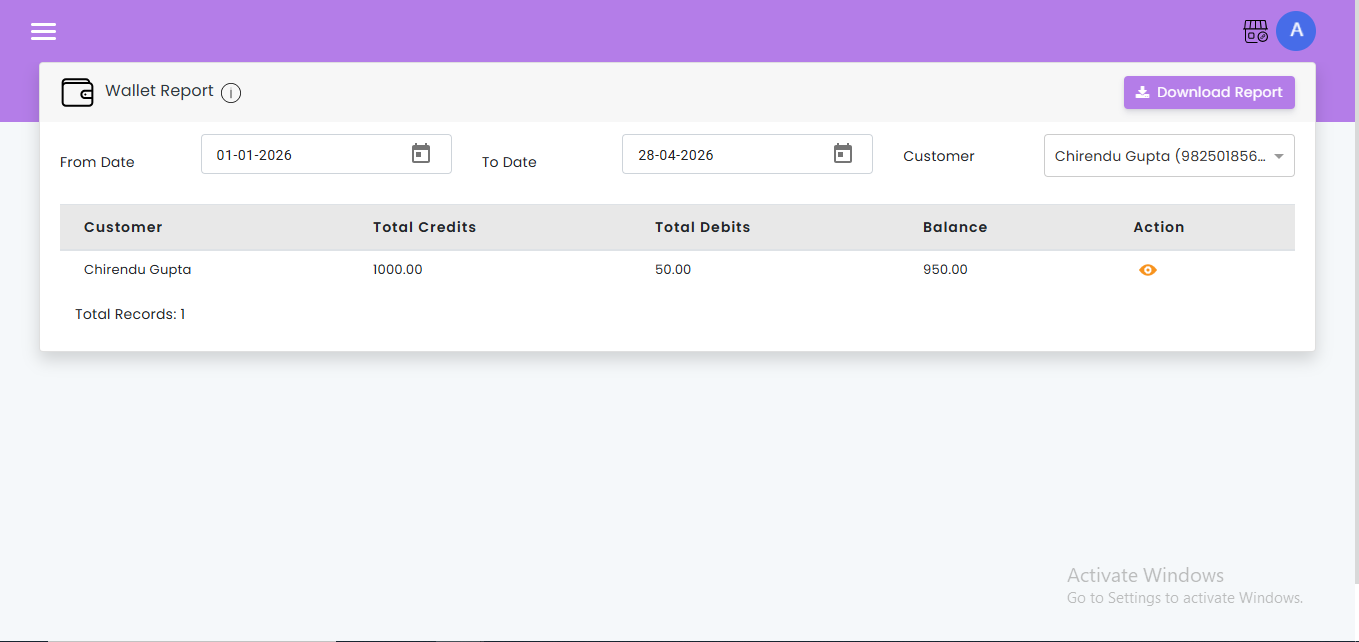
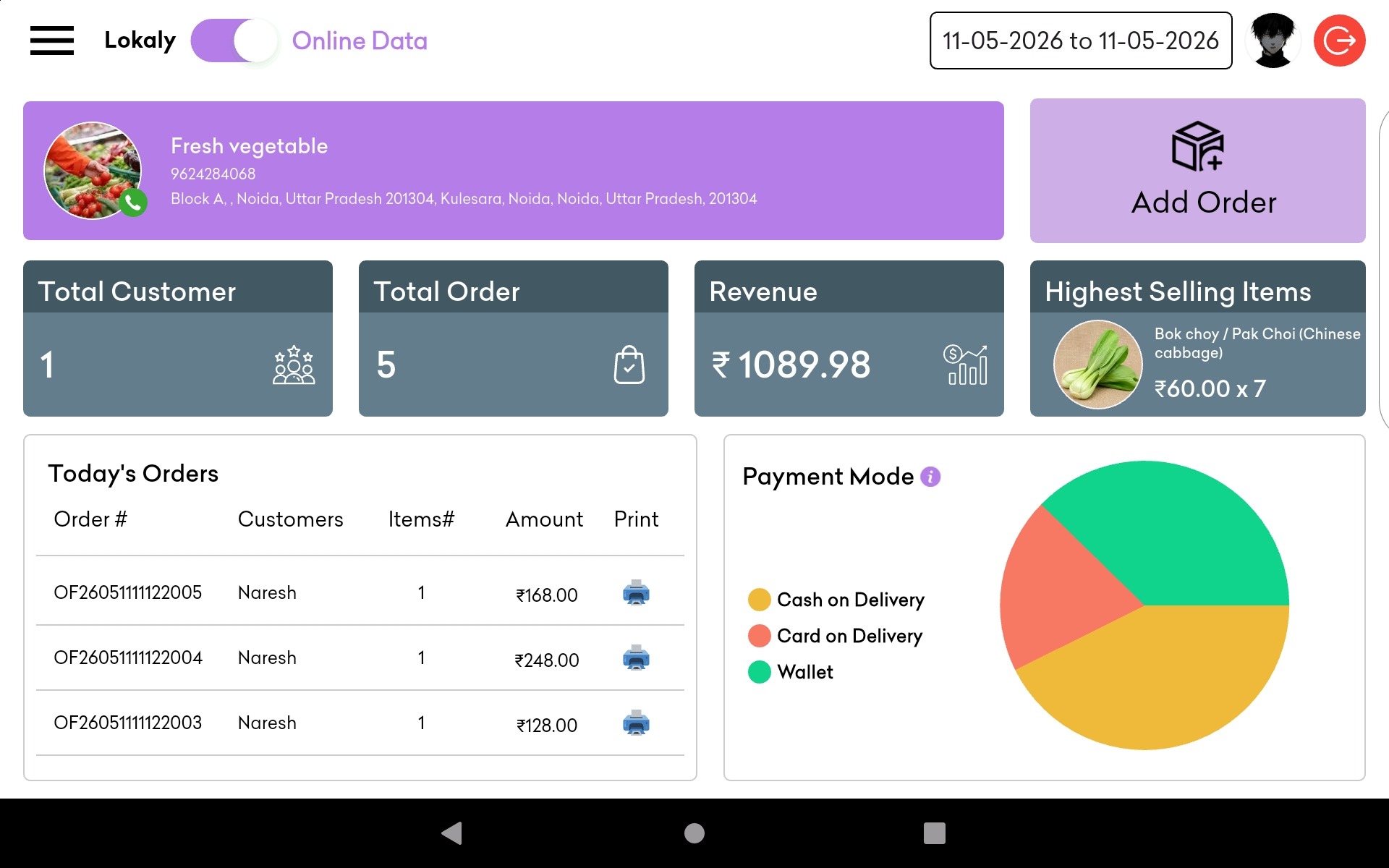
- Reporting and Analytics: Provides detailed sales reports, inventory levels, and financial summaries.
Why Do Restaurants Need a PoS System?
A PoS system is vital for modern restaurants for several reasons:
- Efficiency: Streamlines order taking, processing, and payment, reducing wait times and increasing table turnover.
- Accuracy: Minimizes human errors in order entry and payment processing.
- Inventory Control: Helps manage stock levels, reducing waste and ensuring that popular items are always available.
- Customer Insights: Collects and analyzes data on customer preferences and purchasing habits, enabling personalized marketing and improved service.
- Security: Enhances transaction security and reduces the risk of theft and fraud.
Importance of PoS System in Restaurant
The importance of a PoS system in a restaurant cannot be overstated. Here’s why:
- Improved Customer Experience: Fast and accurate service enhances customer satisfaction and loyalty.
- Operational Efficiency: Automates many routine tasks, freeing up staff to focus on customer service.
- Data-Driven Decisions: Provides insights into sales trends, customer behavior, and operational efficiency, helping to make informed business decisions.
- Cost Savings: Optimizes inventory management, reduces waste, and controls labor costs.
How to Use a PoS System in a Restaurant
Implementing and using a PoS system involves several steps:
System Setup
- Hardware Installation: Set up terminals, printers, cash drawers, and other hardware components at strategic locations in the restaurant.
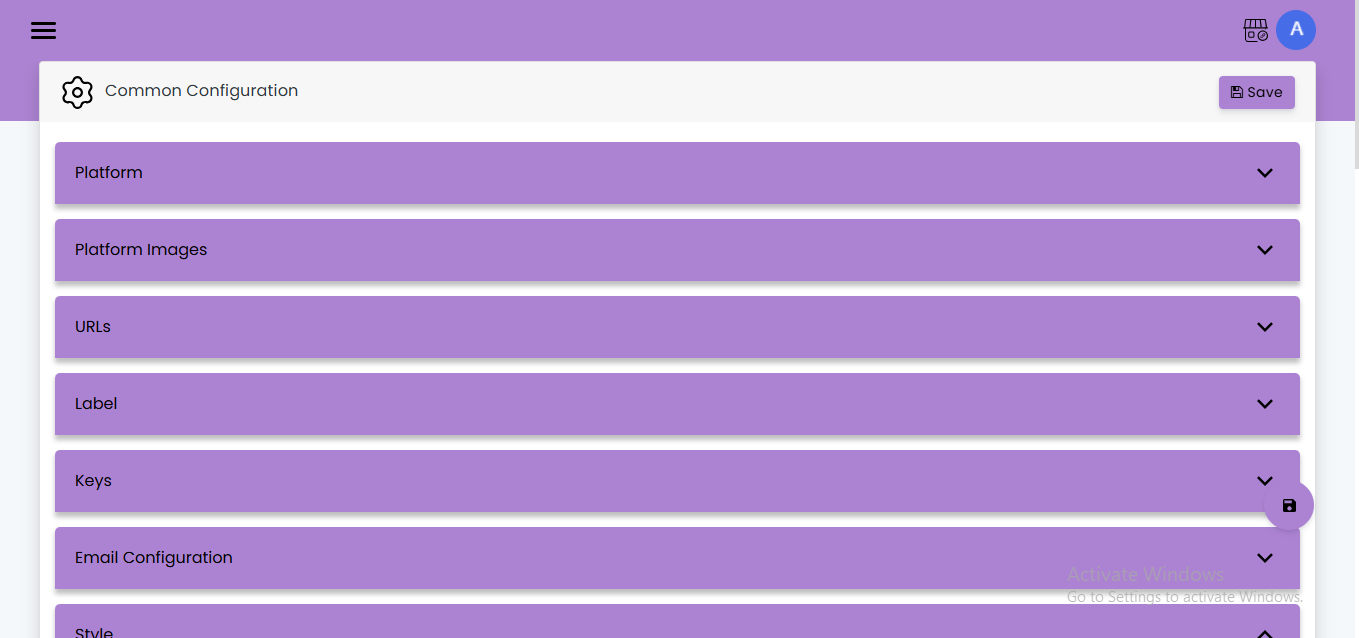
- Software Configuration: Install and configure the PoS software, ensuring it is tailored to your restaurant’s specific needs.
Menu and Inventory Setup
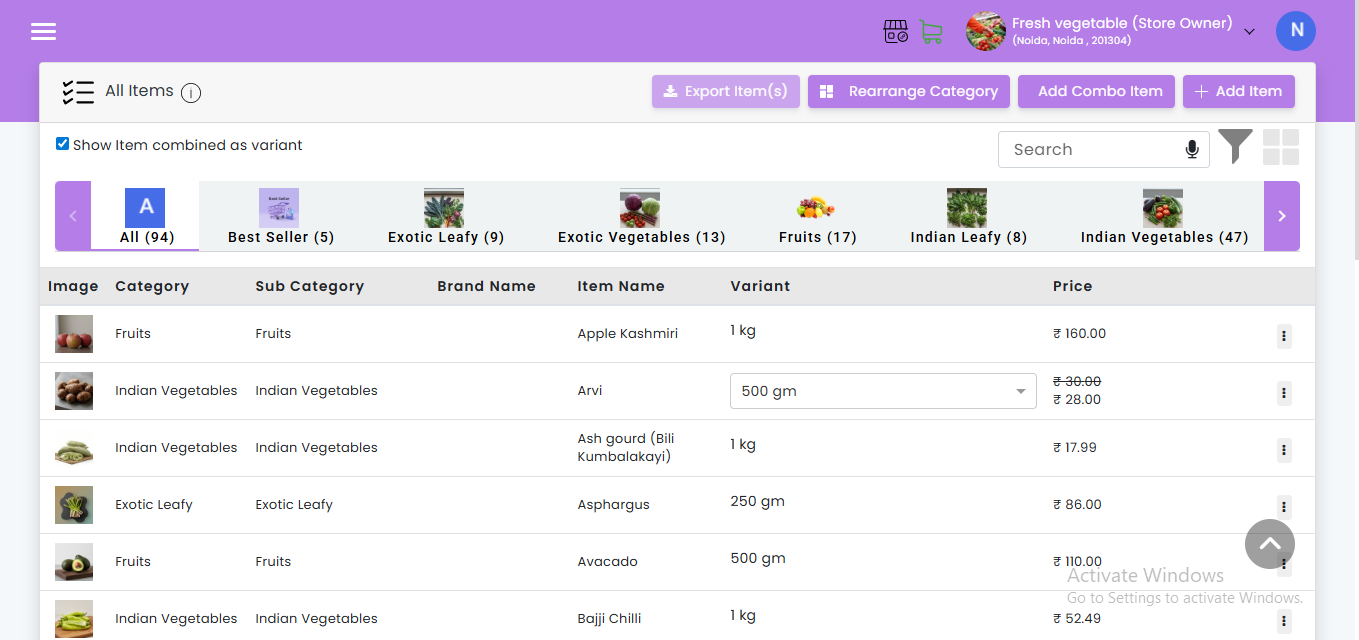
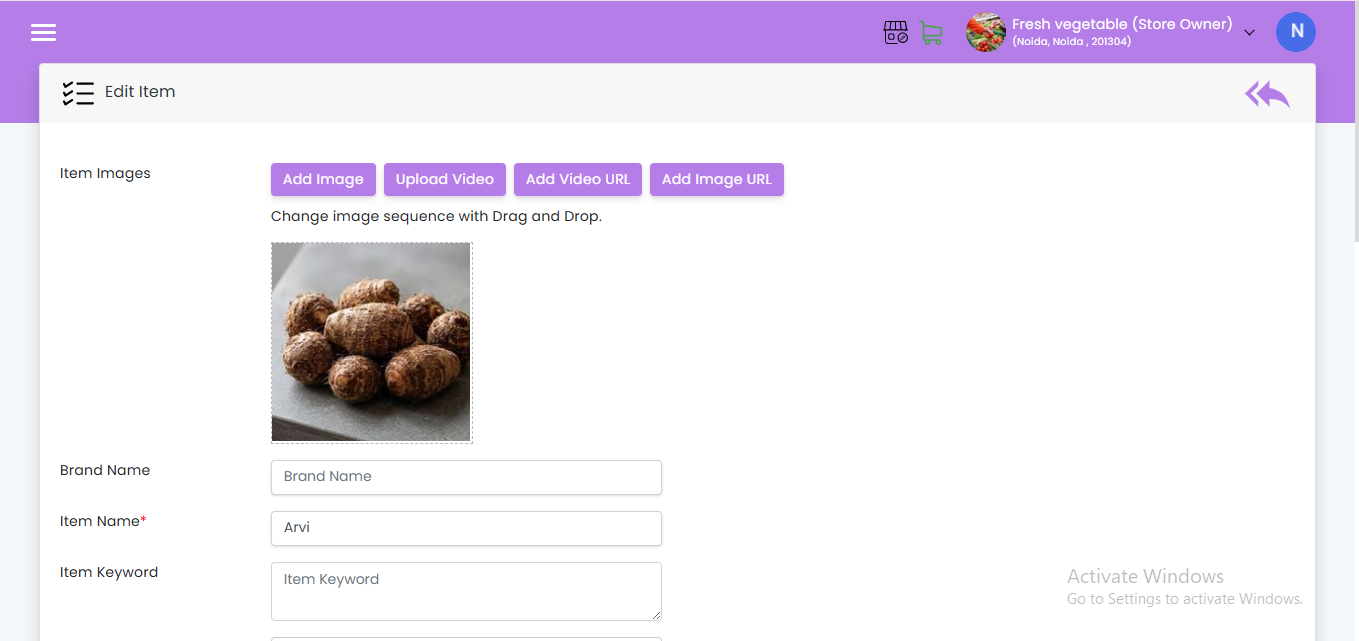
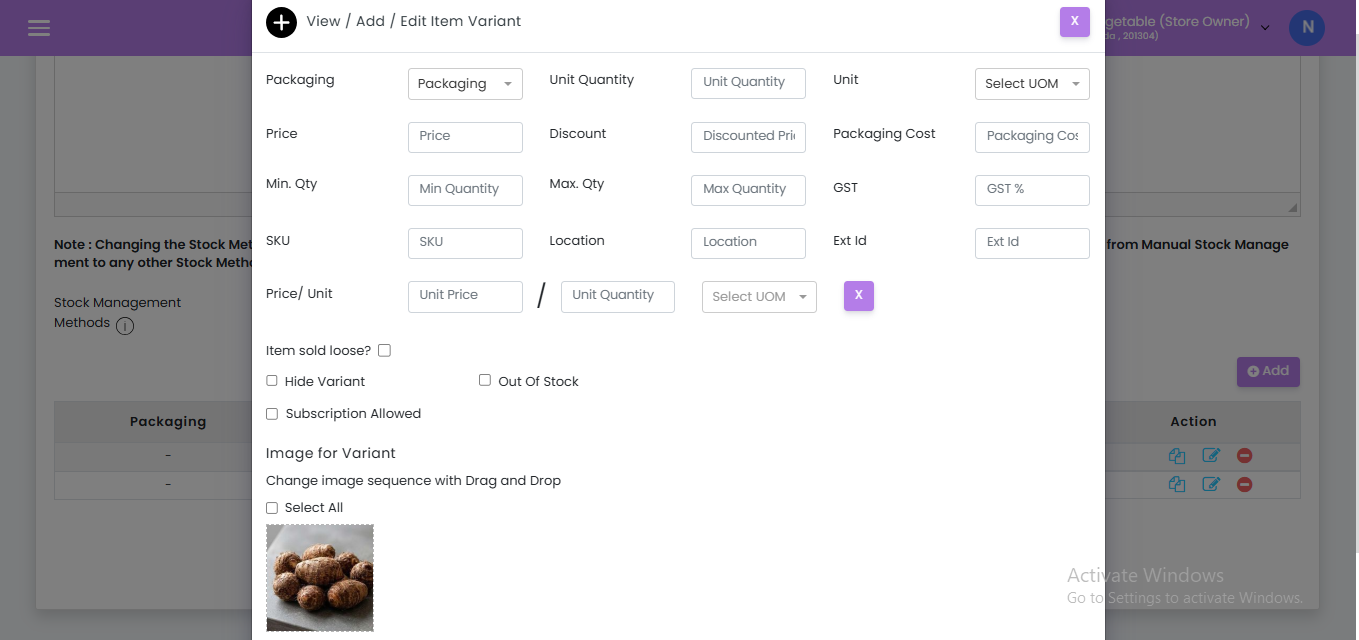
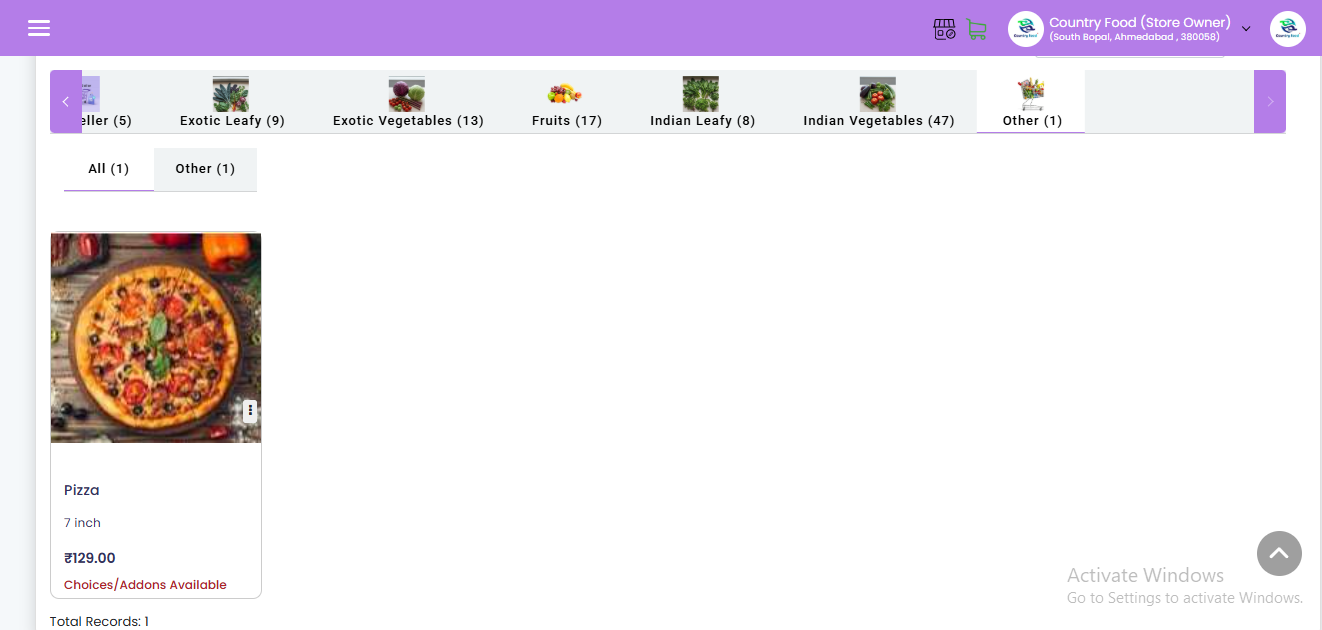
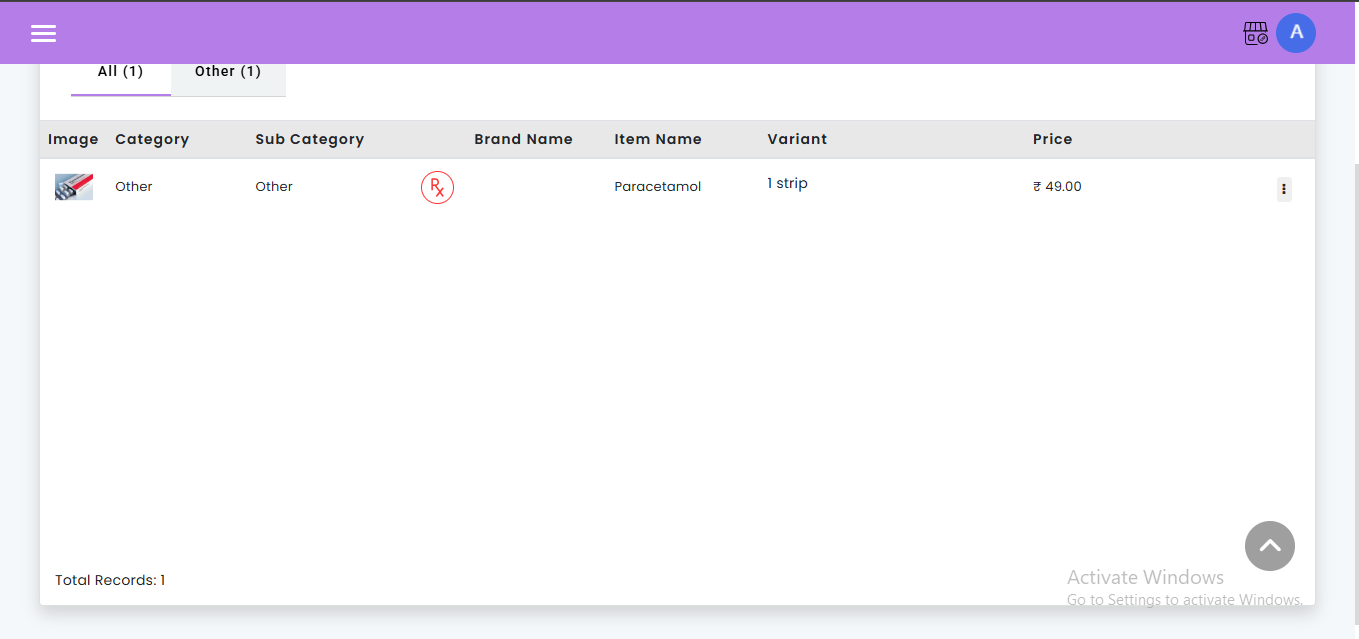
- Menu Input: Enter all menu items, including descriptions, prices, and modifiers (e.g., extra cheese, no onions).
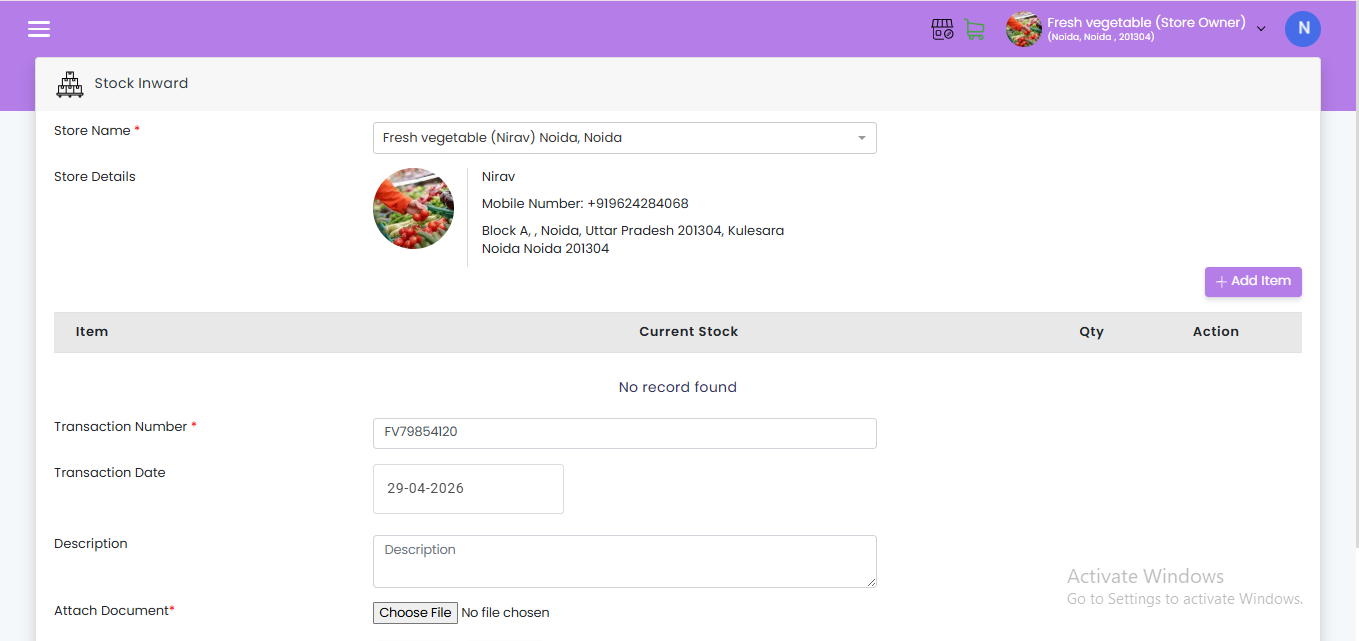
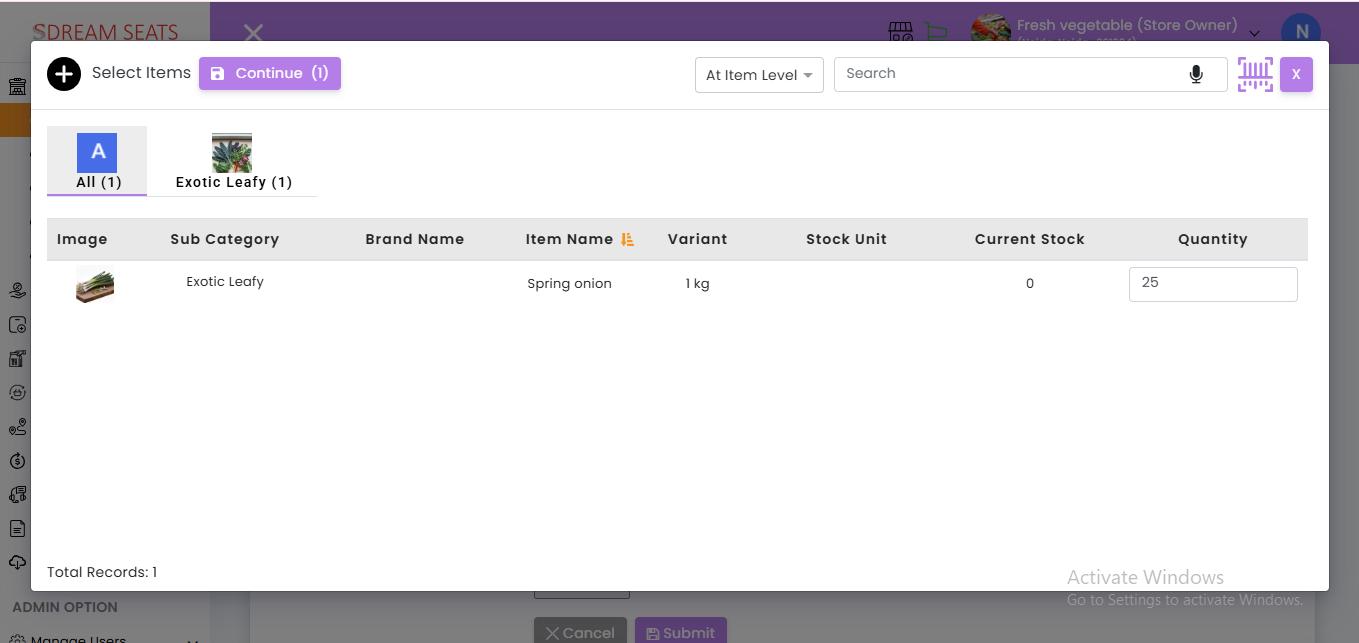
- Inventory Management: Set up inventory tracking for ingredients and supplies, establishing reorder levels and alerts for low stock.
Train Your Team
- Staff Training: Provide comprehensive training for all staff members on how to use the PoS system effectively. This includes order entry, payment processing, and handling special requests.
- Ongoing Support: Ensure ongoing support and training for new employees and updates to the system.
Order Taking and Processing
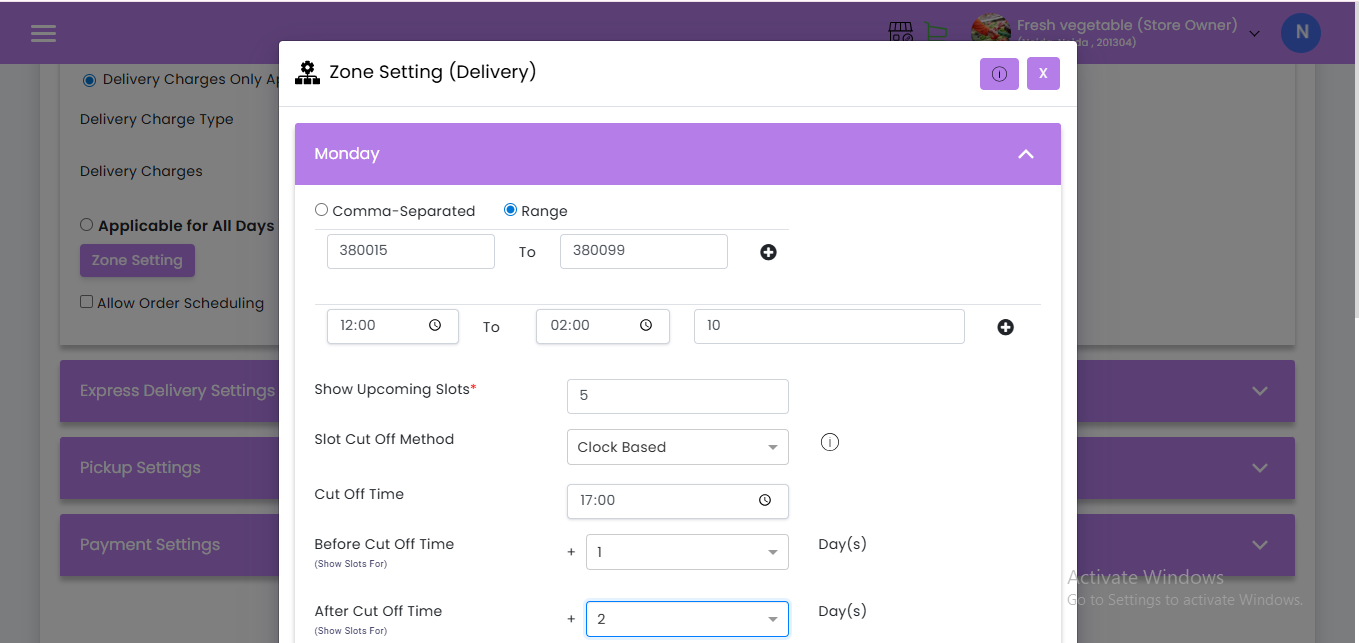
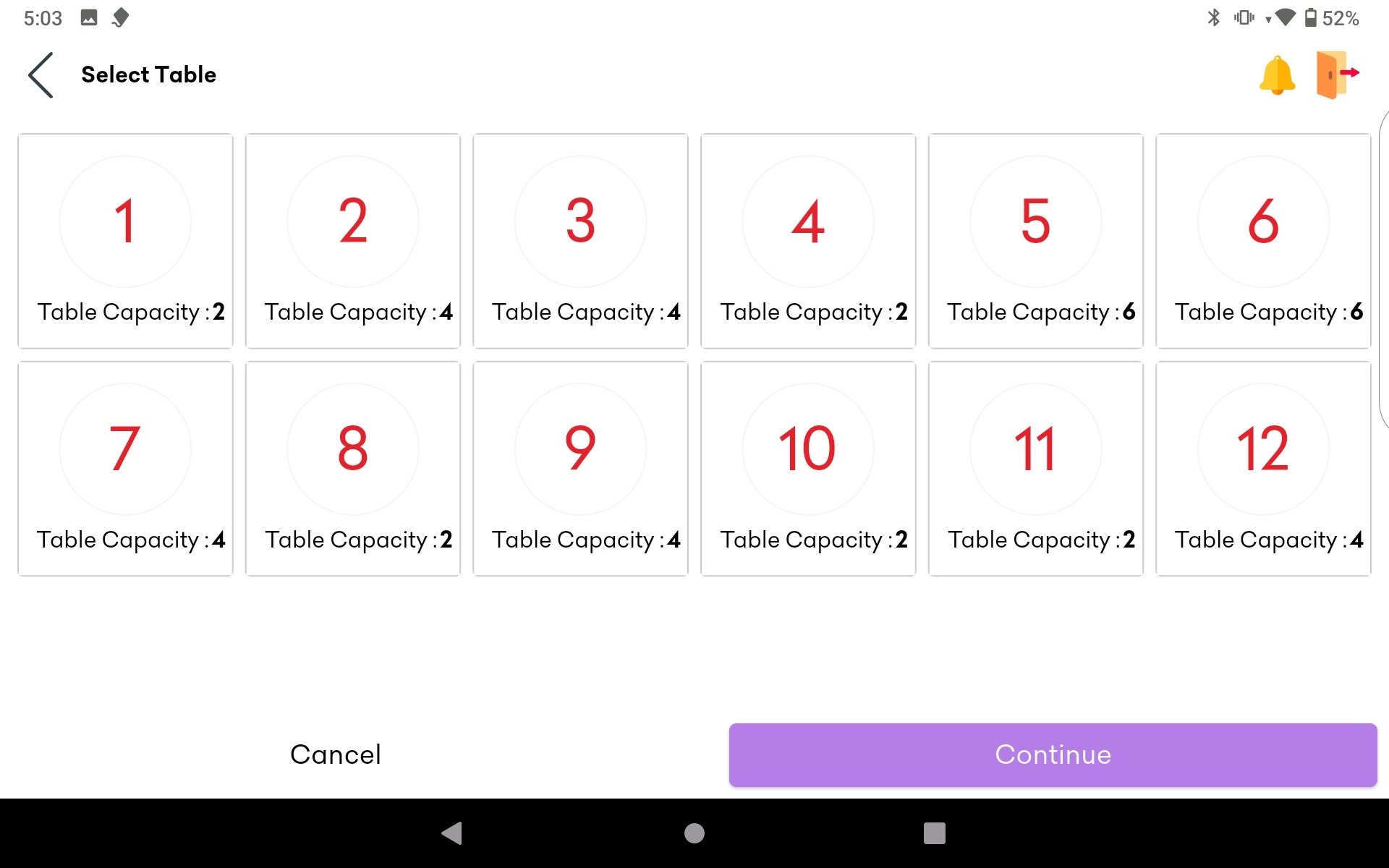
- Order Entry: Staff enters orders into the PoS system, either at the table using mobile devices or at a central terminal.
- Kitchen Communication: Orders are sent directly to the kitchen via a kitchen display system (KDS) or printed tickets, ensuring timely preparation.
Get Payment
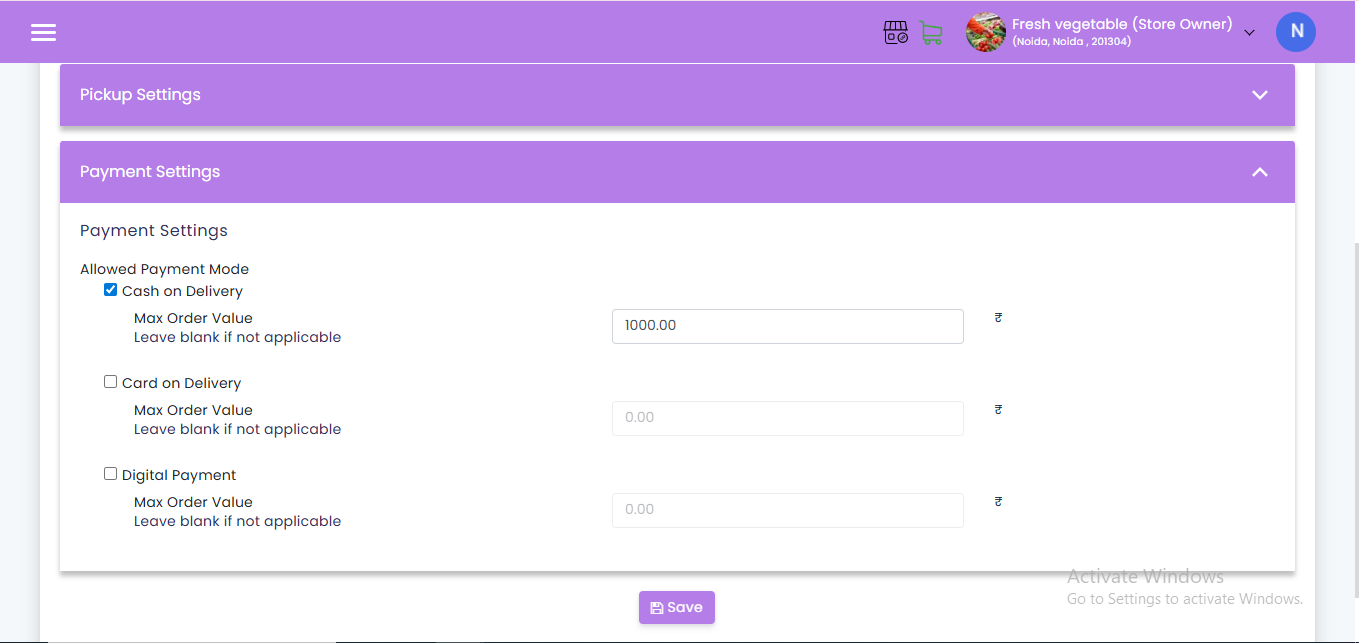
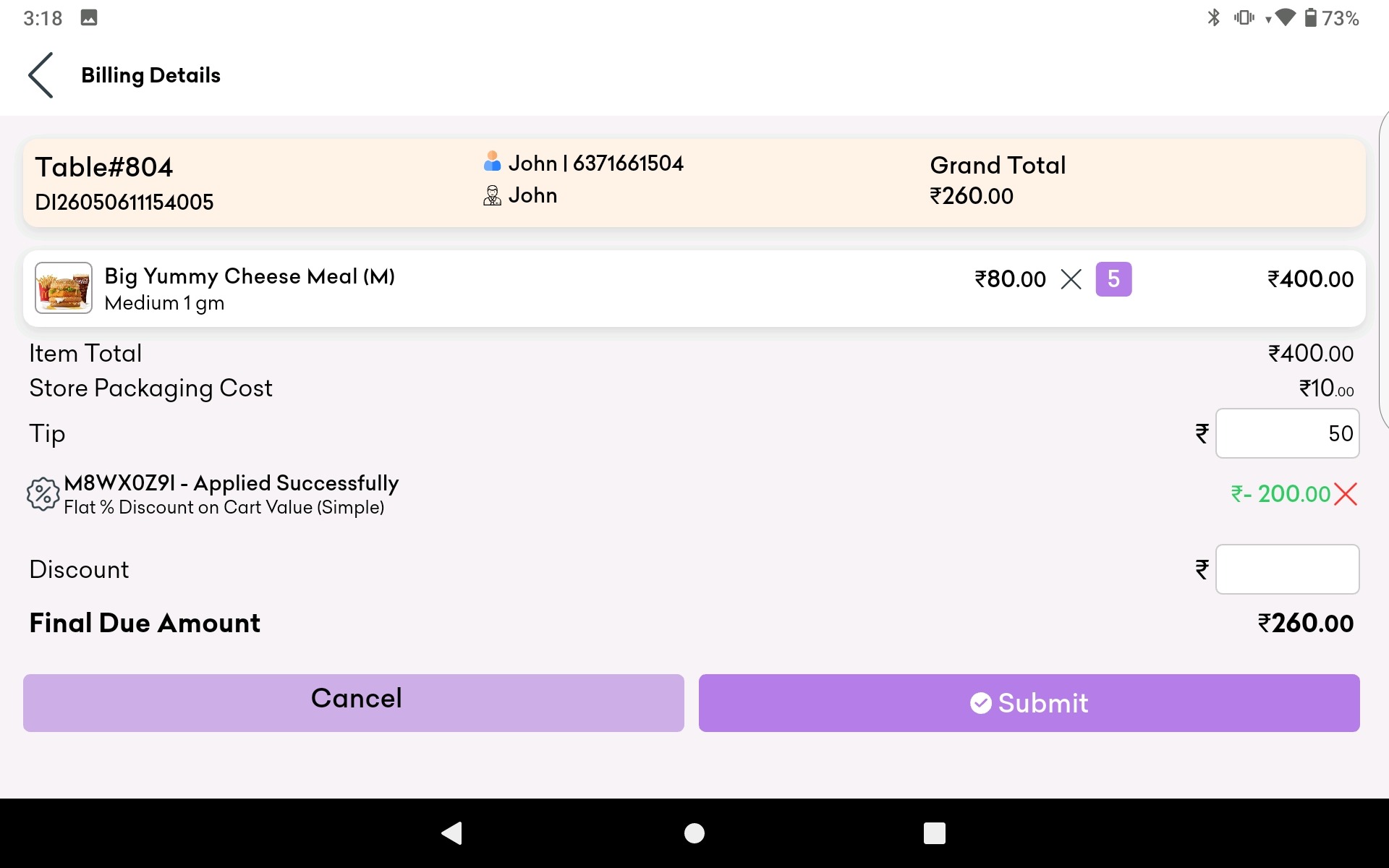
- Payment Processing: Handle payments efficiently, whether in cash, by card, or via digital wallets. Ensure the PoS system can split bills and process tips.
- Receipts: Provide customers with printed or digital receipts, ensuring transparency and accuracy.
Integrate with Other Systems
- Accounting Software: Integrate the PoS system with your accounting software for streamlined financial management.
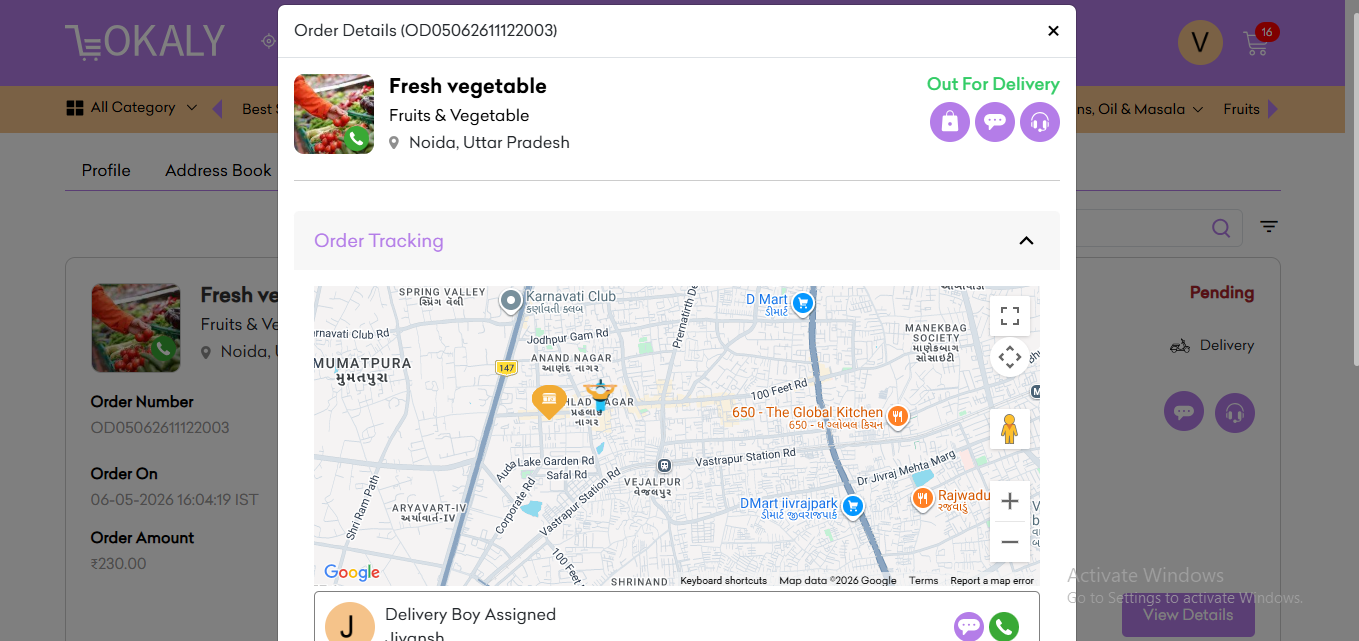
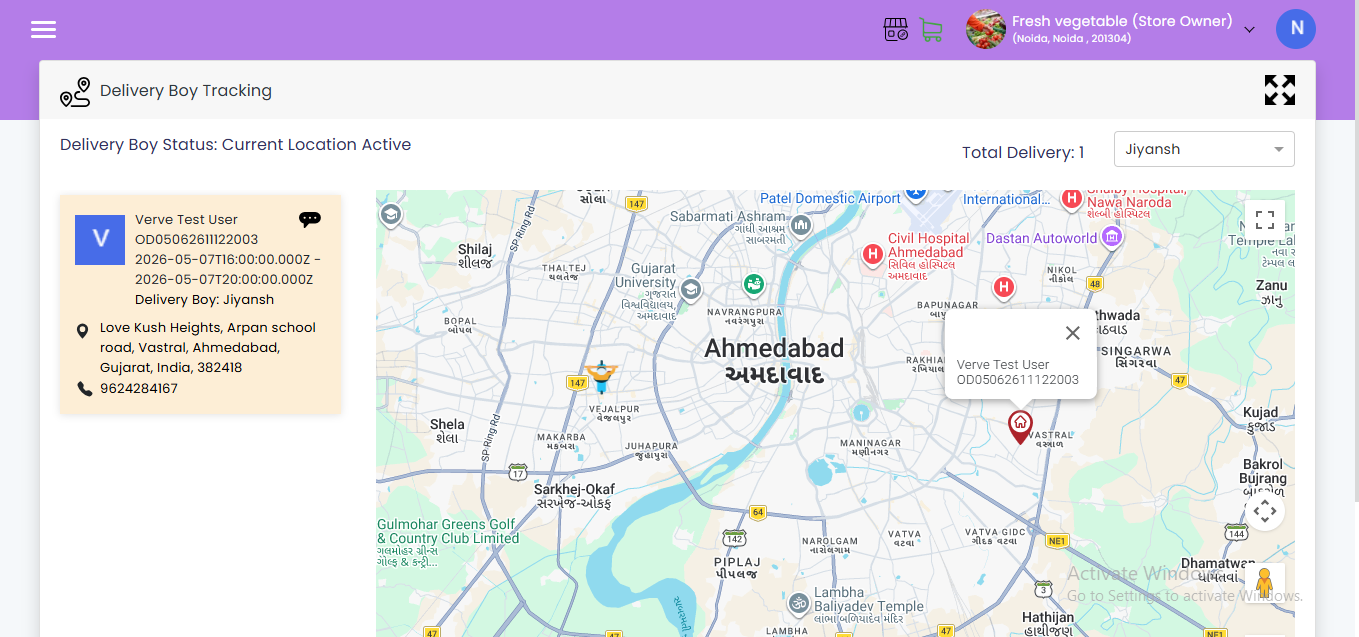
- Online Ordering: Ensure your PoS system integrates with online ordering platforms to manage takeout and delivery orders efficiently.
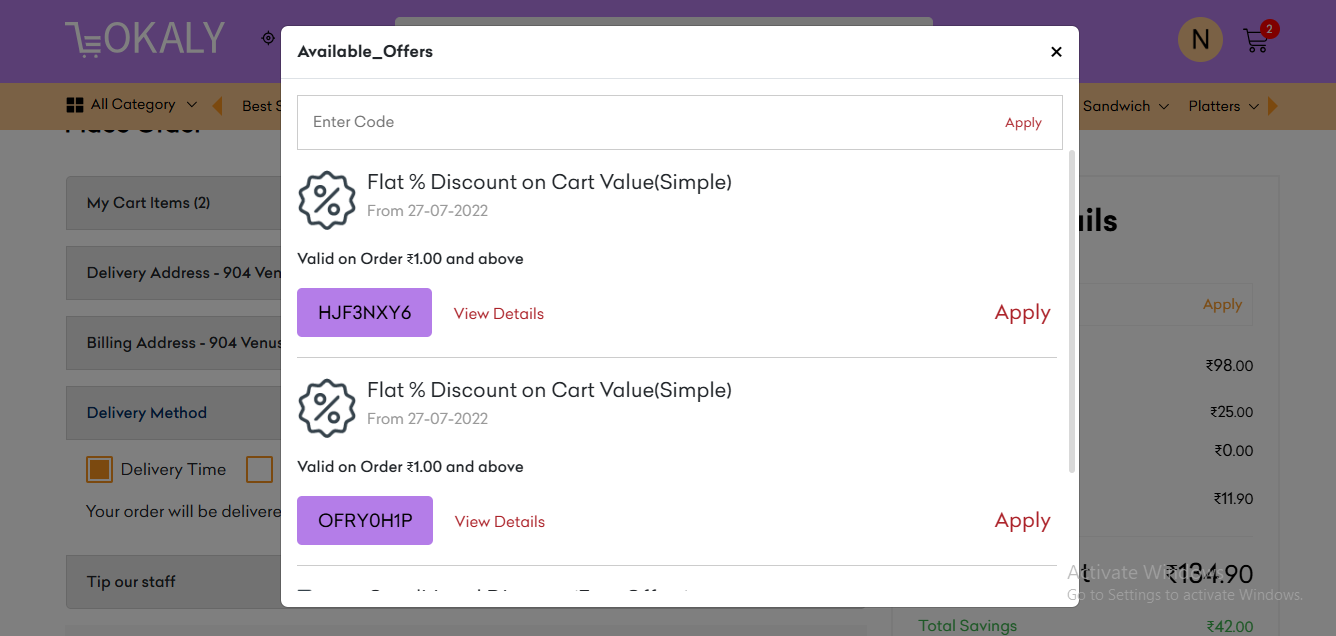
- Loyalty Programs: Connect your PoS system with your CRM to manage customer loyalty programs and marketing campaigns.
How Does Lokaly Help?
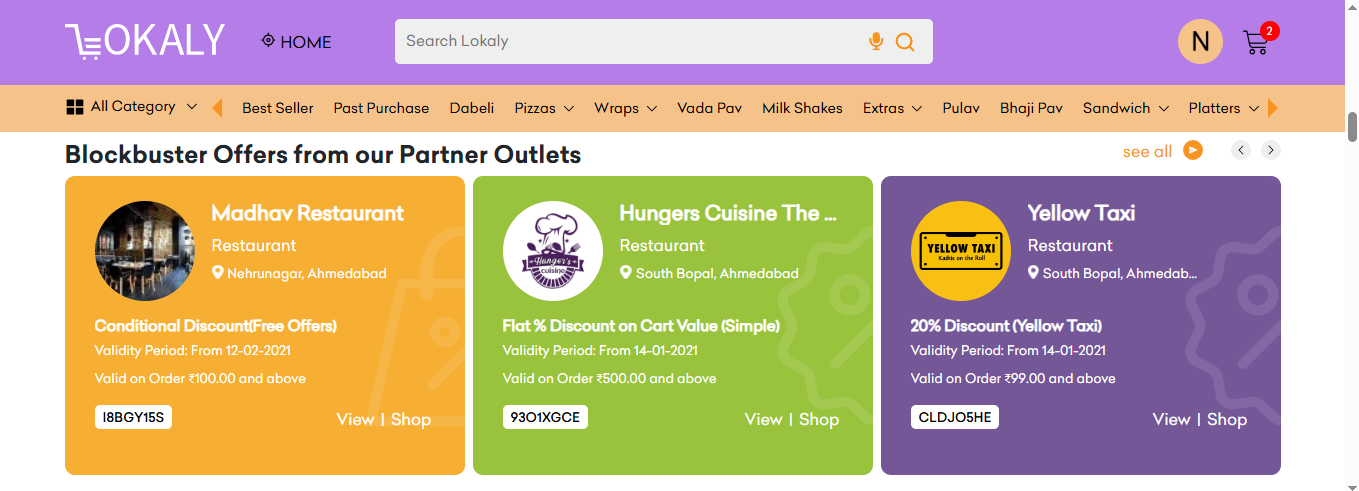
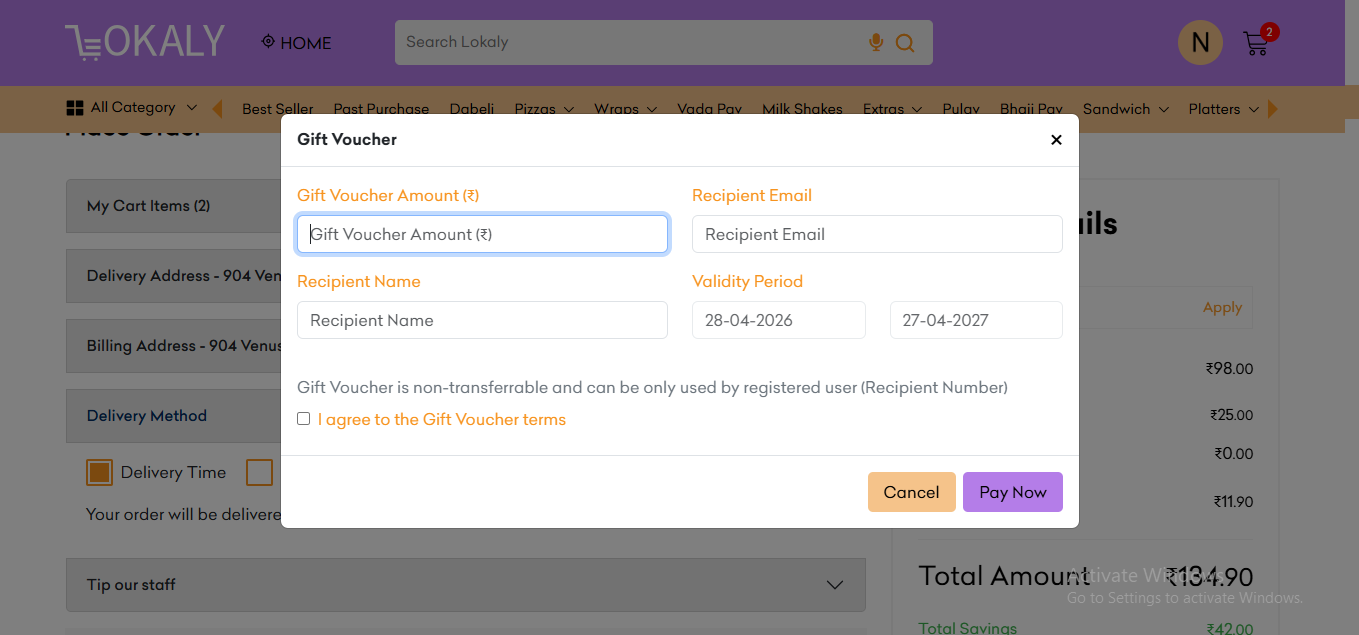
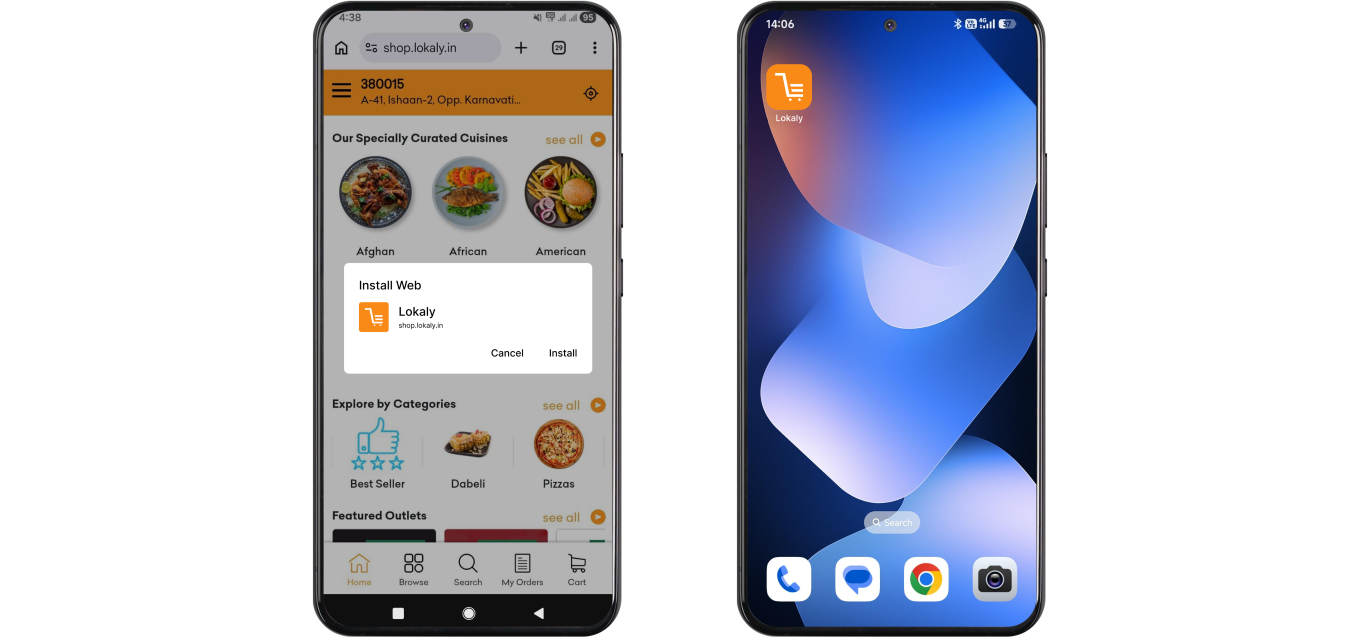
Lokaly offers a comprehensive PoS solution designed to meet the unique needs of modern restaurants. Here’s how Lokaly can help you:
- User-Friendly Interface: Lokaly’s PoS system features an intuitive, user-friendly interface that minimizes training time and reduces errors.
- Seamless Integration: Lokaly integrates seamlessly with other systems such as accounting software, online ordering platforms, and CRM tools, providing a unified and efficient operation.
- Real-Time Reporting: Get access to real-time reports and analytics, allowing you to make data-driven decisions and optimize your restaurant’s performance.
- Customer Support: Lokaly provides robust customer support, ensuring that any issues are resolved quickly and effectively.
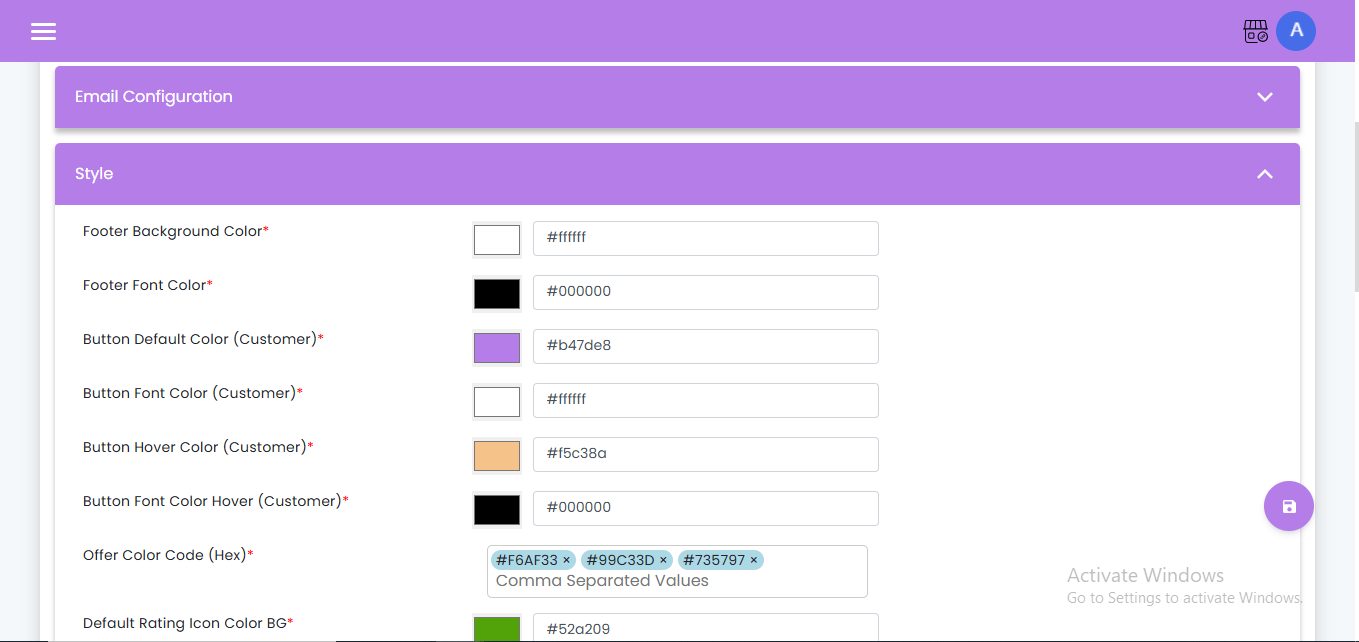
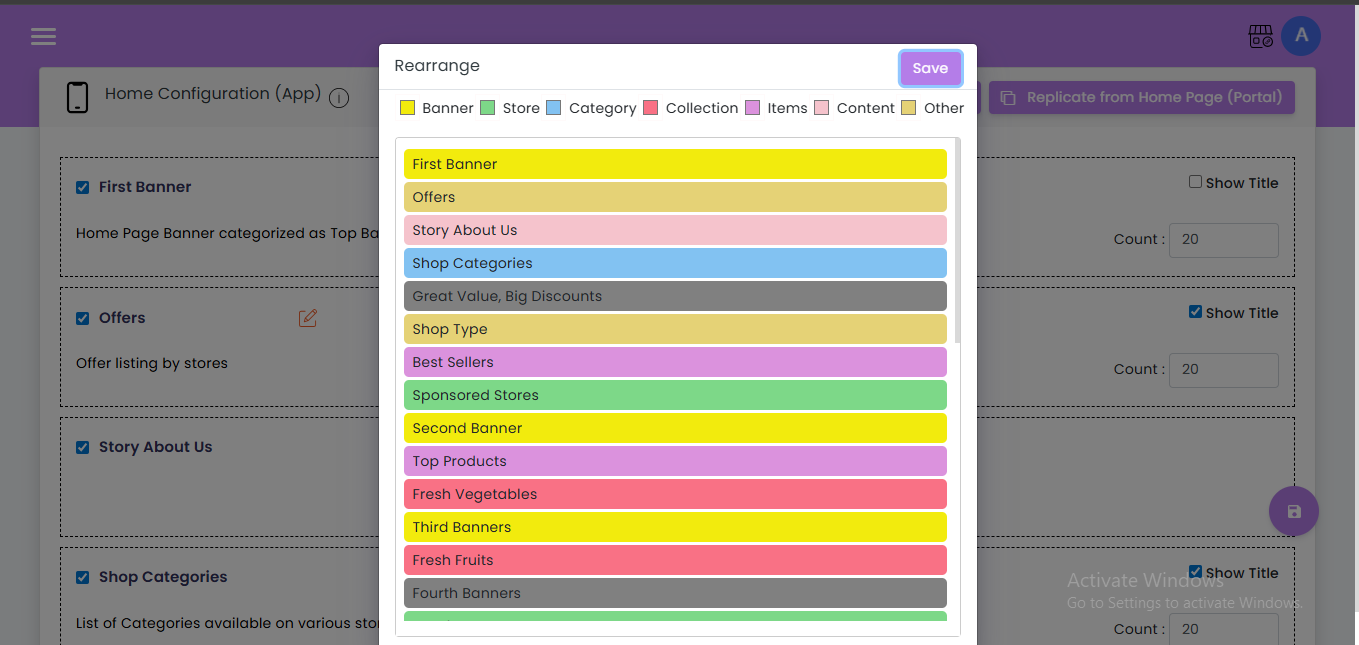
- Customization: Tailor the PoS system to fit your specific needs, whether you run a small cafe or a large restaurant chain.
Conclusion
A PoS system is an essential tool for any modern restaurant, offering numerous benefits that enhance efficiency, accuracy, and customer satisfaction. By understanding the components of a PoS system and how to use it effectively, you can streamline your operations and boost your business. Lokaly’s solution includes intuitive software, seamless integration, and real-time analytics to help you succeed. Embrace the power of a PoS system and take your restaurant to the next level.